Remote guarding is a security service where trained agents watch your cameras from an off-site operations center and step in the moment something looks wrong, usually by speaking through a loudspeaker on your property. Instead of recording a break-in for someone to review the next morning, the agent tells the intruder they have been seen and that police are being called, often before anything is taken.
For owners of car lots, job sites, empty buildings and apartment communities, that changes the economics of security. You get a live, responsive presence across every camera on the property at a fraction of the hours it would take to staff the same ground with people. This guide explains how it works, where it fits best and what has to be in place on site for it to perform.
How Remote Guarding Works
Every remote guarding program follows the same basic loop, even though providers package it differently.
Detection
Cameras run analytics that look for people or vehicles in places they should not be during set hours. A person inside the fence line at 1 a.m. triggers an event. A palm frond moving in the wind, a stray cat or headlights sweeping across the lot should not. Good analytics are what make the service practical, because no agent can watch dozens of raw feeds all night.
Verification
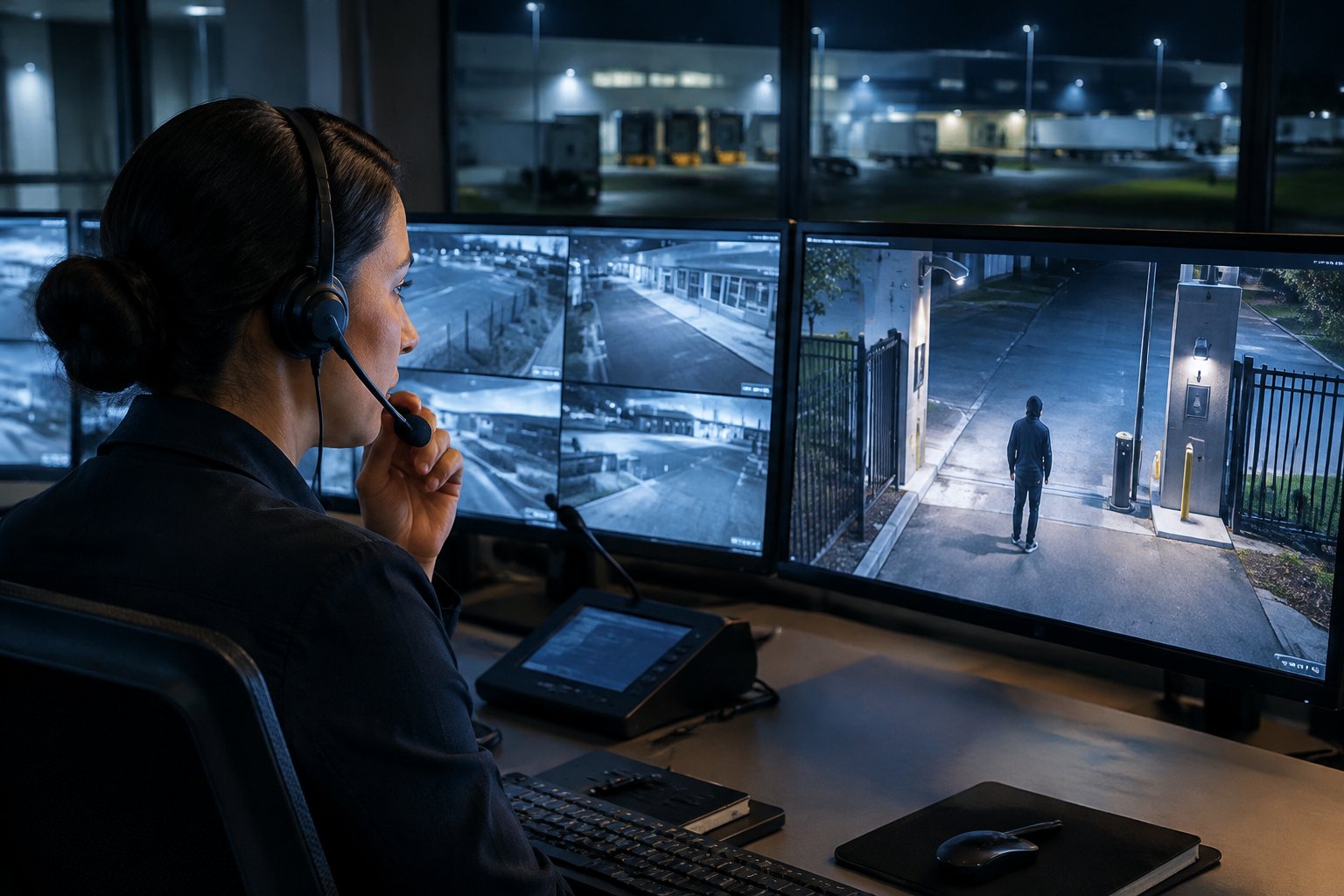
When an event fires, an agent pulls up the live view and the clip that triggered it. They decide whether it is a real threat, an employee working late, a tenant walking a dog or a delivery driver who arrived early. Site instructions, schedules and contact lists help them get that call right.
Talk-down
If the event is real, the agent speaks through an on-site speaker. Specific beats generic every time. "You in the red cap next to the silver pickup, this property is under live video monitoring and police are being contacted" tells the person that a human is watching them right now. Many intruders leave at that point.
Escalation and reporting
If the person stays or the situation is serious from the start, the agent follows your escalation list: a property manager, a patrol service, or police, with a live description of what is happening. Afterward, you get a time-stamped incident report with video clips and the actions taken. Those reports are useful for police follow-up, insurance claims and spotting patterns, like repeated visits to the same back corner.
Remote Guarding vs. On-Site Guards vs. Recorded Video
Each approach has its place. The right choice depends on the property, the hours and what you need someone to actually do.
Recorded video
A recording-only system captures evidence after the fact. That still has value for claims and prosecutions, but nobody intervenes while the event is in progress. On a site where nobody looks at footage until Monday, a weekend theft may not even be noticed for days.
On-site guards
A guard can check IDs, escort staff to their cars, deal with a medical emergency and calm a situation face to face. Those are real advantages at hospitals, events, high-traffic lobbies and sites where people need a physical presence. The trade-off is that a guard can only be in one place, can get distracted on a long overnight shift, and covering a site around the clock takes several people on rotation.
Remote guarding
Remote agents see every camera at once and react in seconds, but they cannot put hands on a problem. Many owners split the difference: guards or staff during business hours, remote guarding overnight and on weekends when the property is empty and a voice warning does most of the work.
If you are weighing live monitoring for a smaller storefront or office rather than a large outdoor property, our guide to live video monitoring for Houston small businesses covers that side of the decision.
Properties Where Remote Guarding Fits Best
Remote guarding performs best where a property is empty after hours, valuable assets sit in the open, and sightlines are clear enough for an agent to describe what they see.
Car lots and equipment yards
Dealerships, rental yards and RV lots keep high-value inventory outdoors all night. Catalytic converters, wheels and entire vehicles are common targets. Analytics along the fence line catch someone the moment they cross it, and the talk-down happens before they reach the first row.
Construction sites
Houston-area job sites lose tools, copper wire, appliances and fuel, mostly at night and on weekends. Because the site changes every week, cameras on poles or temporary mounts make sense, and the agent can also flag an open gate or someone climbing scaffolding. Our article on construction site security cameras explains how to cover a site that keeps changing shape.
Vacant buildings
Empty commercial properties attract squatters, vandalism and copper theft, and a broken window can go unnoticed for days. Live intervention catches the first attempt instead of the fifth. For owners managing empty space, these strategies for vacant commercial property security in Houston pair well with a remote guarding program.
Multifamily communities
Apartment properties deal with car break-ins, package theft and after-hours trespassers at the pool or in parking garages. Remote guarding works here, but the rules take more care because residents and guests come and go at all hours. Focus coverage on parking areas, gates, mailrooms and amenities after closing time, and give agents clear guidance on what counts as a problem.
What a Reliable Remote Guarding Setup Includes
The agents are only as good as the equipment and instructions behind them. Weakness in any of these areas leaves a gap they cannot fill.
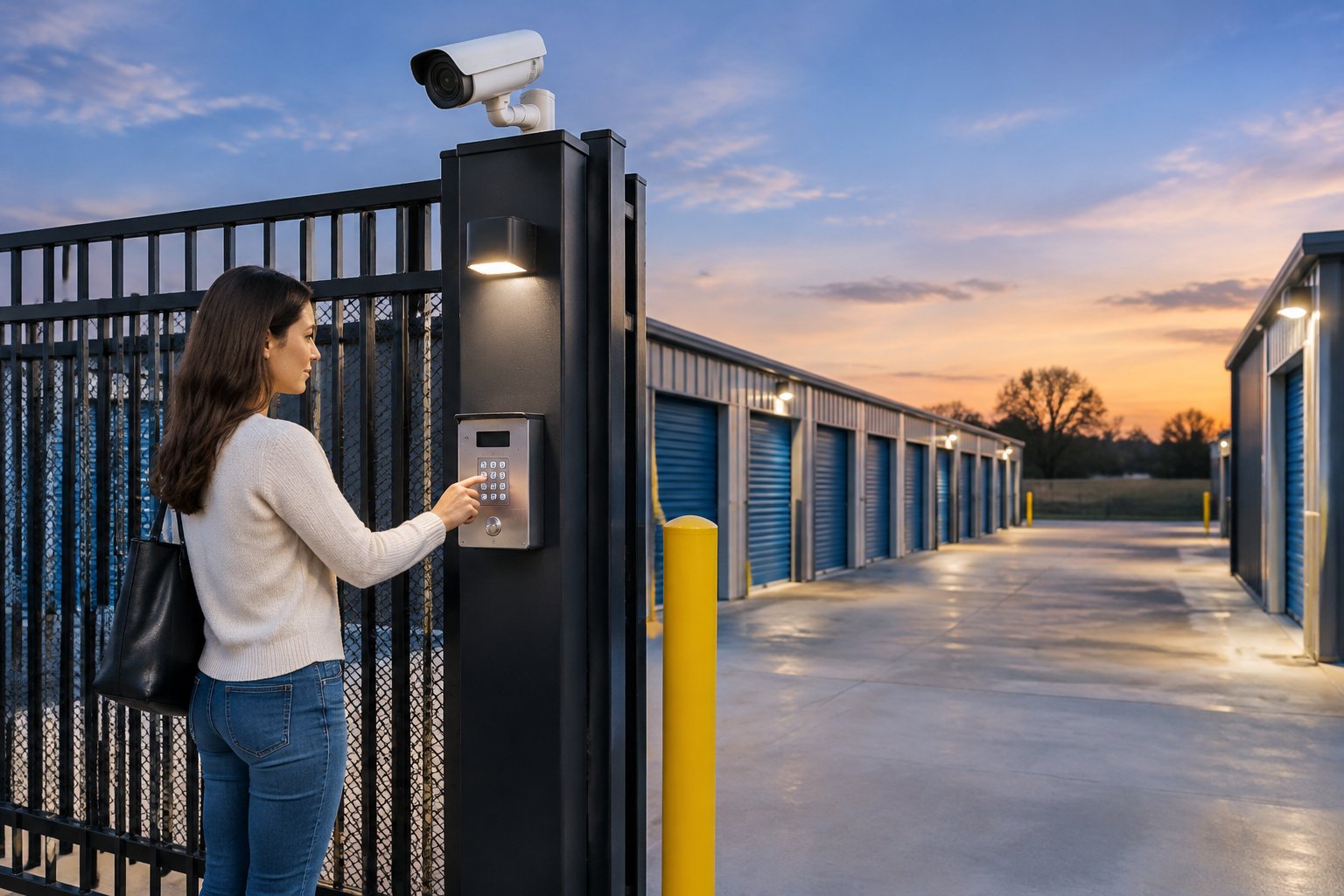
- Cameras with usable night images: clear views of fence lines, gates, entry points and the spots where assets sit, with enough resolution to describe clothing and vehicles.
- Lighting: added lighting or infrared where cameras cannot see in the dark.
- Loudspeakers: placed where an intruder will clearly hear them, matched to the camera zones they serve, and rated for outdoor use.
- A dependable connection: steady upload bandwidth plus a cellular backup so agents do not lose their view when the main line drops.
- Backup power: battery backup for cameras, recorders and network gear, which matters during Houston storm season.
- Written site instructions: contact order, schedules, known vendors and the exact conditions under which agents should call police.
Why design matters as much as the service
Many remote guarding failures trace back to the site itself: a camera aimed into the sunset, a speaker nobody can hear over traffic, a dark corner where the analytics see nothing useful. Cloud video platforms such as Eagle Eye Networks make it easier for a monitoring team to view cameras across several sites, but the cameras still have to be in the right place.
Alarm Masters designs and installs the commercial video surveillance side of the equation, including camera placement, talk-down audio, lighting coverage, networking and backup power, so the system is ready for whichever live monitoring arrangement you choose.
Set Up Your Site for Live Response
You want trouble stopped at the fence line, not discovered on Monday morning. Alarm Masters has been designing security systems for Houston-area properties since 1990, starting every project with a Discovery and Site Walk so cameras, audio and power are planned around how your property actually gets targeted. Call 281-933-3900 or request a free estimate for your site.
Frequently Asked Questions
Do I need to post signs if my property uses remote guarding?
Signs are a smart idea even when they are not required. Visible notices that the property is under live video monitoring discourage many people from trying in the first place, and they reinforce the talk-down when an agent speaks.
Can remote guarding cover only certain hours?
Yes. Most programs are scheduled around when the property is empty, such as overnight and weekends, with analytics rules that switch on and off automatically. You can tighten the rules during your highest-risk window.
What happens to my privacy and my tenants' privacy?
Cameras should cover common and exterior areas, not private spaces. Keep cameras out of places where people expect privacy, and tell residents or tenants how the system is used. Check with your attorney on any audio recording, since audio is treated differently from video.
How long does it take to set up?
That depends on what is already on site. A property with good cameras, power and network can be ready faster than a bare lot that needs poles, trenching and new circuits. A site walk is the quickest way to get a realistic timeline.
Is remote guarding useful during a hurricane or extended outage?
Only if the site was designed for it. With battery backup, a cellular connection and cameras that record locally, a system can keep watching through short outages and catch looting attempts in the days after a storm. Without those pieces, the screen goes dark when the power does.