A strong self storage security system ties four things together: gate access that knows exactly who is on the property, alarms on individual unit doors, cameras that cover every lane and hallway, and cloud software that lets you manage it all from anywhere. When those pieces share data, a single search shows which tenant came in, which door opened and what the camera saw.
That matters because storage facilities are a tempting target. Hundreds of units, a lot of them full of tools, electronics and furniture, often sit on a site with one manager on duty during the day and nobody at night. A good system reduces break-ins, settles tenant disputes with evidence instead of guesswork, and becomes something you can advertise on your rental page.
Why Storage Facilities Need Layered Security
The most common storage theft does not start with someone climbing the fence. It starts with someone renting a cheap unit, entering through the gate with a valid code, and cutting the locks on neighboring units once the office closes. A camera might record it. A gate log might show the visit. Neither one tells you in the moment that something is wrong.
Layering fixes that. Each piece covers a gap the others leave open, and together they give you a full record of what happened and when.
Gate Access Control
The gate is the front door to your whole business, so it should know who is coming in and going out.
Keypads and mobile credentials
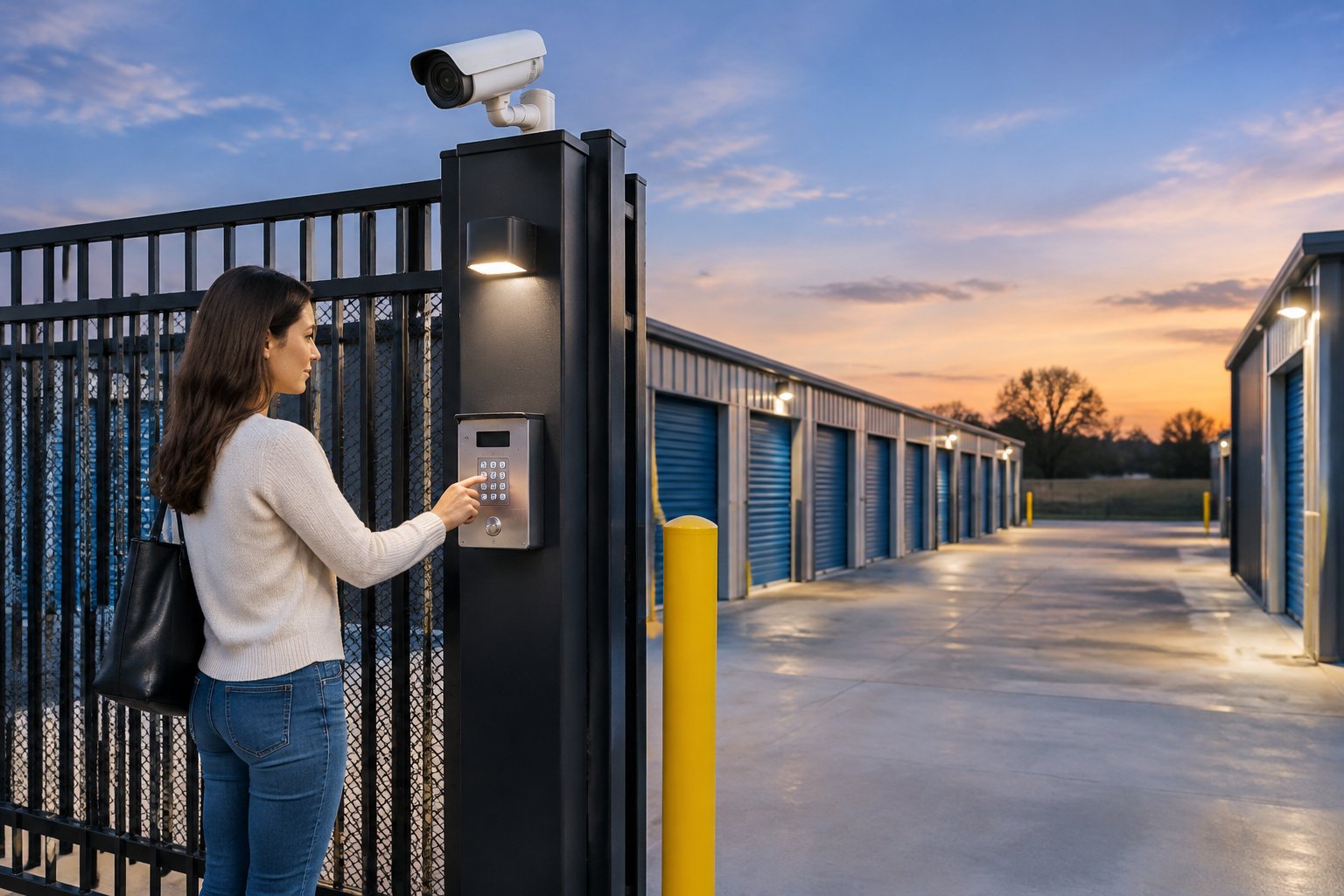
Each tenant gets a unique code, and every entry and exit is logged against that tenant. Many operators now add mobile credentials so renters can open the gate from a phone, plus temporary codes for movers or family members. You can set access hours so codes stop working overnight, and the keypad can include an intercom button so a tenant who is locked out can reach the office or an after-hours line.
Linking the gate to your tenant records
The real value shows up when the gate talks to your management software. A new rental creates a code automatically, a delinquent account gets locked out without anyone walking to the keypad, and a move-out ends access the same day. Before you choose an access platform, get a confirmed list of the management software it integrates with and ask how often the two sync.
A cloud platform such as Brivo makes it possible to add or revoke credentials from a browser or phone, which suits sites that run with lean staffing. For the hardware side, a well-built commercial access control system covers the gate, the office door, interior building doors and elevators under one set of rules.
Individual Unit Door Alarms
Unit door alarms close the gap the gate leaves open. A contact on each roll-up or swing door reports when that door opens. If a door opens without the matching tenant having entered a code at the gate, the system treats it as an alarm and alerts you or the monitoring center.
That is how you catch the rent-and-raid tactic in progress instead of after a tenant calls on Monday. Wireless door contacts are easier to retrofit across long rows of existing drive-up units. Hardwired contacts make sense in new construction, where the wiring can be run before walls and ceilings are finished.
Don't forget the office
The leasing office holds tenant files, the computer running your software and sometimes cash or retail items like boxes and locks. A standard intrusion setup with door contacts and motion detection protects it after hours, and a panic button at the counter gives staff a way to call for help.
Camera Coverage That Holds Up as Evidence
Cameras are only as useful as what they capture. Place them with a purpose.
Where cameras matter most
Start at the entry. One camera should be framed tightly on the keypad to capture the driver's face, and another should cover the full gate lane. Then cover each drive aisle from both ends, so a vehicle is caught heading in either direction.
Inside climate-controlled buildings, cover each hallway, the elevator, stairwells and the loading area. Finally, walk the site at night and look for blind spots: back fence lines, the corners behind buildings, and areas hidden behind parked RVs and boats.
License plate recognition
License plate recognition cameras read and log every plate that passes the gate. They earn their keep at sites with one main vehicle entry, heavy truck traffic or outdoor RV and boat parking. When someone tailgates behind a tenant, you have a plate to hand police. These cameras need a tight angle and good lighting, so plan them with the gate layout from day one.
Lighting and fencing
At night, the camera only sees what your lights show it. Bright, even LED lighting along drive aisles and at the gate gives cameras clean images and makes the property look watched. A solid fence with a single controlled vehicle entry gives you one choke point to monitor, and cameras with motion analytics along the fence line can warn you when someone climbs or cuts through.
If you want a layout designed around your gates, aisles and buildings, Alarm Masters can design and install commercial video surveillance that matches your cameras to the events you most need to prove.
Making the Systems Work Together
Integration is what turns separate devices into a security system. When a tenant enters a code at the gate, the system can bookmark the video from that moment. When a unit door opens after hours, nearby cameras can save the clip and send an alert with the footage attached.
Instead of scrubbing hours of video to answer a tenant's claim, you search by unit number or tenant name and see every gate entry, every door event and the matching video in one place. That linked record is worth a lot when a tenant claims items went missing, when an insurer asks for documentation, or when police need something solid to work with. The same principles behind access control and surveillance integration apply here, scaled up to hundreds of doors.
Cloud Management Across One Site or Many
Cloud platforms let you run security from a phone or browser. You can grant and revoke access, check any camera live, review alarm events and pull reports by tenant, unit or date without being on site.
For owners with several facilities, one dashboard shows every location together. You can apply the same access rules across all sites and check on a property across town in a few seconds. Eagle Eye Networks cloud video and Brivo cloud access are built to run side by side, which keeps camera and door data in the same workflow. Our article on managing multiple locations with cloud security goes deeper on multi-site operations.
Houston Conditions to Plan For
Storage sites in the Houston area take a beating from heat, humidity and storms. Outdoor keypads, camera housings and door contacts need weather ratings and sealed connections. Hurricane season brings power outages, so gates, alarm panels and network gear should have battery backup, and a cellular path keeps alarms and alerts flowing when internet service drops.
Gate operators deserve their own plan. Decide ahead of time whether the gate fails open or stays closed during an outage, and make sure your local fire department has the emergency access it requires.
How Integrated Security Cuts Liability
Theft is the obvious cost. Liability is the one that sneaks up on owners. A tenant who claims their unit was emptied, a slip in a dark hallway, or an argument at the gate can all turn into disputes. A system that logs entries, records doors and keeps clear video gives you facts instead of a he-said, she-said. It also shows insurers that you take protection seriously, which can matter when you renew coverage.
Build a Storage Site Tenants Trust
You want fewer break-ins, faster answers when something does happen, and a facility renters feel good about. Alarm Masters designs access control, unit alarms and cameras as one connected system, starting with a Discovery and Site Walk of your gates, aisles and buildings, then backs it with Hypercare support after installation. Call 281-933-3900 or request a free estimate for your facility.
Frequently Asked Questions
Do I need door alarms on every unit?
Not always. Many owners start with high-value climate-controlled units and the rows most often targeted, then expand. Covering every door gives you the most complete record, so weigh the cost against your theft history and insurance requirements.
Can tenants be charged for unit alarm features?
Some operators include unit alarms as a premium feature or charge a small monthly add-on for alarmed units. How you price it is a business decision, but advertising alarmed units is a simple way to stand out from facilities that only offer a gate and cameras.
What happens to the gate if the internet goes down?
A well-designed access controller stores credentials locally, so tenants can keep using their codes even when the connection to the cloud drops. Logs sync back once the connection returns.
How long should a storage facility keep video?
Long enough to cover the time it usually takes a tenant to notice and report a problem, which can be weeks for units people rarely visit. Discuss retention with your insurer and size your cloud or local storage to match.
Can my existing cameras and keypads be reused?
Often, yes. Many network cameras can connect to a newer cloud video platform, and gate operators in good shape can stay while an outdated keypad or controller is replaced. A technician can test each device and tell you what is worth keeping.