.svg)
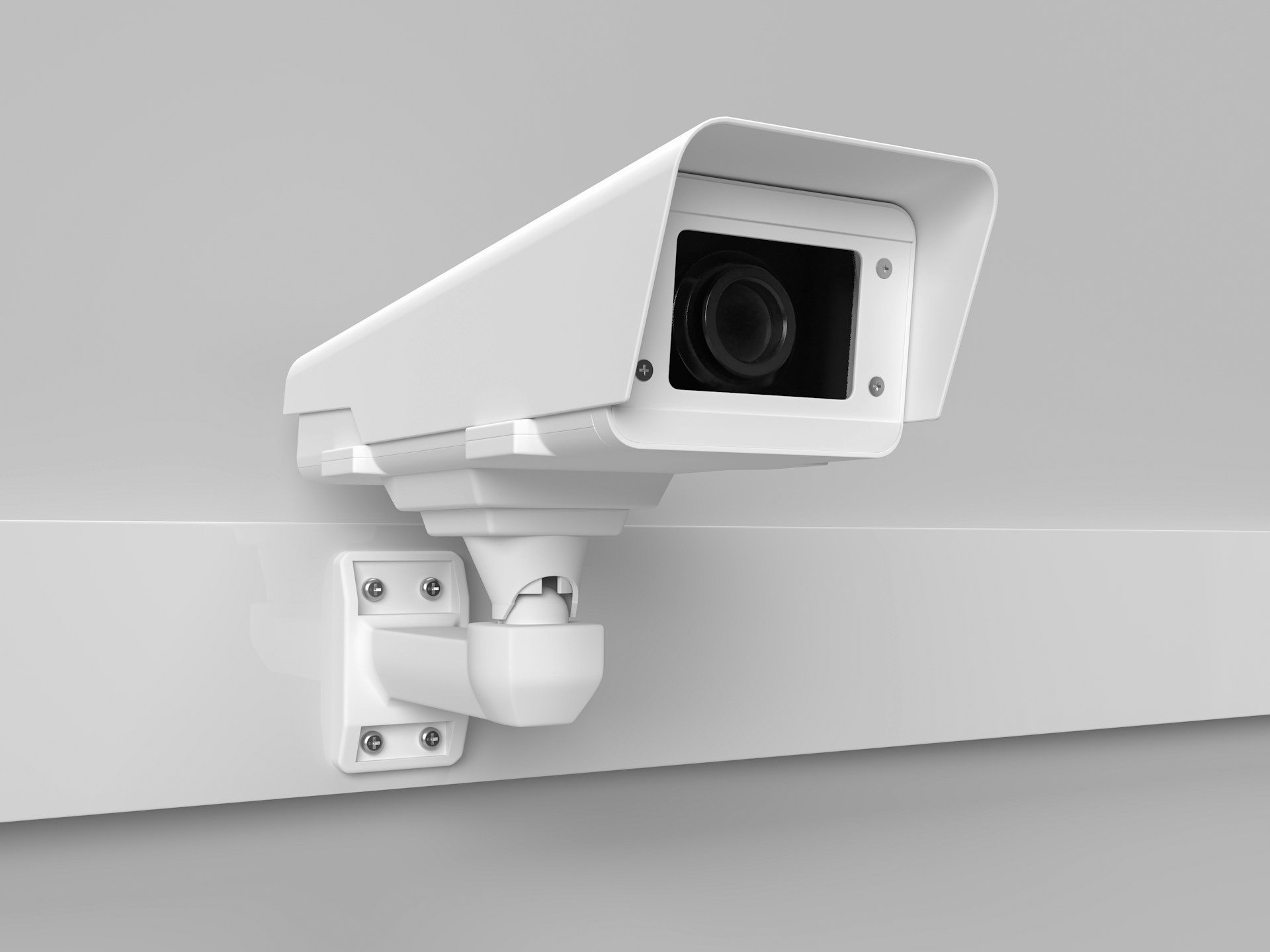
Protecting your Houston property has never been more accessible, and wireless security cameras are a big reason why. Whether you own a home in Katy, manage a small retail shop in Midtown, or rent out a townhome in Montrose, the right camera setup gives you eyes on your property from anywhere.
Alarm Masters works with Houston homeowners and business owners every day to design camera systems that actually cover what matters. From Wi-Fi cameras for quick installs to full IP-based video surveillance networks for commercial sites, the options are wider than most people realize.
That makes it easy to overspend or end up with gaps in your coverage. This guide walks you through everything you need to make a smart decision on wireless security cameras for Houston properties. Topics include placement strategy, features worth paying for, and how to build a system that grows with you.
When Wireless Cameras Make Sense In Houston
Wireless cameras are a strong fit for many Houston properties. The choice between wireless and wired depends on your building type, Wi-Fi setup, and how permanent you want the install to be.
Best Fits For Homes, Rentals, And Small Businesses
Home security cameras on a wireless system work especially well in single-family homes, condos, and townhomes where running cable through finished walls is not practical. If you are a landlord, wireless home security cameras let you add coverage without major construction, making removal easier between tenants.
For small businesses with fewer than eight cameras, a wireless IP camera system offers remote access, motion alerts, and decent video quality without the cost of a full structured cabling job. Retail shops, small offices, and service-based businesses in strip centers are common examples where wireless commercial security setups perform well.
You can mount cameras faster and reposition them without patching drywall. Scaling up is simple: add units as your needs change.
When PoE Or Wired Systems Are The Better Choice
If you are securing a large commercial property, a warehouse, or a multi-building campus, a Power over Ethernet (PoE) system is almost always the better call. PoE IP cameras get both power and data through a single Ethernet cable, which means fewer failure points and a more stable signal than Wi-Fi alone.
CCTV and wired setups also make more sense in properties where someone could physically reach and steal a battery-powered wireless camera. High-crime areas or exposed exterior locations deserve the added security of a hardwired connection.
For any commercial security setup with more than eight cameras, the reliability gap between wired and wireless becomes hard to ignore.
Wi-Fi Strength, Power, And Weather Limits To Expect
Wireless cameras depend entirely on your Wi-Fi signal. A camera mounted in the far corner of your backyard or on a detached garage may struggle if your router is at the front of the house.
Dead zones are one of the top reasons wireless camera systems underperform. Houston's heat adds another layer of stress.
Outdoor cameras regularly face temperatures above 95°F with humidity near 90 percent. You need cameras rated at least IP66 for weather resistance and built to handle an operating range up to 140°F.
Standard consumer cameras often fail within a year in Gulf Coast conditions. Battery-powered wireless cameras also need recharging every few weeks to months, depending on traffic volume, so factor that into your maintenance plan.
The Features That Matter Most Day-to-Day
The difference between a camera system you trust and one you ignore usually comes down to a handful of daily-use features. Remote access, night vision, and smart detection each address a specific real-world problem.
Remote Access And Remote Viewing From Your Phone
Remote viewing is the feature most people use. With a good IP camera system, you can pull up a live feed or scroll through recorded clips from your phone no matter where you are.
That matters when a delivery shows up or when you want to check on your property during a storm. Apps like the Vivint app tie your cameras to your broader home security system, so you can arm your alarm, view cameras, and get notifications from one place.
Look for a system that offers 24/7 monitoring access without charging you per view. Make sure your installer configures remote access before they leave. It is easy to end up with cameras that record locally but never get set up for phone access.
Night Vision, Motion Alerts, And Two-Way Audio
Houston does not stop after dark, and neither do porch pirates or catalytic converter thieves. Color night-vision cameras, which use ambient light or a built-in spotlight, give you usable footage rather than grainy black-and-white images.
That detail often makes the difference in identifying a face or a license plate. Motion alerts need to be tuned correctly, or you will start ignoring them.
A camera that sends you a notification every time a car drives past your street eventually gets muted. Two-way audio adds a layer of deterrence by letting you speak to anyone at your door or near your property in real time.
Object Detection And Vehicle Detection That Cut False Alerts
AI-powered object and vehicle detection filters out the noise that basic motion sensors produce. Instead of alerting you every time the wind moves a tree branch, the camera sends a notification only when a person or vehicle enters the frame.
For Houston driveways in particular, vehicle detection is worth having because car theft is a real concern in the area. Smart detection is included in premium home security camera tiers and most commercial security systems, so confirm it is part of your package before installation.
Where To Place Cameras For Better Coverage
Camera placement shapes how useful your system actually is in daily life. Strategic angles at entry points, along vehicle paths, and across open areas give you the coverage that catches problems early.
Front Doors, Driveways, And Side Gates
Your front door is statistically the most targeted entry point, with research showing roughly one-third of break-ins happen there. Mount your front door camera at 8 to 9 feet to keep it out of reach while still capturing a clear face-level view.
A doorbell-style camera alone does not cover enough ground, so pair it with a wider-angle unit that covers the full approach. Driveways need coverage for both vehicle theft and license plate capture.
Position one camera to capture the full length of the driveway, and another angled to capture plate numbers as vehicles enter or exit. Side gates are often the most overlooked spot on Houston homes.
Most residential properties have unlocked side gates that lead directly to the backyard, and they rarely have a camera pointed at them.
Backyards, Garages, And Shared Access Areas
Backyards benefit from a wide-angle home security camera mounted near the roofline at the rear corner of the house. This gives you a full view of the yard, patio, and any back door or sliding glass entry.
If you have a detached garage, it needs its own camera since vehicles and tools stored there are common targets. For townhomes, condos, or multi-unit rentals with shared walkways or parking areas, camera placement in shared access zones helps document who enters and exits common spaces. A motion-activated floodlight camera in the backyard adds both visibility and deterrence.
Parking Lots, Storefronts, And Loading Zones
Commercial security camera placement for businesses follows a different order of priorities. Parking lots need cameras mounted high enough to cover wide areas, usually at 10 to 14 feet, and should overlap in coverage so there are no blind spots between poles.
Storefronts benefit from one exterior camera covering the entrance and one interior camera mounted at face height near the register, not on the ceiling. Point-of-sale cameras should capture faces clearly, not the tops of heads.
Loading zones and delivery bays are high-traffic areas where theft and slip-and-fall incidents both occur. A PTZ (pan-tilt-zoom) camera works well in large loading areas where fixed angles leave gaps.
Installation And System Design Choices
Getting the install right from the start prevents expensive rework and coverage gaps later. The decisions you make around site prep, cabling, and storage directly affect how your system performs over time.
Why A Site Survey Prevents Coverage Gaps
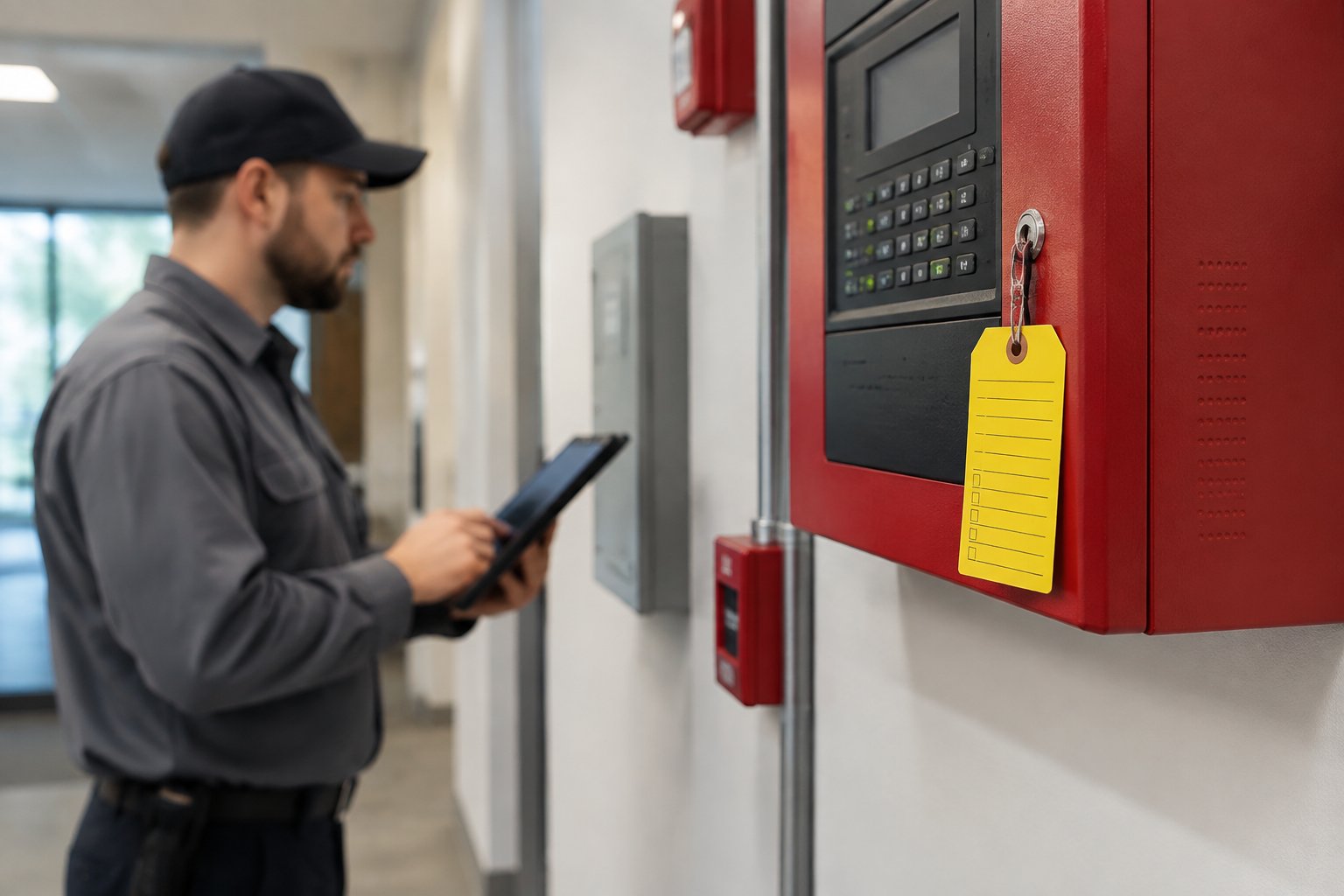
A site survey is the step where a professional walks your property before any equipment is ordered. During this visit, a technician identifies dead zones, notes where power outlets or Ethernet drops are accessible, and maps out camera angles based on your actual layout.
Skipping the site survey is one of the most common reasons people end up with blind spots they do not notice until after an incident. A 4-camera system, properly positioned based on a real survey, often outperforms a 12-camera system placed without one.
For commercial properties, a site survey also flags areas where lighting conditions, reflective surfaces, or structural obstacles could affect video quality.
Security Camera Installation, Power, And Connectivity
Professional security camera installation covers more than just mounting hardware. A qualified installer runs cabling through walls or exterior conduit, connects cameras to your NVR or router, configures your app, and tests every angle before leaving.
For wireless systems, the installer should also test signal strength at each camera location and install a Wi-Fi extender or access point if any location shows a weak connection. Structured cabling routed through conduit protects wires from Houston's humidity and from pests.
Always verify your installer holds a Texas DPS license before work begins. Licensed and insured technicians carry liability coverage that protects you if something goes wrong during the job.
NVR, Cloud Backup, And Retention Planning
Most professionally installed systems include an NVR (network video recorder) that stores footage locally. A standard setup provides 30 days of continuous recording, which is enough for most residential needs.
If your business has compliance requirements, such as a bank, healthcare facility, or government contractor, you may need 90-day or 1-year retention with redundant storage. Cloud backup adds a layer of protection in case your NVR is stolen or damaged during a break-in.
Some systems use cloud backup as the primary storage, which works well but requires a reliable internet connection and typically adds a monthly fee. Decide on your retention window before the install so your technician can size the hard drive correctly from the start.
Building A Smarter Security Setup
Cameras alone record what happens, but a layered system that combines cameras with alarms, automation, and access control adds detection and response that video alone cannot provide.
Pairing Cameras With Alarm Systems
Alarm systems detect intrusions in real time, which cameras on their own do not. When your alarm triggers, a monitoring center can pull up your camera feed to verify the threat before dispatching police or a patrol officer.
That verification step reduces false-alarm fees and shortens real response times. For home security systems, pairing cameras with door and window sensors creates a setup in which the alarm detects the intrusion and the camera captures the footage.
Each layer covers what the other misses, which is why the combination is more effective than either one alone.
Smart Home And Home Automation Integration
If you already use a smart home platform, your cameras can tie into it to automate responses. For example, your porch light can turn on automatically when your driveway camera detects a vehicle after dark, or your thermostat can adjust when your camera sees you arrive home.
Home automation platforms that support camera integration include options from Vivint and several other major providers. The practical benefit is that your security system becomes more proactive rather than just reactive.
Look for cameras that use open protocols or integrate with platforms you already own to avoid getting locked into a single ecosystem.
When Access Control Matters For Business Properties
Commercial security setups for offices, warehouses, and multi-tenant buildings often need access control layered on top of camera coverage. Access control systems log who enters specific doors and when, giving you a record that camera footage alone does not always provide clearly.
For businesses with restricted areas, server rooms, or cash-handling zones, combining keycard or PIN access with a camera at the entry creates an audit trail useful for both security and HR purposes. Access control also lets you revoke access for former employees immediately without changing locks, which is a practical advantage for businesses with regular staff turnover.
Frequently Asked Questions
These answers address the specific questions Houston homeowners and business owners ask most often when choosing and setting up a wireless camera system.
How do I choose the right wireless camera system for my home or business?
Start by counting your entry points and deciding how many cameras you actually need to cover them. For most homes, a 4-camera system covering the front door, back door, driveway, and a side gate is a solid baseline.
For businesses, add cameras at the register, stockroom entry, and parking area, then adjust based on your property layout.
Will wireless security cameras work reliably in extreme Houston heat and humidity?
Yes, as long as you choose cameras rated IP66 or higher and built to operate up to at least 140°F. Houston's heat and Gulf Coast humidity can destroy non-rated cameras within 6 to 12 months.
Stainless steel mounting hardware also prevents the rust that standard zinc-plated screws develop quickly in this climate.
What internet speed and Wi-Fi setup do I need for smooth video and alerts?
A minimum upload speed of 25 Mbps supports a small home system with a few cameras, but additional cameras or 4K feeds require more bandwidth. Each camera needs a strong Wi-Fi signal at its mounting location.
Dead zones near the garage or back fence often require a mesh network or a dedicated access point to avoid dropped connections.
Are there good options for monitoring multiple buildings or locations from one app?
Yes. Many commercial-grade IP camera systems support multi-site viewing from a single app, which is especially useful for business owners with multiple properties.
Cloud-based video management systems let you switch between locations, review footage, and receive alerts from all sites without logging into separate accounts.
What should I look for when comparing local Houston security providers and installers?
Check that any installer holds a valid Texas DPS license, carries liability insurance, and offers a written warranty on both parts and labor. Ask specifically whether they do a site survey before quoting, because a company that quotes without seeing your property is likely to miss coverage gaps that cost you more later.
How can I tell if a security company's reviews and warranties are trustworthy before I sign up?
Look for reviews that describe specific situations, not just star ratings, since generic five-star reviews are easy to fake. Check how the company responds to negative feedback.
For warranties, ask for the terms in writing before signing anything. Confirm whether parts, labor, and service calls are all covered or only some of them.
Smarter Security Starts With The Right Camera System
The right wireless security camera setup gives you clearer visibility, better coverage, and more control over your Houston property without unnecessary complexity. Choosing the right placement, features, and connectivity from the start helps your system stay reliable as your needs grow.
Alarm Masters designs and installs wireless security camera systems built for Houston homes and businesses, with licensed service, dependable support, and a 48-hour turnaround commitment. Schedule service now to build a camera system that protects your property with smarter coverage and easier day-to-day monitoring.



.svg)


.svg)


