.svg)
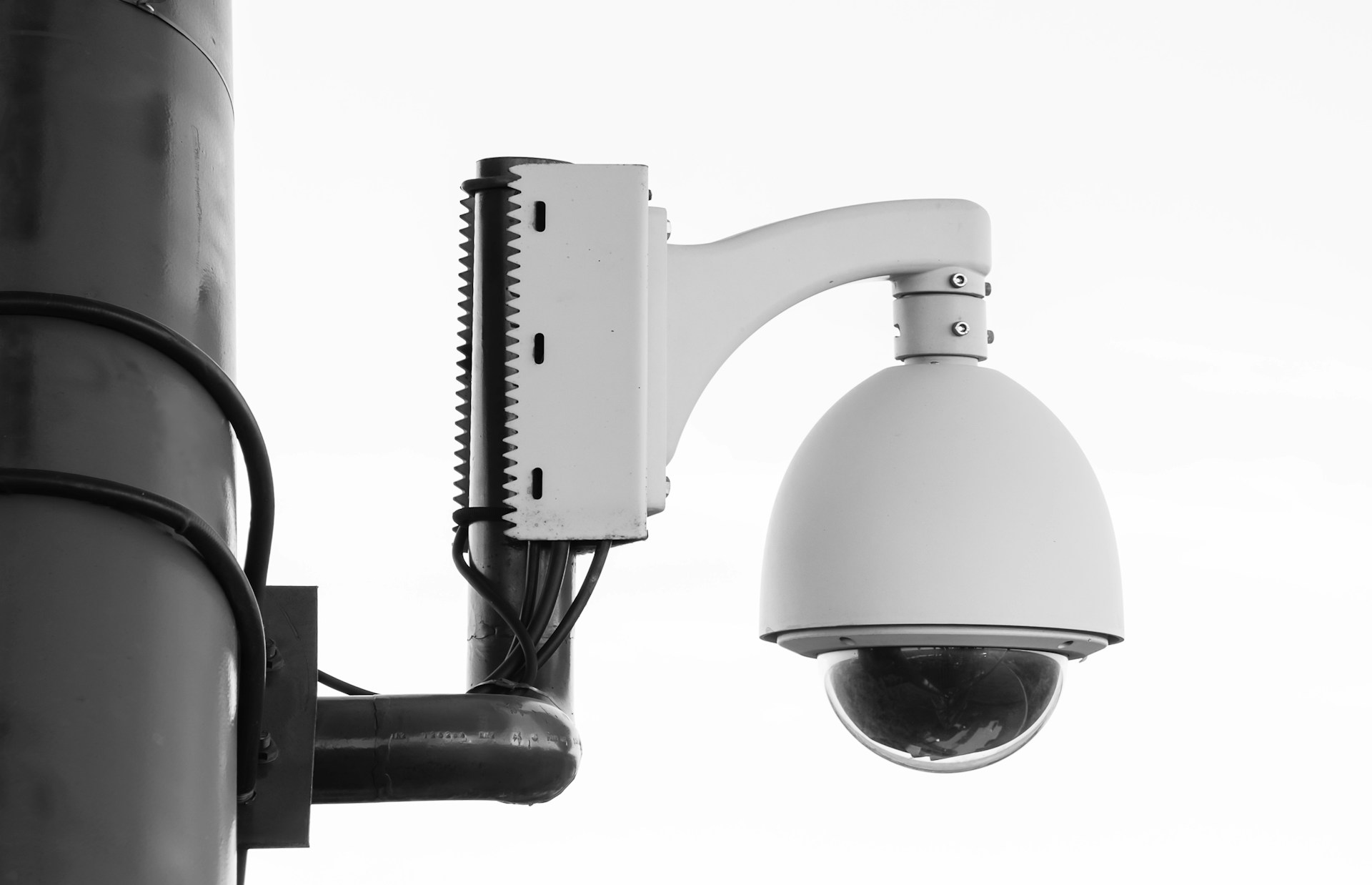
A warehouse manager reviewing a theft claim, a retail owner checking a slip-and-fall, or an office building manager planning a new suite will eventually face the same question. Wired vs. wireless security cameras for business isn't a small technical detail. It shapes how well your property is actually protected.
Choosing the wrong setup can leave gaps right where your risk is highest. The right camera system depends less on brand names and more on your building layout, your network, and how your operation actually runs day to day. That is the piece most guides skip.
In this guide, you'll discover how wired and wireless systems actually work, where each one holds up under real commercial conditions, and what it costs to own one over time. You will also see how warehouses, retail storefronts, and office buildings each favor different setups.
How Each Camera Connection Works
The core difference comes down to how footage travels and where power comes from, and that single fact drives almost every other trade-off on this list. Get this part right, and the rest of your decision gets much easier.
Wired Cameras: Cable, Power, and Local Recording
Wired security cameras send video through a physical cable, usually Ethernet, straight to an on-site recorder. Most commercial installs use Power over Ethernet (PoE), which sends both power and video through one cable. That means fewer outlets to run and fewer points where something can fail.
Footage typically lands on a Network Video Recorder (NVR) or a Digital Video Recorder (DVR), both of which store video locally on a hard drive at your property. This local storage means your footage exists even if your internet goes down for a few hours.
- PoE cameras pull power and data from a single cable run
- NVRs handle network-based PoE cameras with digital video
- DVRs typically pair with older analog camera setups
- Local storage keeps footage on-site, independent of cloud service
Wireless Cameras: Wi-Fi Video With Different Power Options
Wireless cameras send video over your Wi-Fi network instead of a cable, and they draw power from either an outlet or rechargeable batteries. That flexibility is the whole appeal for property owners who need a camera up fast.
Wi-Fi cameras work well for a stockroom, a side entrance, or a leased suite where drilling holes is not an option. Battery-powered units are especially popular where running a power cable is expensive or restricted by a landlord.
Why Wireless Does Not Always Mean Wire-Free
Here is the detail many business owners miss: most wireless cameras still need a power cable, just not a data cable. Wireless refers to wireless video transmission, not the absence of every wire on-site.
A camera with a plug-in power cord and Wi-Fi video transmission is still called wireless in the industry, even with a cord running to the wall. Only battery-powered units come close to being truly wire-free, and those need regular recharging or swaps.
That distinction matters when you compare reliability, since a wireless camera's dependence on your Wi-Fi network is where most commercial headaches start.
Compare Reliability, Video Quality, and Recording
A wired PoE camera can run 24/7 for years without dropping a single frame, while a Wi-Fi camera on a crowded network can lose its feed the moment the router reboots. That gap becomes serious once you are trying to prove what happened during an incident.
Continuous Coverage for High-Priority Areas
Continuous recording, sometimes called 24/7 recording or uninterrupted recording, captures every second regardless of movement. This matters most at entrances, cash registers, loading docks, and stockrooms where gaps in footage create real liability exposure.
Wireless cameras often default to motion-triggered recording to save battery and bandwidth, which means the moments just before or after a triggered clip can go unrecorded. For a Houston retail storefront tracking a theft pattern, that missing footage can be the difference between a clean case and an open question.
How Shared Wi-Fi Can Affect Video
Wireless interference and network congestion are two of the most common complaints from commercial wireless camera users. If your office building runs a busy Wi-Fi network for staff and guests, your camera traffic competes for the same bandwidth.
Thick walls, metal shelving in a warehouse, and distance from the router can all weaken a wireless signal. Wired security cameras avoid this problem entirely because they don't share airspace with laptops, phones, and point-of-sale systems.
Storage, Remote Viewing, and Footage Retention
- Wired systems typically store footage locally on an NVR or DVR with no monthly fee
- Wireless systems often rely on cloud storage, which usually comes with a subscription
- Remote viewing is available on both, but wired feeds tend to stay smoother during peak network hours
- Local storage protects footage even during an internet outage
These reliability differences raise the next real question for any business owner: what does each option actually cost once you add installation, maintenance, and storage?
Weigh Installation Effort Against Long-Term Cost
A wired PoE camera can cost more upfront to install, but it often ends up cheaper over three to five years than a wireless setup with ongoing fees. That timeline matters more than the sticker price on day one. This guide to commercial security camera installation covers what to expect from the install process itself in more detail.
Upfront Work: Cable Routes, Power, and Business Disruption
Wired camera installation means running cable through walls, ceilings, or conduit and connecting everything to a PoE switch, a device that distributes power and data to multiple cameras. This work takes longer and may briefly disrupt a retail floor or office during business hours.
Wireless installation skips most of that. A camera mounts, connects to Wi-Fi, and starts recording, often in under an hour per unit. For a business that leases its space or expects to move soon, that speed carries real value.
Ongoing Tasks: Batteries, Subscriptions, and Firmware
Wireless systems come with recurring upkeep that wired systems mostly avoid. Rechargeable batteries need swapping every few months depending on use, and firmware updates need attention to close security gaps.
Cloud storage plans typically run a monthly fee per camera, which adds up across a multi-camera storefront or office suite. Wired systems, by contrast, often run for years with only occasional NVR maintenance and no subscription.
Planning for Total Cost of Ownership
Total cost of ownership means the full price of a system across its lifespan, not just the install invoice. A four-camera wired system with local storage can avoid thousands of dollars in subscription fees over five years compared to an equivalent wireless setup.
- Wired: higher install cost, little to no monthly fee, long equipment lifespan
- Wireless: lower install cost, recurring subscription and battery costs, shorter equipment cycles
Cost only tells part of the story, though. The right answer also depends heavily on the type of property you are protecting.
Match the System to Your Property and Operations
A 40,000-square-foot warehouse and a 1,200-square-foot retail storefront rarely need the same camera setup, and forcing one design onto both wastes money and coverage. Property type should drive the decision as much as budget does.
When a Wired System Fits Warehouses and Permanent Sites
Warehouses, distribution centers, and owned office buildings tend to have stable layouts and existing electrical infrastructure. Wired security cameras fit naturally here, since cable runs are a one-time job and continuous recording covers large, high-value areas without gaps.
Commercial surveillance for a facility this size also benefits from centralized management, tying camera feeds into access control and alarm systems through one interface.
When Wireless Coverage Fits Leased or Temporary Spaces
A retail storefront in a strip center, a pop-up location, or a business planning to relocate within a year often benefits more from wireless cameras. Landlord restrictions on drilling and cabling make wireless the practical choice, not just the convenient one.
A wireless bridge, which extends a Wi-Fi signal to a camera too far from the router, can help stretch coverage across a parking lot or a detached storage area.
When a Hybrid Design Solves a Hard-to-Reach Area
Many Houston-area businesses land on a mix. Wired cameras cover entrances, registers, and stockrooms while wireless units handle a detached shed, a remote gate, or a spot where cable runs are impractical.
- Warehouses: wired for continuous recording across large, fixed spaces
- Retail storefronts: wireless or hybrid for flexibility and leased-space restrictions
- Office buildings: wired for core areas, wireless for satellite spaces or quick expansion
Once you know which model fits your building, the next step is building a full camera plan that scales as your business grows.
Build a Camera Plan That Can Grow With Your Business
A camera plan built only for today's risks will fall short the moment your business adds a second location or a new loading bay. Planning ahead saves a second install project later.
Prioritize Entrances, Cash Areas, Loading Docks, and Perimeters
Start with the areas with the highest risk and liability exposure. Entrances document who comes and goes, cash areas deter internal theft, and loading docks protect against inventory loss.
Perimeter cameras add a layer of protection for parking lots and rear access points, which matter for both crime prevention and employee safety after hours. See this guide to outdoor camera placement in Houston for more on getting perimeter coverage right.
Prepare Network Capacity and Power Backup
Adding cameras to an existing network without planning for network congestion can slow down every device in the building. A dedicated PoE switch for camera traffic keeps security footage separate from staff Wi-Fi use.
Power backup matters too. A camera system that goes dark during a power outage leaves the exact moment of risk unrecorded.
Coordinate Cameras With Access Control and Alarm Response
Camera footage becomes far more useful when it works alongside access control and alarm systems rather than sitting on its own. A triggered alarm paired with camera footage gives a much clearer picture of what happened and when.
- Tie camera alerts to access control logs for entry and exit verification
- Pair motion alerts with alarm system triggers for faster response
- Use remote viewing to confirm alarms before dispatching staff or authorities
With your priorities and network needs mapped out, the last step is confirming the plan fits your actual building through a hands-on look.
Choose Coverage You Can Depend On
The safest way to decide between wired and wireless security cameras for business is to walk the property with someone who installs both types regularly. A floor plan on paper rarely tells the full story about signal strength or cable access.
Use a Site Walk to Confirm the Right Mix of Cameras
A site walk lets a technician check Wi-Fi signal strength in every corner, identify where cable runs are realistic, and flag areas where a hybrid design solves a tricky spot. This step catches problems before they turn into blind spots after installation.
It also confirms whether your existing network can handle added camera traffic or if a dedicated PoE switch is worth adding to the plan.
Request a Free No-Obligation Estimate
Alarm Masters has served Texas businesses for more than 35 years, and our licensed team designs commercial surveillance around the building you actually operate, not a generic package. We back every installation with a 48-hour service guarantee, so support is never far away once your system is live.
Request a free, no-obligation estimate and our team will walk your property, review your risks, and recommend wired security systems, wireless cameras, or a hybrid mix built for your operation.
Frequently Asked Questions
Which Security Camera System Is Better for a Small Business: Wired or Wireless?
It depends on your space. A small business in a leased storefront often does better with wireless cameras for flexibility, while a business in an owned building benefits from wired reliability and no monthly fees.
What Are the Main Pros and Cons of Wired and Wireless Business Security Cameras?
Wired cameras offer stronger reliability, better video consistency, and no ongoing subscription, but installation takes longer, and cable runs cost more upfront. Wireless cameras install quickly and move easily, but they depend on your Wi-Fi network and often carry a monthly storage fee.
Do Wired Security Cameras Need an Internet Connection to Record Footage?
No, most wired systems record locally to an NVR or DVR and keep working even if the internet goes down. Internet access is only needed for remote viewing on a phone or computer, not for the actual recording.
How Much Does It Cost to Install Wired Versus Wireless Security Cameras for a Business?
Wired PoE systems typically cost more per camera because of cabling and labor, but they avoid recurring subscription costs over time. Wireless systems cost less upfront but often carry monthly cloud storage fees that add up over several years.
Can Wireless Security Cameras Provide Reliable Remote Viewing and Alerts for a Business?
Yes, wireless cameras generally perform well for remote viewing and mobile alerts, especially on a stable, dedicated network. Performance can drop during network congestion or Wi-Fi interference, so signal strength matters more than with wired systems.
What Are the Drawbacks of Installing a Wired CCTV System in a Commercial Building?
The biggest drawback is installation disruption, since cable runs through walls or ceilings can take longer and briefly affect daily operations. Expanding a wired system later also requires more cable and possibly a larger PoE switch, which adds cost.



.svg)


.svg)


