.svg)

Two-way audio security cameras for business give you more than visibility. You can communicate in real time, manage activity remotely, and respond instantly across your property in Texas without being on-site.
At Alarm Masters, we install systems that meet Texas licensing requirements and deliver reliable performance, backed by over 35 years of experience. You also benefit from our 48-hour turnaround, so your system is up and running without unnecessary delays.
In this guide, you'll learn how two-way audio works, where to place cameras for the best results, and how to stay compliant with recording laws. You'll also see which features matter most so you can choose a system that fits your business needs with confidence.
What Two-Way Talk Adds in a Business Setting
A security camera with two-way audio does more than just record. It gives you a voice on your property at all times, even if you're miles away. The combination of real-time listening and speaking adds a layer of active deterrence and communication that video alone cannot match.
How Built-In Speakers and Microphones Work
Two-way audio cameras include two main components: a built-in microphone that captures sound and a built-in speaker that transmits your voice. When you open the camera app or desktop software, you can listen in and use a push-to-talk button to communicate.
Most systems use a push-to-talk setup similar to a walkie-talkie. Some higher-end models offer full-duplex audio, which allows both sides to speak and listen at the same time.
The system sends audio over your network, just like video. As a result, your internet speed and network quality directly affect clarity and response time.
Best Fit Scenarios for Retail, Offices, and Warehouses
Security cameras with two-way audio work best in environments where you need real-time communication without being physically present.
- Retail stores: You can greet customers, discourage suspicious behavior, and support staff during busy periods.
- Offices: You can screen visitors, communicate with employees, and manage entry points remotely.
- Warehouses: You can quickly direct deliveries and address unauthorized access.
- Construction sites: You can issue live voice warnings after hours without needing on-site personnel.
Each of these use cases benefits from immediate action instead of a delayed response.
When Audio-Enabled Monitoring Is Better Than Video Alone
Video footage shows what happened, but audio explains the context behind it. If employees have a disagreement, audio helps clarify the situation. If a customer raises a complaint, recorded sound provides a complete account. Audio also strengthens deterrence. A direct voice message often stops unwanted behavior faster than visual alerts alone.
Two-way audio systems can also detect unusual sounds such as breaking glass or shouting. Many systems trigger alerts when sound exceeds a defined level, helping you respond quickly.
How to Choose the Right System
Choosing the right two-way audio security cameras for business depends on your setup, audio quality needs, and required features.
IP Camera vs. Traditional CCTV Setups
An IP (Internet Protocol) camera connects to your network and transmits data digitally. This setup works best for modern systems that require two-way audio. IP cameras send video and audio through a single connection, which simplifies installation.
Traditional analog CCTV systems usually lack built-in audio features. Adding audio requires extra equipment and wiring, which increases complexity and cost.
If you are building a new system, IP cameras provide the most flexibility. If you already use analog systems, you can often integrate IP cameras without replacing everything.
Audio Quality, Latency, and App Controls
Audio performance varies across devices, so you should evaluate key features carefully:
Feature
What to Look For
Microphone clarity
Noise cancellation and the ability to capture voices clearly at a distance
Speaker volume
Output that remains clear in outdoor or noisy environments
Latency
Less than one second delay for natural conversations
App controls
Simple push-to-talk, volume adjustment, and mute options
Full-duplex vs. half-duplex
Full-duplex allows simultaneous speaking and listening
Test audio quality before committing to a full system. A single test unit can reveal real-world performance quickly.
Night Vision, Motion Detection, and Storage Options
A strong camera system combines audio with essential visual features:
- Night vision: Infrared or color night vision ensures clear visibility after dark.
- Motion detection: Smart alerts reduce false alarms by identifying people or vehicles.
- Storage options: Local storage avoids monthly fees, while cloud storage enables remote access.
These features work together to give you full visibility and real-time response capability.
Best Placements Around a Commercial Property
Camera placement plays a critical role in how well your system performs. Proper positioning improves both sound clarity and communication effectiveness.
Entrances, Reception Areas, and Delivery Zones
Your main entrance should always have a two-way audio camera. This allows you to greet visitors, manage access, and monitor activity in real time.
Install cameras at all entry points, including side and rear doors. Delivery zones also require coverage to manage logistics efficiently.
Mount cameras at approximately 7 to 8 feet high and angle them toward faces. This placement improves both video capture and audio clarity.
Indoor Monitoring for Staff, Visitors, and Shared Spaces
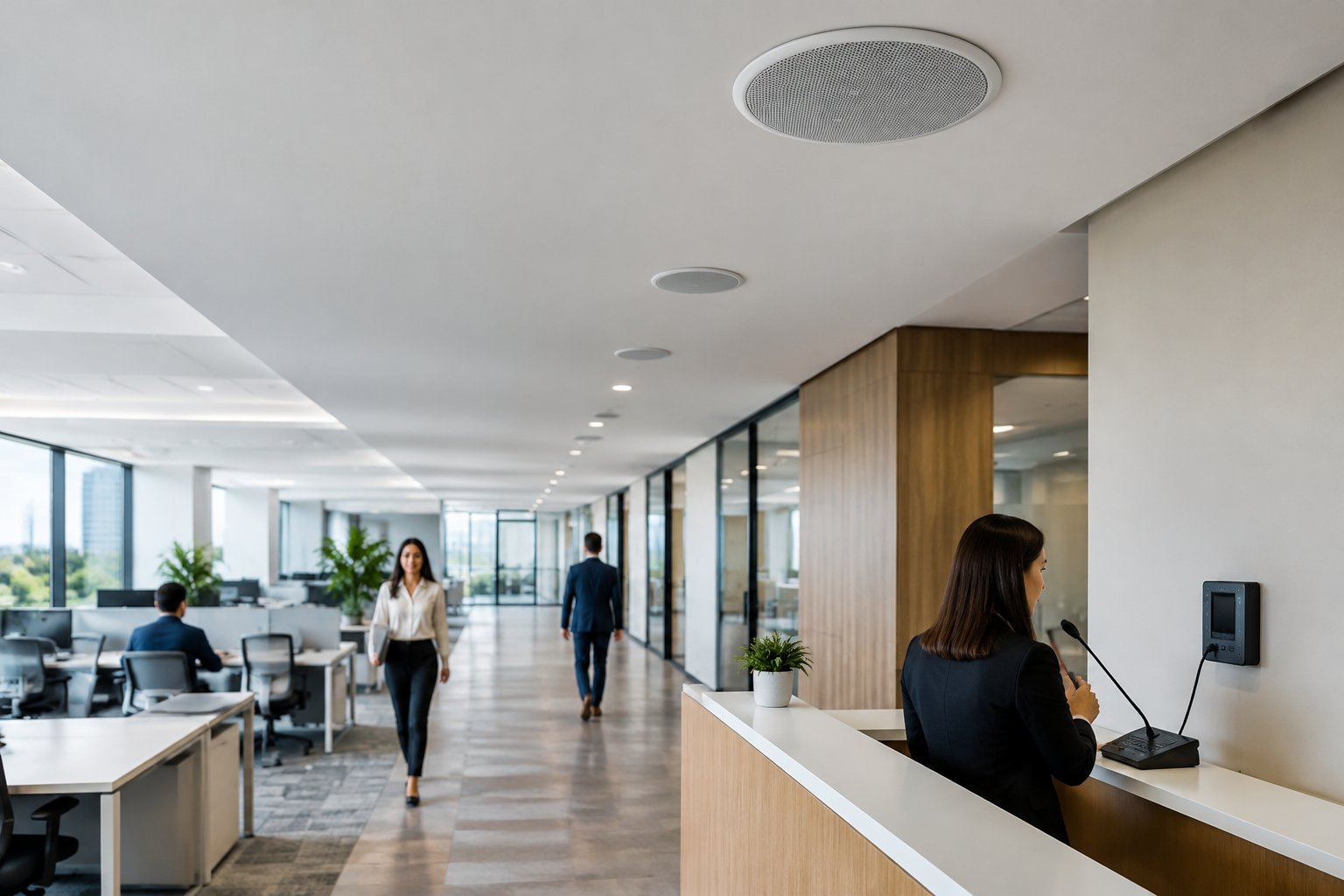
Indoor cameras work best in common areas such as lobbies, hallways, and open workspaces. These locations allow you to communicate quickly when needed.
Avoid placing audio-enabled cameras in private areas such as restrooms or changing rooms. This protects privacy and ensures compliance with regulations. Ensure cameras have a clear line of sight and minimal obstructions to maintain sound quality.
Outdoor Coverage for Parking Lots and Perimeters
Outdoor areas benefit significantly from two-way audio, especially after business hours. Place cameras at parking lot entrances, along fence lines, and in low-visibility areas. This allows you to issue live voice warnings when needed.
Choose weather-resistant cameras rated IP66 or higher. Look for noise filtering features to reduce interference from wind and traffic.
Privacy, Consent, and Business Compliance
Using two-way audio security cameras for business may involve recording conversations. This requires careful attention to legal compliance.
Audio Recording Laws and Consent Requirements
Federal law requires at least one party in a conversation to consent to recording. This is known as one-party consent. Some states require all participants to agree before recording. These are called all-party consent states.
If your business operates in these states, you must notify individuals and obtain consent before recording audio. Speaking through a camera without recording may fall under different rules. However, you should always verify local regulations.
Signage, Policies, and Employee Notification
Clear communication helps maintain compliance and trust:
- Post visible signs indicating audio and video recording.
- Include monitoring policies in your employee handbook.
- Require signed acknowledgment from employees.
- Explain where and why monitoring occurs.
These steps help protect your business while maintaining transparency.
Areas Where Audio Monitoring May Be Inappropriate
Certain areas should never include audio monitoring:
- Restrooms and locker rooms
- Private offices used for confidential discussions
- Break rooms in locations where privacy expectations apply
When uncertainty exists, consult a qualified legal professional to avoid compliance risks.
Installation, Integration, and Daily Use
Proper installation ensures your system performs reliably every day. Poor setup often leads to audio issues and connectivity problems.
Wired, Wi-Fi, and PoE Deployment Considerations
You can connect IP cameras in several ways:
Connection Type
Best For
Key Consideration
PoE (Power over Ethernet)
Most commercial systems
Single cable provides power and data with high reliability
Wi-Fi
Small or temporary setups
Easy installation but may experience signal drops
Wired (non-PoE)
Legacy systems
Requires separate power sources
PoE offers the most stable performance and supports high-quality audio and video. Wi-Fi works in smaller environments but may struggle in large or complex buildings.
Connecting Cameras to Apps, Alerts, and Access Control
Modern systems integrate with mobile apps and desktop platforms. These tools allow you to:
- View live video and listen to audio remotely.
- Use push-to-talk to communicate instantly.
- Receive motion and sound alerts.
- Review and download recorded footage.
Some systems also connect to access control systems, allowing you to unlock doors after verifying visitors.
Always confirm compatibility with your devices before purchasing.
Training Staff to Use Two-Way Communication Effectively
Training ensures your team uses the system correctly and consistently.
- Show employees how to access live feeds and use communication features.
- Define when to use two-way audio and when not to.
- Establish clear response procedures for alerts.
Provide a simple reference guide so staff can use the system confidently.
Comparing Top Options and Making the Final Decision
Selecting the right system requires balancing features, cost, and long-term value.
Features That Matter Most by Business Type
Different industries prioritize different capabilities:
Business Type
Top Priority Features
Retail store
Wide-angle views, person detection, clear indoor audio
Office
Visitor screening, access control integration, clean design
Warehouse
Weather resistance, loud audio output, long-range visibility
Restaurant
Indoor and outdoor coverage, noise filtering, cloud storage
Construction site
Durable design, flexible power options, remote connectivity
Focus on features that directly support your daily operations.
How to Evaluate Value Beyond the Upfront Price
Look beyond initial cost to understand long-term value:
- Cloud storage fees can add recurring costs.
- Outdoor equipment may require more frequent replacement.
- Software licenses may include annual charges.
- Installation costs vary depending on system complexity.
A slightly higher upfront investment may reduce total cost over time.
Checklist for Choosing the Best Fit
Use this checklist before making a final decision:
- Two-way audio that delivers clear sound in real conditions
- Reliable IP camera connection with minimal downtime
- Effective night vision for low-light environments
- Accurate motion and sound detection alerts
- User-friendly mobile app with responsive controls
- Weather-resistant design for outdoor use
- Flexible storage options that fit your budget
- Compatibility with your current systems
- Scalability for future expansion
- Compliance with audio recording laws
Test one camera in your environment before scaling. Real-world performance provides the most accurate insight into how well the system meets your needs.
Real-Time Security and Communication for Texas Businesses
Two-way audio security cameras for business give you a more responsive and controlled environment. You improve communication, strengthen oversight, and support compliance while maintaining a professional and efficient operation.
At Alarm Masters, we design and install systems that meet Texas code requirements while delivering dependable performance. You benefit from licensed expertise, a 48-hour turnaround, and white-glove service that keeps your system running smoothly from day one.
Take the next step toward better visibility and control with a system built for your needs. Get a free estimate and see how quickly you can upgrade your security with real-time communication.
Frequently Asked Questions
Are two-way audio security cameras legal for business use in Texas?
Yes, two-way audio security cameras for business are legal in Texas when you follow consent laws. Texas is a one-party consent state, which means at least one person involved in the conversation must agree to the recording. You should still post clear signage to inform employees and visitors that audio monitoring is in use.
Do two-way audio cameras record conversations or just allow live communication?
Two-way audio cameras can do both, depending on the system settings. Some systems only allow live push-to-talk communication, while others record audio along with video footage. You should review your system configuration and ensure it aligns with state and local compliance requirements.
Where should you install two-way audio security cameras for the best results?
You should install two-way audio security cameras at entrances, reception areas, delivery zones, and parking lots. These locations allow you to communicate clearly with visitors and monitor activity in real time. Proper placement at head height improves both sound clarity and video quality.
What features matter most in two-way audio security cameras for business?
The most important features include clear microphone pickup, loud and distortion-free speakers, low audio delay, and easy-to-use app controls. You should also look for night vision, motion detection, and reliable storage options to support full system performance. These features ensure your system works effectively in real-world conditions.
Can two-way audio cameras integrate with access control systems?
Yes, many two-way audio security cameras integrate with access control systems. This allows you to verify a visitor through video and audio, then unlock doors remotely if needed. This setup improves both security and convenience for offices and commercial properties.
How do you ensure employees use two-way audio systems correctly?
You ensure proper use by training employees on when and how to use the system. Clear guidelines help staff understand appropriate communication scenarios and how to respond to alerts. Providing simple instructions improves consistency and overall system value.
Should you test a system before installing multiple cameras?
Yes, testing one unit before full deployment helps you evaluate audio quality, ease of use, and reliability. This approach allows you to confirm the system meets your needs before scaling. If you want expert guidance, consider scheduling a walkthrough to review your setup and book an inspection


.svg)


.svg)


