.svg)
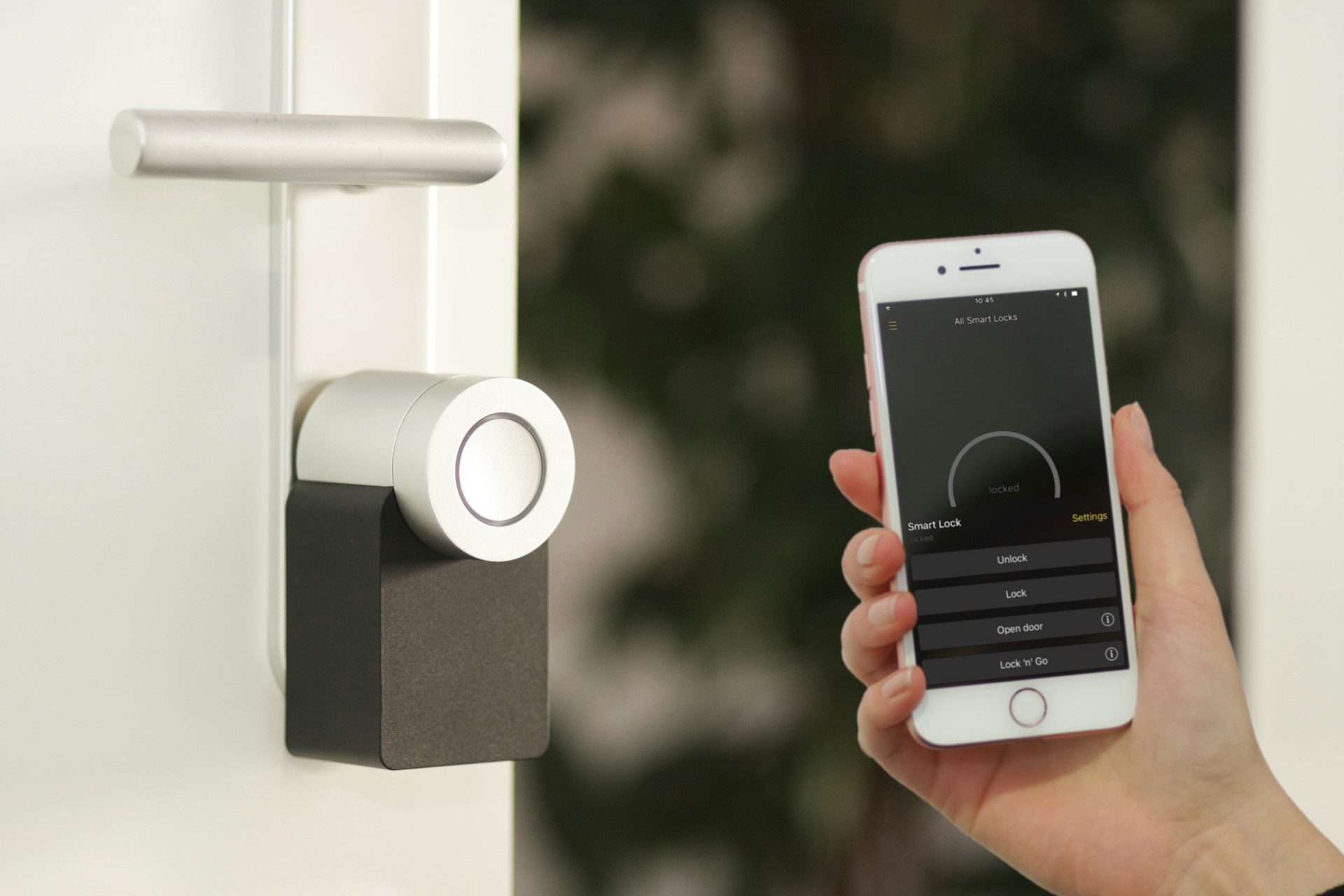
Replacing your building's locks is a choice that affects daily operations, employee safety, vendor access, and how well your property holds up against a real security threat. The moment you start weighing smart locks for business in Houston against your current key-based setup, the questions multiply fast.
Working with a licensed security partner who understands both the technology and the compliance side of commercial door hardware makes that decision significantly easier. Alarm Masters has been designing and installing access control systems for Texas businesses for over 35 years, and the questions our team hears most often are the ones this article addresses directly.
Keep reading to find out which smart lock features actually matter for commercial properties, when an upgrade is overdue, how these systems connect to your broader security setup, and what installation and maintenance look like in practice.
What Smart Locks Do for a Commercial Property
Smart locks replace mechanical cylinders and physical keys with credential-based entry, digital access management, and remote control from a phone, tablet, or access control platform. For a commercial property, that shift changes how you manage every person who needs to enter your building.
How Credential-Based Entry Improves Daily Access
Instead of cutting a new key every time an employee starts or a vendor needs access to a building, credential-based entry lets you issue and revoke digital credentials in minutes. That credential might be a key card, a mobile app, a PIN, or a fob, depending on your system.
In a commercial context, this matters most when you have multiple entry points, shift workers, or contractors who need temporary access. A single administrator can set start and end times for any credential without touching the door.
That saves time and eliminates the risk of unreturned keys staying active after someone leaves the company. From an operational standpoint, the reduction in lockouts and re-keying costs adds up quickly across a multi-door facility.
Where Smart Locks Fit in Offices, Retail, and Multi-Tenant Buildings
The right smart lock placement depends heavily on how your property is used. Offices typically prioritize the main entry, server rooms, and executive spaces. Retail properties focus on back-of-house doors, stockrooms, and after-hours access for cleaning crews. Multi-tenant buildings need per-suite credentials that work independently of one another.
Each of those environments has different traffic volume, door hardware requirements, and compliance considerations. A mortise-style smart lock built for a high-traffic commercial door will hold up very differently than a residential-grade deadbolt retrofit.
Understanding your property's access map, which doors need to be controlled and by whom, shapes every other decision you make.
When a Business Should Consider an Upgrade
Most businesses wait too long to replace their lock hardware. The signs that your current setup is creating risk are usually obvious once you know what to look for.
Common Problems With Keys and Basic Door Hardware
Physical keys are difficult to manage at scale. Once you have more than a handful of employees, the logistics of key distribution, return, and replacement become a real liability. Lost keys are common, and most businesses do not re-key after every loss.
Standard mechanical locks also wear down over years of use. Worn cylinders are easier to pick, bump, or force. Many commercial properties in Houston are still running hardware that was installed a decade or more ago, with no record of how many copies of the key exist or who holds them.
These are not edge cases. They are routine vulnerabilities that smart lock systems are specifically designed to eliminate.
Security and Operational Triggers That Push a Change
Certain events make upgrading more urgent. If any of the following apply to your building, a smart lock assessment should happen soon:
- An employee left under difficult circumstances and returned a key
- You experienced an after-hours break-in or an unauthorized entry incident
- Your building expanded, and you added new doors with no centralized access plan
- You are onboarding a new tenant, client, or vendor with recurring access needs
- Your insurer or compliance requirements have changed and now ask for access logs
Beyond security events, operational efficiency also drives upgrades. Businesses that move to credential-based access typically reduce the time spent managing physical keys and responding to lockouts by a significant margin. Once you know an upgrade is the right call, the next step is identifying which features you actually need.
Core Features That Matter Most
Not every smart lock feature is equally useful in a commercial setting. The ones below consistently prove their value across offices, retail, and light industrial properties in the Houston area.
Remote Lock Control and Activity Tracking
Remote control lets you lock or unlock any door from your phone or access control dashboard without sending someone to the building. That is useful for letting in a vendor after hours, locking a door that was accidentally left open, or responding to an alert.
Activity tracking logs every entry and exit event tied to a specific credential. You know who came in, which door they used, and exactly when. That log is searchable and exportable, which matters when you need to pull records for an investigation or a compliance review.
For multi-location businesses, centralized remote control across all sites from a single dashboard is one of the most practical features available in commercial-grade systems.
User Permissions, Schedules, and Audit Trails
User permissions let you define exactly which doors a person can access and when. A delivery driver might have access to the loading dock only, from 7:00 a.m. to 3:00 p.m., Monday through Friday. A manager might have full access around the clock.
Schedules eliminate the need to manually revoke access each night. The system handles it automatically. When someone's role changes or they leave the company, you remove their credential from the platform, and that credential stops working immediately, on every door, without touching a single lock.
Audit trails support those schedules with a permanent record. If a question ever comes up about when a door was accessed, the data is already there.
Battery Backup, Connectivity, and Fail-Secure Planning
A commercial smart lock that loses power or connectivity at the wrong time creates real operational problems. Quality commercial-grade locks include battery backup that maintains function during a power outage. Most will also send a low-battery notification before failure occurs.
Connectivity choices matter too. Wi-Fi, Zigbee, Z-Wave, and wired Power over Ethernet each have trade-offs around range, reliability, and installation complexity. For multi-door commercial installations, wired solutions and professionally configured wireless systems tend to outperform consumer-grade Wi-Fi locks.
Fail-secure versus fail-safe configuration is also a critical planning decision: fail-secure locks stay locked during a power loss, which protects assets but may conflict with fire code egress rules on certain doors.
How Smart Locks Connect With Broader Building Security
A smart lock on its own is one layer of protection. Connected to the right systems, it becomes part of a comprehensive security architecture.
Pairing Doors With Access Control Systems
Full access control platforms like Brivo or platforms built on HID credentials manage smart locks alongside card readers, keypads, and intercom systems from a single interface. That means your front door, server closet, and loading dock all live in the same system with unified reporting.
For businesses that already have an access control system, adding smart locks to remaining doors brings everything under one roof. The result is a consistent access policy across your entire property, not a patchwork of unconnected hardware.
Integration also allows more sophisticated rules, such as requiring two credentials to access a sensitive area or automatically unlocking an entry door when the alarm is disarmed in the morning.
Using Video Verification at Entry Points
Pairing a smart lock with a camera at the same door creates a verified access record. When a credential is used, the video timestamp allows confirmation that the right person used it. If a card is stolen or shared, verification quickly surfaces the discrepancy.
AI-assisted video monitoring can go further by flagging tailgating, where someone enters behind an authorized user without presenting a credential. For businesses managing sensitive areas or high-value assets, that layer of verification adds meaningful protection.
Supporting Fire and Life-Safety Requirements
Fire code in Texas requires that certain doors allow free egress at all times. Smart locks installed on fire-rated or egress doors must be configured to comply with those requirements. Fail-safe settings, request-to-exit hardware, and proper panic bar integration are all part of a compliant installation.
A licensed technician needs to review your door schedule before specifying any smart lock hardware. Getting that wrong creates both a safety hazard and a code violation that will surface during your next fire inspection.
Installation, Compliance, and Ongoing Support
Installation quality determines whether your smart lock system performs as it should under real-world daily conditions.
Door Assessments, Hardware Compatibility, and Code Issues
Not every door is ready for a commercial smart lock. Door frame condition, thickness, existing hardware cutouts, and door closer function all affect which lock models will fit and work properly. A proper site assessment identifies these variables before any hardware is ordered.
Commercial doors with panic bars or fire-rated cores have additional compatibility requirements. Forcing an incompatible lock onto an existing door creates gaps in security and potential code issues. The assessment phase exists precisely to catch those problems early.
Why Licensed Setup and Testing Matter
Texas requires that alarm and access control systems be installed by licensed technicians. Licensed installation is not a mere formality; it means your system was configured by someone who understands commercial security requirements, tested every credential and door function, and documented the installation for inspection.
Unlicensed or DIY installation of commercial access control can void manufacturer warranties, create liability exposure, and result in a failure during a compliance review. The installation step is where a properly designed system either comes together or falls apart.
Maintenance Expectations After Go-Live
Commercial smart locks require periodic maintenance: battery checks, firmware updates, credential audits, and hardware inspections. In high-traffic environments, door hardware wears faster and needs more frequent attention.
A maintenance plan should also include testing fail-safe and fail-secure configurations to confirm they behave as expected during a power disruption.
Systems that are not tested regularly tend to produce surprises at the worst possible moments. Building maintenance expectations into your service agreement from the start is the cleaner path.
How Houston Businesses Can Make the Right Long-Term Choice
Choosing a smart lock system for your Houston business comes down to cost, scalability, and the level of risk you are willing to take with your current setup.
Comparing Cost, Scalability, and Risk Reduction
Entry-level commercial smart locks start at a few hundred dollars per door. Enterprise-grade systems with full access-control integration, cloud management, and video verification rank higher.
The right comparison is not lock versus lock; it is the total cost of your current system, including re-keying, lockouts, and liability exposure, versus a credential-based system that eliminates most of those costs.
Scalability matters if your business is growing. A system that handles ten doors today should be able to handle thirty without a full replacement. Cloud-managed platforms built on open standards tend to scale more cleanly than proprietary, closed systems.
Questions to Ask Before Choosing a System
Before committing to any commercial smart lock system, work through these questions:
- How many doors need to be controlled, and what are their current hardware types?
- Do any doors fall under fire code or egress requirements?
- Will this system need to connect to an existing access control platform?
- How will credentials be issued and managed day-to-day?
- What happens to access if your internet connection goes down?
- Does the vendor offer licensed installation and ongoing maintenance support?
The answers to those questions narrow your options quickly and prevent costly surprises after installation.
Planning for Growth, Staff Changes, and Future Upgrades
The best smart lock systems for Houston businesses are those that can adapt without requiring a full replacement. Staff turnover, facility expansion, new tenant spaces, and updated compliance requirements are predictable facts of business life.
Choose platforms that allow you to add doors, issue new credential types, and integrate with future technology without ripping out what is already installed. Vendors that support open standards and offer firmware updates over time better protect your investment than closed, proprietary systems that lock you in.
Frequently Asked Questions
Which Smart Lock Options Will Protect Our Storefront or Office After-Hours Without Slowing Down Our Staff?
Commercial-grade keypad and card reader locks from brands like HID, Allegion, and Salto allow fast, keyless entry during business hours, and automatically switch to restricted or locked mode after hours based on a schedule.
Staff use their credentials without any slowdown, and after-hours access is logged with a timestamp for every entry. A site assessment helps identify which door types and credential formats work best for your specific layout.
How Does Our Team Install and Set Up User Access for Employees and Vendors With a White Glove Experience?
A licensed technician assesses your doors, installs the hardware, and configures your access control platform before handing it off to you fully tested. User credentials are set up during commissioning, and your team receives training on how to add, modify, and revoke access from the management dashboard. The process is designed to leave you operational from day one without a learning curve that slows your business down.
What Should We Check to Make Sure Our Smart Locks Meet Texas Licensing and Local Fire and Egress Requirements?
Verify that any door lock installed on a fire-rated or egress door is configured fail-safe so it releases during a power loss, allowing free exit. Texas also requires that access control installations be performed by a licensed alarm systems company, not a general contractor or unlicensed installer.
Your installation documentation should include a door-by-door schedule showing hardware type, configuration, and compliance status for inspection purposes.
How Do We Connect Smart Locks to Our Alarm Monitoring so Our Team Can Respond Fast When a Door Is Forced Open?
Access control systems with alarm integration can send a forced-door alert directly to a 24/7 monitoring center, triggering a response just as a burglar alarm would. The connection between your smart lock platform and intrusion detection system generates a unified alert indicating which door was forced and when.
24/7 professional alarm monitoring combined with access control events gives your monitoring team the context they need to respond appropriately.
What Happens if a Smart Lock Fails or Loses Power, and How Does Our 48-Hour Guarantee Protect Your Operations?
Most commercial smart locks include battery backup that maintains function through a power outage, and low-battery alerts give you time to replace batteries before a failure occurs. If a lock malfunctions, a 48-hour service response guarantee means a licensed technician is on site quickly, not days later.
Having a service agreement in place ensures you are not managing a hardware failure on your own at a critical moment.
How Do Schlage Commercial Smart Locks Compare to Other Brands for Durability, Audits, and Day-to-Day Management?
Schlage commercial locks are built to handle high-traffic doors and carry ANSI/BHMA Grade 1 ratings, which is the standard for commercial-grade durability. For access audit functionality, platforms built on HID or Brivo credentials often offer more robust management features, including role-based permissions and exportable audit logs that Schlage's standalone locks do not provide natively.
The best choice depends on whether you need a standalone door solution or a lock that integrates into a full access control platform.
Making the Right Call for Your Houston Business
Smart locks for your Houston business are not a luxury upgrade. For any property with multiple entry points, rotating staff, or compliance obligations, they are the more reliable, more manageable approach to daily access control.
The key is choosing a system that fits your building's actual layout and your team's real workflow, not the one that looks most impressive in a brochure.
Not sure which system fits your building? Contact Alarm Masters today, and we will design a solution tailored to your layout, budget, and compliance requirements.




.svg)


.svg)


