.svg)
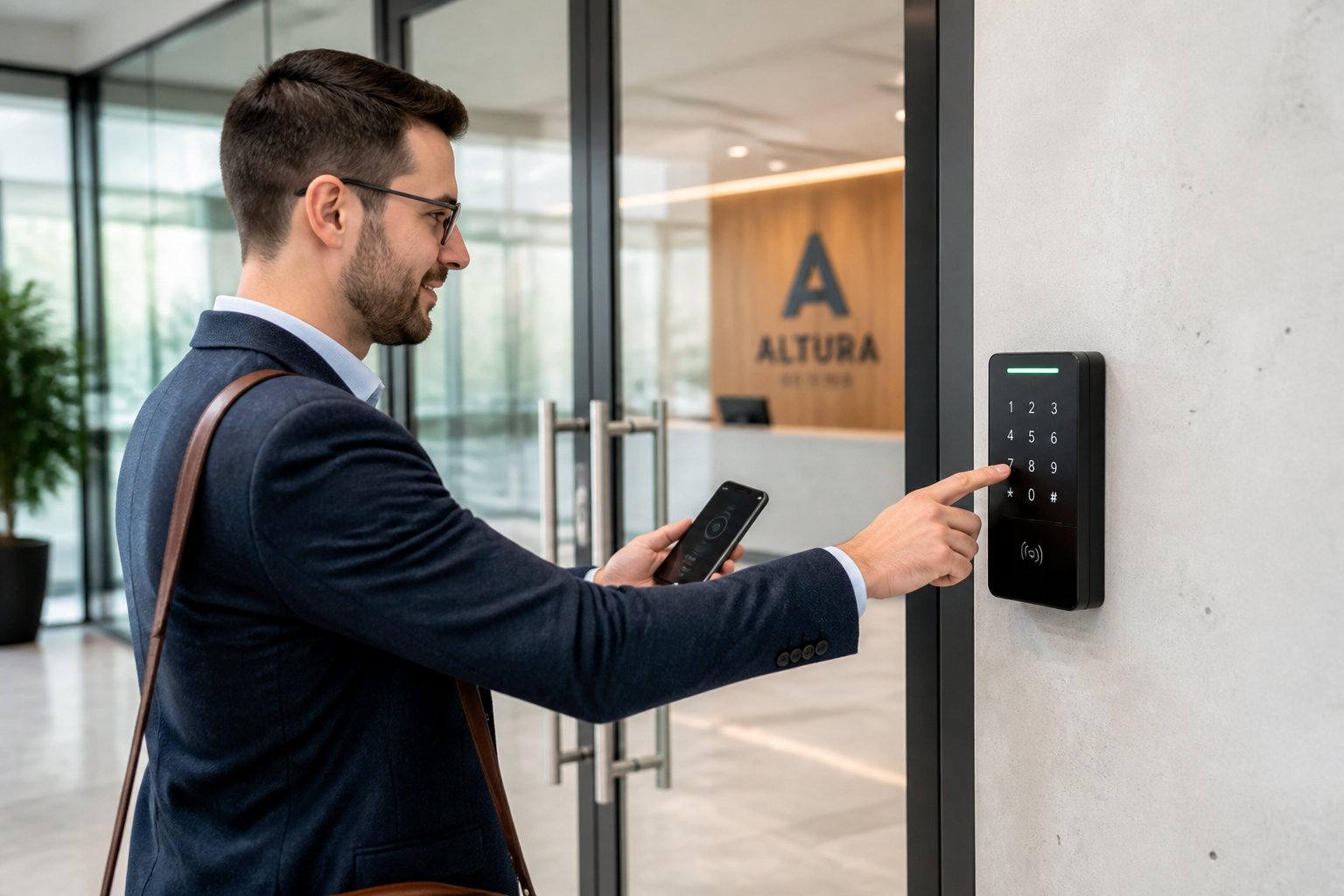
If you manage a commercial property in Houston, Spring, The Woodlands, or anywhere else in Texas, controlling who enters is a basic security need. A keyless entry system for business replaces metal keys with electronic credentials like cards, fobs, phone access, or PINs, which gives you tighter control over every door without the hassle of physical key management.
The right system does much more than lock and unlock doors. It tracks every entry, lets you quickly add or remove user access, and connects to your broader security setup, including cameras, alarms, and fire systems. Choosing the wrong one can leave you with hardware that does not fit, software you outgrow, or gaps in your coverage.
This guide explains how commercial keyless access works, the credential types available, the features that matter, what drives cost, and how to choose a trusted system and installer. Whether you run a retail shop, a warehouse, or a multi-tenant office, you will find practical information to help you decide.
Our team can walk your building and design a setup around how your business actually runs. Take a look at how our commercial access control solutions protect every door.
What A Modern Door Access Setup Actually Does
A modern access control system uses three main parts: credentials, readers, and electrified locking hardware. These work together to verify identity, grant or deny entry, and log every event, all without a metal key.
How Credentials, Readers, And Locks Work Together
Here is how it works. Someone presents a credential (a key card, fob, PIN, phone, or fingerprint) to a reader at the door. The reader sends that data to a controller, which checks it against a permission list. If the credential is valid, the controller releases the lock. If not, the door stays locked.
The lock is usually an electric strike, a magnetic lock, or a smart lock rated for commercial use. Electric strikes replace part of the door frame and release the latch when triggered. Magnetic locks use an electromagnet to keep the door shut and release when power is cut. Commercial keyless door locks and smart locks combine the lock and the electronics in one unit, which makes installation easier on some doors.
Every unlock attempt, whether successful or denied, is recorded with a timestamp and the credential used. This audit trail is a key advantage over traditional hardware.
How It Differs From Traditional Keys And Standalone Locks
A metal key gives you no record of use. You do not know who used it, when, or whether it has been copied. When an employee leaves or a key is lost, you have to rekey locks and hand out new keys. The effort and cost add up quickly, especially with multiple doors.
With keyless access control, you can deactivate a lost credential from a software dashboard in seconds. There is no locksmith, no rekeying, and no chasing down spare copies. Each credential is linked to a specific person, so your logs show exactly who entered and when.
Standalone electronic locks, like those on a closet or a single office door, offer some benefits but work independently, which means you have to manage each lock separately. A networked keyless access control system connects every door reader to one platform, so you manage permissions, schedules, and reports from a single place.
Where It Fits In A Full Security Plan
A keyless entry system controls who enters your building. Video surveillance shows you what happens inside. Intrusion detection alerts you to unauthorized entry after hours, and fire alarm systems protect life safety and trigger evacuation when needed.
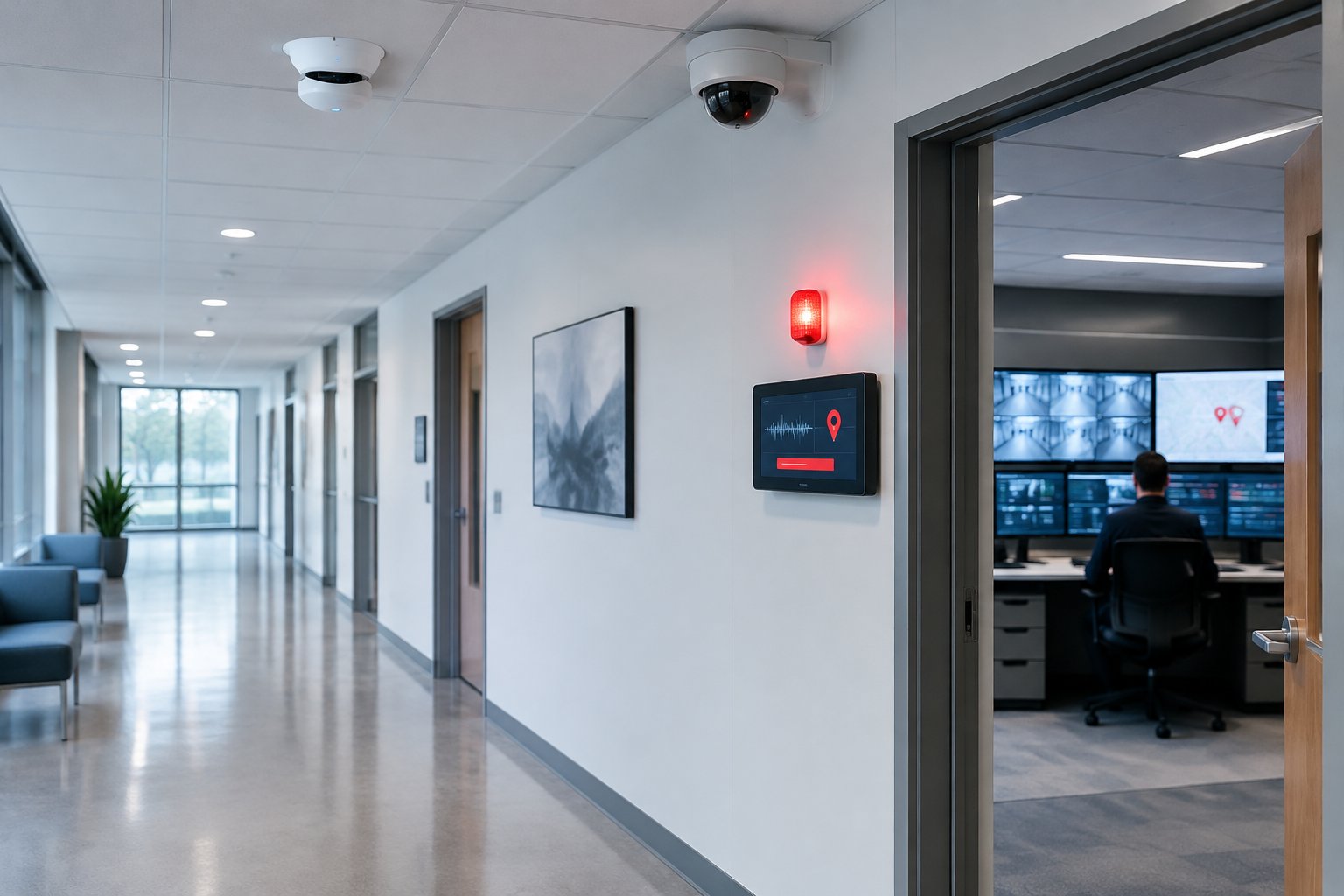
The best setups integrate all of these layers. When your access control links to your camera system, you can pull video tied to a specific door event in seconds. Integration with your burglar alarm helps reduce false alarms caused by authorized after-hours entries, and coordinating with fire alarm and egress requirements keeps you code-compliant and secure.
It is smart to plan these systems together from the start. A licensed security company can design an access control layout that works with your cameras, alarms, and fire exits.
Which Credential Type Makes Sense For Your Property
Your choice of credential affects daily use, security level, management workload, and ongoing costs. There is no universal best option; it depends on your door count, staff size, turnover, and the sensitivity of the areas you are securing.
PIN Codes, Keypads, And Shared Code Risks
PIN codes and keypads are the simplest and least expensive keyless option. Users enter a numeric code at the door, and the system checks it. There is no physical credential to buy or track.
The downside is accountability. When several people share a code, you cannot tell who opened the door. Codes get shared, written down, or seen by others, and changing a code means notifying everyone who uses it.
Keypads are best for low-risk interior doors like supply closets or break rooms, where the group is small and the stakes are low. For exterior doors or sensitive spaces, pair a PIN with another credential or choose a method that identifies individuals.
Key Cards, Key Fobs, And Proximity Credentials
Key cards and fobs assign a unique ID to each user. The card or fob has an RFID chip that transmits its ID to a reader when nearby. The system matches the ID to a person, logs the event, and unlocks the door if that person has permission. This setup is common in office buildings, warehouses, and retail back offices throughout Houston and the rest of Texas.
Card-based and fob systems handle staff turnover well. You can activate or deactivate credentials from a central dashboard without touching the locks.
There is a meaningful difference between old-style proximity cards (125 kHz, unencrypted) and modern smart cards (13.56 MHz, encrypted). Old proximity cards can be cloned easily, which creates a security risk. If your building uses older fobs or cards, upgrading to encrypted smart cards or modern key fob systems is a good move.
Key cards and fobs can be lost or lent out, so plan for occasional replacements and make sure your system allows quick deactivation.
Mobile Access And Digital Keys For Staff And Managers
Mobile credentials turn a smartphone into a digital key using Bluetooth or NFC. Employees can unlock doors with their phones over an encrypted connection. Mobile keyless entry is growing fast in commercial buildings, and you can issue or revoke a mobile credential in seconds, with no badge to collect or replace. Because there is no hardware to buy or encode, credential costs drop over time.
Mobile access works especially well for managers who oversee multiple locations or for businesses with distributed teams. A facility manager in Houston can update access for a building in The Woodlands without leaving the office.
Every user needs a compatible smartphone and must keep it charged. For staff without smartphones, keep a backup credential like a card or fob on hand.
Biometric Options And Multi-Factor Protection
Biometric access control uses a physical trait, like a fingerprint, palm vein, or facial scan, as the credential. It cannot be shared, lost, or forgotten, and it is far harder to copy than a card or code.
Fingerprint readers are common in commercial settings. Palm vein readers offer higher spoof resistance and are used in labs, data centers, and cash rooms. Facial recognition readers support touchless entry at busy doors.
Biometric systems cost more and require enrolling each user, and you will need to consider privacy laws, especially in Texas and other states with strict rules. Check how your vendor stores biometric data. Ideally, they store only encrypted templates, not raw images.
Multi-factor authentication uses two or more credentials, such as a card plus a PIN, or a mobile credential plus a fingerprint. This is practical for high-security areas where one compromised credential should not be enough.
Features That Matter In Daily Operations
The software behind your keyless system affects how much time you spend managing access. Focus on remote management, detailed logs, visitor handling, and the ability to manage multiple doors or sites from one interface.
Remote Unlocking, Scheduling, And User Changes
Cloud-based access control lets you manage doors from anywhere. You can unlock a door remotely, set schedules, and add or remove users without being on-site.
Role-based permissions save time as your team grows. Assign a role, such as warehouse staff or office manager, and the system applies the right access to all doors. When someone changes roles, you update their profile once and every door adjusts.
Remote management is especially useful if you oversee multiple properties, since you can adjust access schedules for another building without driving across town.
Access Logs, Audit Trails, And Incident Review
Every credential use, whether access is granted or denied, is logged with a timestamp, credential, and door location. This audit trail is a major advantage over traditional keys.
If there is an incident, you can check the log to see exactly who entered and when. If your system links to cameras, you can pull the matching video clip. Audit logs also help with compliance for regulated industries like healthcare or finance.
Visitor Access And Front Door Control
Visitor management handles guests, contractors, vendors, and delivery drivers without giving out permanent credentials. You can offer temporary codes, send a mobile credential that expires, or let front desk staff unlock the door remotely after checking the visitor through an intercom or camera.
Front door control is especially important at lobbies and main entrances. An intercom-based entry system with video lets you see and speak to visitors before allowing entry.
Managing Multiple Doors Or Multiple Sites
If you have several doors, centralized management is essential. It is the only way to handle permissions, schedules, and alerts efficiently.
A good access control platform lets you see every door across all sites on one dashboard. You can push schedule changes to many doors at once, lock down a building in an emergency, or run reports to spot unusual activity.
Choose platforms that scale easily. Adding a new door or building should be as simple as adding readers and configuring them in software, not replacing everything.
How To Choose The Right Fit For Your Building
Your building type, layout, and daily traffic patterns shape which keyless entry solutions make sense. There is no one-size-fits-all answer, and choosing carefully ensures you get the features you need without overspending or leaving gaps.
Single Office, Retail Suite, Warehouse, Or Multi-Tenant Property
A single office or retail suite with one or two entry points can often start with commercial keyless door locks or a simple reader-and-controller setup at each door. This keeps the initial investment low and the system easy to manage.
A warehouse with loading docks, overhead doors, and outdoor entry points needs readers rated for dust, moisture, and temperature swings. Credential type matters here too: key fobs tend to hold up better than cards in environments where employees handle boxes, equipment, or materials all day.
Multi-tenant office buildings add another layer. Each tenant needs independent access to their own suite, while common areas like lobbies, parking garages, and shared conference rooms require managed permissions that do not bleed across tenants. A centralized access control platform gives building managers oversight while letting individual tenants manage their own user lists.
High-Security Zones And Restricted Interior Areas
Not every door in your building needs the same level of protection. A general entrance might work fine with key cards, while a server room, a pharmacy, or a cash-handling area calls for biometric authentication or multi-factor protection.
Map your floor plan and identify which areas hold sensitive data, high-value inventory, or regulated materials. Those zones deserve tighter credential requirements and shorter access windows. Interior doors leading to these spaces should be part of your access control plan from the start.
Integration With Video, Intrusion, And Fire Alarm Planning
A keyless entry system works best when it connects to your video surveillance, burglar alarm, and fire alarm systems. When a door event triggers a camera to capture a clip, or your intrusion system arms after the last authorized exit, your security layers reinforce each other.
Planning integration from the beginning avoids compatibility headaches. If your camera system runs on one platform and your access control runs on another, linking them may require extra software, licensing, or custom work. A single-vendor approach, where one provider designs, installs, and supports all your commercial security systems, simplifies both installation and long-term management.
Fire alarm coordination is a code requirement in Texas. During a fire alarm event, certain doors must release automatically to allow safe exit. Your access control hardware and your fire alarm system need to communicate so locked doors do not trap anyone during an emergency.
Questions To Ask Before You Buy
Before you commit to a system or an installer, get clear answers to these questions:
- Does the system support the credential types you need today, and can it add new ones later without replacing hardware?
- Is the platform cloud-based, on-premises, or hybrid, and what are the ongoing software costs?
- Can the system scale to additional doors and sites without a full overhaul?
- Does the installer hold the proper Texas licenses for commercial security work?
- What does the service agreement cover after installation, including firmware updates, troubleshooting, and hardware replacement?
- How does the system handle fire alarm egress and life-safety code requirements?
- Will the platform integrate with your existing cameras, intrusion alarms, or planned future systems?
Installation, Compliance, And Long-Term Support In Texas
Getting the hardware on the wall is only part of the job. Proper installation, code compliance, and ongoing maintenance determine whether your system performs reliably year after year.
Door Hardware, Power, And Retrofit Considerations
Every door is different. A hollow metal commercial door frame handles an electric strike easily, but a glass storefront door or a decorative wood door may need a magnetic lock or a specialized retrofit bracket. Your installer should evaluate each door during a site walk before quoting hardware.
Electrified locking hardware needs a reliable power source. Electric strikes and magnetic locks typically require low-voltage wiring from a controller or power supply. If your building does not already have low-voltage cabling at each door, running new wires adds labor and cost. In some retrofit situations, battery-powered smart locks or wireless commercial door locks offer an alternative, but they trade off battery maintenance for simpler installation.
Life-Safety, Egress, And Code Coordination
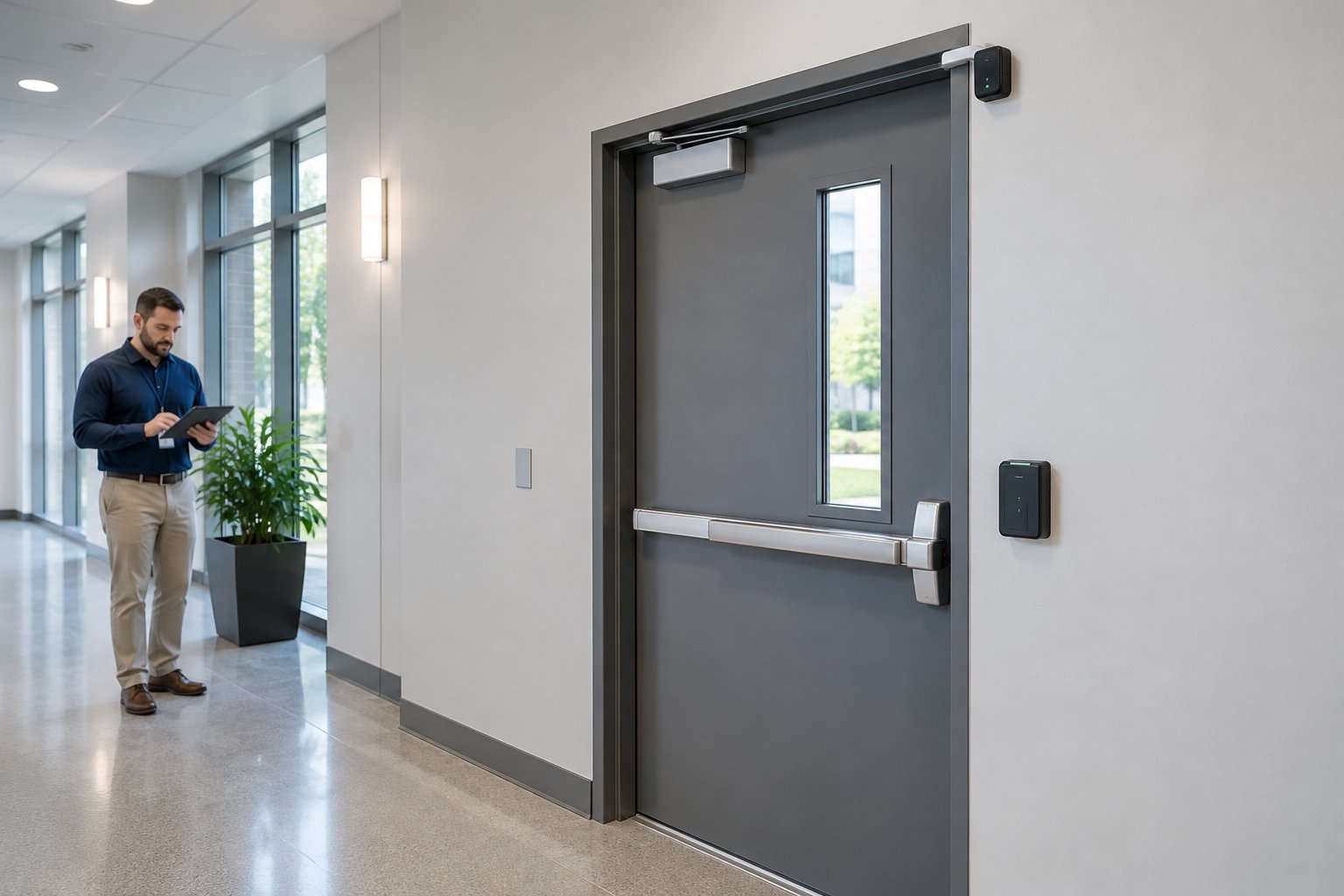
Texas fire codes and the International Building Code require that locked doors on egress paths release during a fire alarm event. This is not optional. If your access control locks are on exit paths, they must be wired to release when the fire alarm activates, typically through a fire alarm relay or a direct connection to the fire alarm control panel.
Panic hardware (crash bars) on exit doors must allow free egress at all times, regardless of the electronic lock state. Installing an access control lock that could delay exit during an emergency creates a code violation and a life-safety risk. A licensed installer who understands both fire and security systems can coordinate these requirements during design.
Software Updates, Firmware Updates, And System Upkeep
Access control software and reader firmware need regular updates to patch security vulnerabilities, maintain compatibility, and add features. Cloud-based access control platforms typically handle software updates automatically.
On-premises systems may require manual updates or scheduled maintenance visits. Reader and controller firmware updates close security gaps and keep your hardware communicating properly with the platform. Skipping firmware updates is like ignoring software patches on your computer: it works until it does not, and the failure usually happens at the worst time.
Plan for ongoing system upkeep as part of your operating budget. A service agreement that includes proactive maintenance, firmware updates, and priority support keeps your system current and reliable.
Why Licensed Local Service Matters After Install
A keyless entry system is not a set-it-and-forget-it purchase. Doors get bumped, credentials need updating, and hardware wears out. When something goes wrong at 7:00 a.m. on a Monday and your staff cannot get in, you need a service provider who answers the phone and can get a technician to your building fast.
A licensed local company in the Houston area can respond to service calls quickly, maintain compliance with Texas codes, and support your system through hardware changes, software updates, and building modifications over time. Remote-only national providers may handle software issues, but when the problem is a failed electric strike or a misaligned door, you need someone on-site.
Typical Costs And What Drives The Price
Keyless entry system pricing varies widely depending on the number of doors, the credential type, the platform you choose, and the complexity of your installation. Use the ranges below as a planning guide; your actual cost depends on your specific building and requirements.
Per-Door Cost Factors
A typical per-door cost for a commercial keyless entry system, including the reader, controller, electrified locking hardware, and installation, falls in the range of $1,500 to $4,000 per door. Simpler setups with smart locks or standalone keypads on interior doors can come in lower, while high-security doors with biometric readers, heavy-duty magnetic locks, and extensive wiring run higher.
Key factors that push per-door costs up or down include:
- Door type and condition: A standard hollow metal frame is straightforward. Glass storefronts, historic doors, or doors without existing low-voltage wiring cost more to retrofit.
- Lock type: Electric strikes are generally less expensive than magnetic locks. Commercial-grade smart locks fall somewhere in between.
- Reader type: A basic proximity reader costs less than a multi-technology reader that handles cards, fobs, and mobile credentials. Biometric readers carry a premium.
- Wiring and power: New cable runs add labor. Wireless or battery-powered options reduce wiring cost but add ongoing battery or connectivity maintenance.
Software, Credentials, And Ongoing Service Costs
Beyond the hardware, expect recurring costs for software, credentials, and service. Cloud-based access control platforms typically charge a monthly per-door fee, often in the range of $15 to $60 per door per month depending on features. On-premises systems avoid monthly software fees but require a larger upfront investment in server hardware and licenses.
Credential costs vary by type. Key cards and fobs generally cost $2 to $10 each. Mobile credentials may be included in your software subscription or charged per user. Biometric enrollment has no per-credential hardware cost, but the readers themselves are more expensive.
Factor in annual service and maintenance costs. A service agreement that covers inspections, firmware updates, and priority repair visits keeps your system running and code-compliant. Skipping preventive maintenance to save money in the short term often leads to bigger repair bills later.
When A Lower Upfront Price Costs More Later
Choosing the cheapest system or installer to save money upfront can create expensive problems down the road. Legacy proximity cards that can be cloned for a few dollars undermine your security. Proprietary hardware that locks you into a single vendor for replacements limits your flexibility. An unlicensed installer who skips fire alarm coordination can leave you with code violations, failed inspections, and costly rework.
Look at total cost of ownership over three to five years, including hardware, software, credentials, service, and the cost of scaling. A slightly higher initial investment in modern encrypted credentials, a reputable platform, and a licensed local installer typically saves money and headaches in the long run.
If you are ready to move your Houston-area business or property to keyless entry, our team can help. We have designed, installed, and maintained commercial access control systems across Texas since 1990, and our licensed technicians handle everything from the initial site walk to ongoing support, backed by a 48-hour guaranteed service turnaround. Call us at 281-933-3900 or request a free, no-obligation estimate to get started.
Frequently Asked Questions
What are the main benefits of switching from physical keys to electronic access control in a commercial building?
Electronic access control eliminates rekeying costs, removes the risk of lost or copied keys, and gives you an audit trail that shows who entered every door and when. You can add or revoke access from a software dashboard in seconds, which is especially valuable when employees leave or roles change.
How much does a commercial keyless entry setup typically cost to install and maintain?
A typical range is $1,500 to $4,000 per door for hardware and installation, with cloud-based software fees running $15 to $60 per door per month. Total cost depends on door count, lock type, credential method, wiring requirements, and ongoing service agreements.
Which access method is better for a business: key fobs, PIN codes, mobile credentials, or biometrics?
It depends on the door and what you are protecting. PIN codes work for low-risk interior doors. Key fobs and cards suit general office and warehouse entry. Mobile credentials offer the easiest provisioning and revocation. Biometrics fit high-security zones where you need assurance that the person at the door is truly authorized.
How can employee access be added, changed, or revoked quickly when roles or staff change?
Cloud-based access control platforms let you add, modify, or deactivate a credential from any device with an internet connection. When an employee leaves, you deactivate their credential in seconds and the door stops accepting it immediately, with no locksmith visit or hardware change required.
What features should a business look for in an entry system to support audit logs and compliance requirements?
Look for a platform that logs every access event with a timestamp, credential ID, and door location. The ability to search, filter, and export those records is key. Integration with video surveillance adds visual verification to log entries, which strengthens your documentation for compliance audits.
How do businesses choose a reliable local installer and service provider for electronic door access?
Check that the installer holds the required Texas licenses for commercial security work. Ask about their experience with the exact platforms and hardware you plan to use. Confirm what their service agreement covers after installation. A local provider who offers guaranteed response times and handles both security and fire alarm systems can coordinate compliance and support better than a remote-only vendor.


.svg)


.svg)


