.svg)
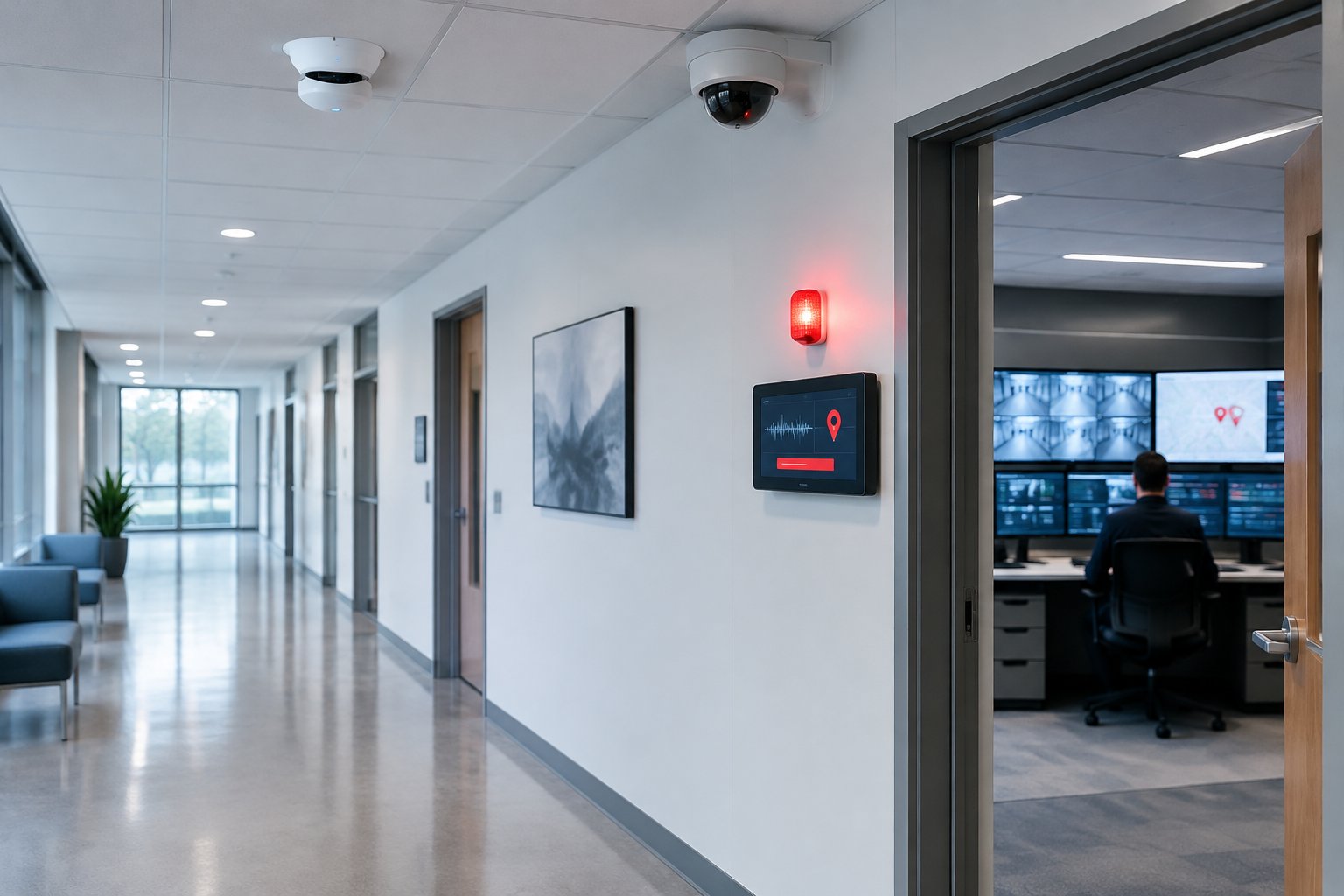
An indoor gunshot detection system uses sensors mounted on walls or ceilings to recognize gunfire by its sound and its muzzle flash, then sends an alert naming the exact room or corridor within seconds. The detection itself is only the first step. The real value comes from what the alert sets in motion: doors locking, cameras appearing on screen, instructions going out to occupants and police receiving a location before anyone has dialed.
This article is written for the people who plan that response: facility directors, office and hospital security managers, church safety teams and property managers in the Houston area. It covers how the sensors work, what a well-integrated system does in the first minute, which buildings are adopting the technology and what to check before you buy.
How Indoor Gunshot Detection Works
Indoor sensors listen and watch at the same time. Requiring two different signals before reporting an event is what separates purpose-built indoor systems from a simple loud-noise trigger.
Acoustic sensing
Each sensor contains microphones that measure sound pressure. Gunfire produces an extremely fast, very loud impulse that rises and falls in a few thousandths of a second. The sensor compares the shape, level and timing of that impulse against models of real gunfire.
Hard indoor surfaces complicate this. Concrete block, tile and glass make sound bounce, so a shot in a stairwell sounds different from one in a carpeted conference room. Good systems are tuned to the space and analyze the impulse itself, which is why they are generally designed to evaluate sound patterns rather than record conversations.
Infrared flash sensing
A firearm discharge also releases a very brief burst of infrared energy from the muzzle. A flash sensor watches for that specific signature. It does not capture images.
When the acoustic and flash readings line up within a fraction of a second, the sensor reports a confirmed event. A dropped steel door makes a bang with no flash. A camera flash makes light with no matching impulse. Requiring both is the main way indoor systems hold down false alerts, and it is also why each enclosed room or corridor generally needs a sensor with a view of that space.
Locating the event
During setup, every sensor is mapped to a point on your floor plan. When a sensor confirms a shot, the platform knows which room or hallway it came from and can follow subsequent shots as they move between zones. The alert typically carries the time, location and number of shots detected.
Response Time: What Happens in the First Minute
In most incidents, the slowest part of the response is not the police drive. It is the gap between the first shot and the first useful 911 call. People hear a loud noise and spend precious seconds deciding whether it was gunfire, then struggle to describe where it came from while moving to safety.
Automated detection shrinks that gap. A confirmed alert can reach security staff, a monitoring center and building leadership almost immediately, with a specific location attached. That accuracy matters as much as the speed: responders who know "second floor, east corridor near Room 214" can go straight to the threat instead of clearing a building floor by floor.
The response speed you actually get depends less on the sensor and more on what the alert is connected to. That is where planning pays off.
Integrating Detection With Lockdown, Cameras and Notification
A standalone sensor that only sends a text helps. A sensor wired into the rest of your building systems lets several protective steps happen at once without anyone passing messages by hand.
Access control lockdown
A confirmed event can signal your access control platform to lock exterior entrances and selected interior doors. That slows movement through the building and protects areas away from the threat.
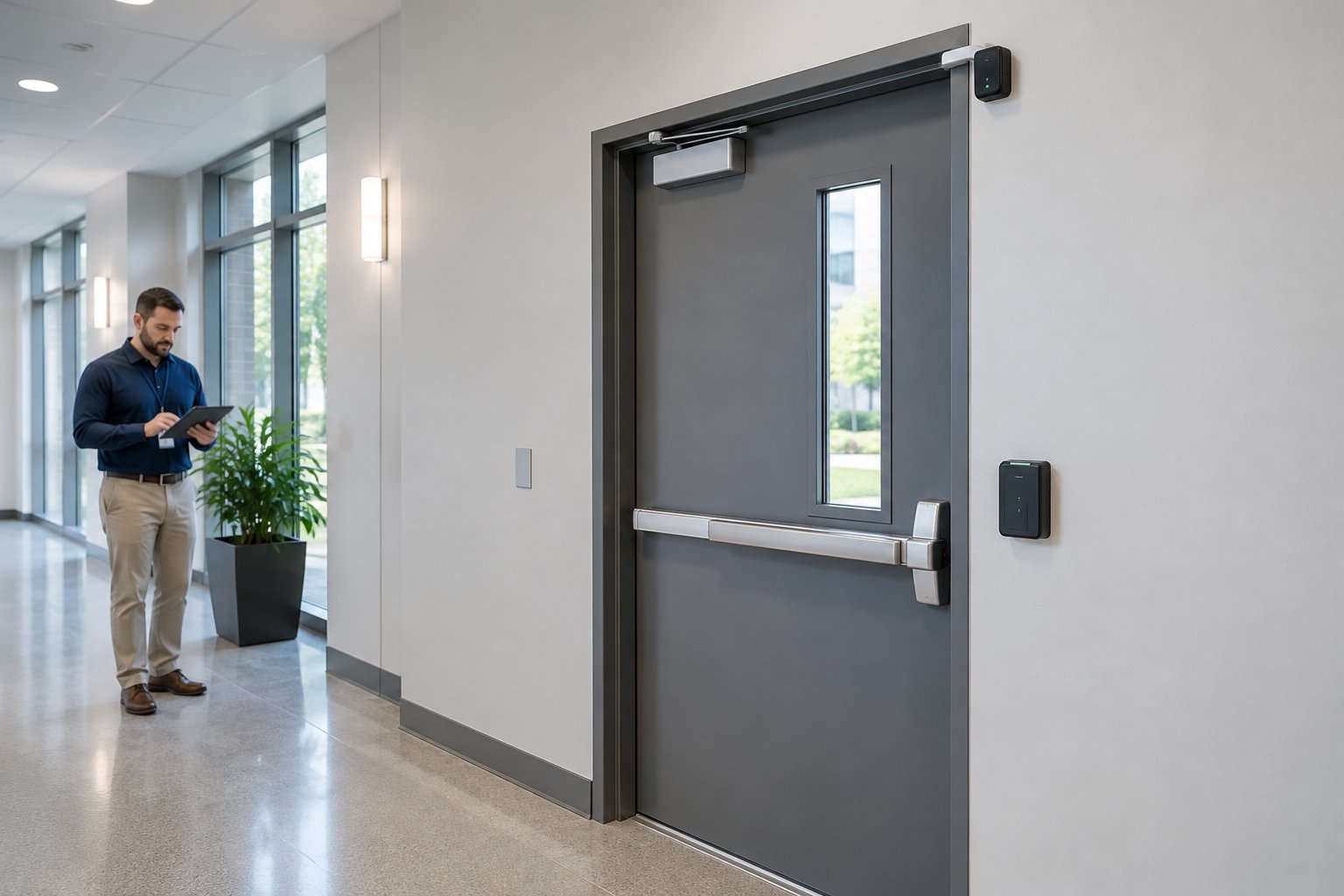
Lockdown must stop entry without trapping people. NFPA 101 and your local fire code require free egress, so exit hardware has to keep working while card readers and electric strikes deny entry. The Authority Having Jurisdiction (AHJ) has the final word on your door configuration. Alarm Masters designs commercial access control systems on the Brivo cloud platform, which can accept a lockdown signal and lock groups of doors from a single command.
Cameras on screen automatically
When a sensor fires, cameras covering that zone can pop up on the security desk or a phone. Linking events to a digital floor plan shows responders the room, the nearest exits and the route between them, so a facility manager and an arriving officer are looking at the same facts.
Mass notification and staff instructions
Occupants need clear instructions, and an alert can trigger prewritten messages automatically through speakers, desktop pop-ups, digital signs and phones. Planning mass notification systems for businesses alongside gunshot detection lets you write templates by building and zone ahead of time, such as directing people in one wing to lock in place while another wing exits.
Police and monitoring center alerts
Whether an alert reaches 911 directly or goes through a monitoring center first depends on the platform, your monitoring contract and local dispatch practice. Meet with your police department before go-live, share floor plans and door numbers, and agree on how officers will get live camera access during an incident.
How it fits with panic buttons
Detection is automatic; duress buttons are manual. Many facilities run both, because staff often recognize a threat before any shot is fired. Commercial panic button systems let a receptionist or nurse call for help discreetly, and both inputs can feed the same lockdown and notification sequence.
Facilities Adopting Indoor Gunshot Detection
Adoption tends to follow two factors: how many people a building holds and how hard it would be for occupants to describe their location in a crisis.
Hospitals operate around the clock with patients who cannot easily move, so precise location and targeted messaging let staff protect one unit without disrupting the whole facility. Corporate offices and multi-tenant towers use sensors in lobbies, open floors and stairwells, often tied to visitor management. Houses of worship have large sanctuaries, many visitors and small volunteer safety teams, and automatic alerts help a small team act quickly. Distribution centers and manufacturing plants with large workforces and multiple shifts use detection to cover long buildings where a supervisor may be hundreds of feet from the event.
Government buildings, courthouses, airports and arenas are also common sites. Each facility type needs its own sensor layout and message templates, which is why a walkthrough comes before any equipment list.
What to Ask Before You Buy
A calm, careful evaluation now saves you from a system that sends false alarms or misses events later.
- Is the product designed and tested for indoor use? Outdoor neighborhood networks solve a different problem and their results say little about a tile hallway.
- What are the false alert rate and the missed detection rate, and under what test conditions were they measured?
- Does the sensor store any audio? How long is event data kept, and who can access it?
- Which access control, video and notification platforms does it integrate with today, and does that include your existing equipment?
- What are the annual software, monitoring and support costs on top of the hardware?
Some vendors cite certification under the federal SAFETY Act. Ask for the official documentation and confirm it covers the exact product and version being quoted.
Installation, Testing and Upkeep
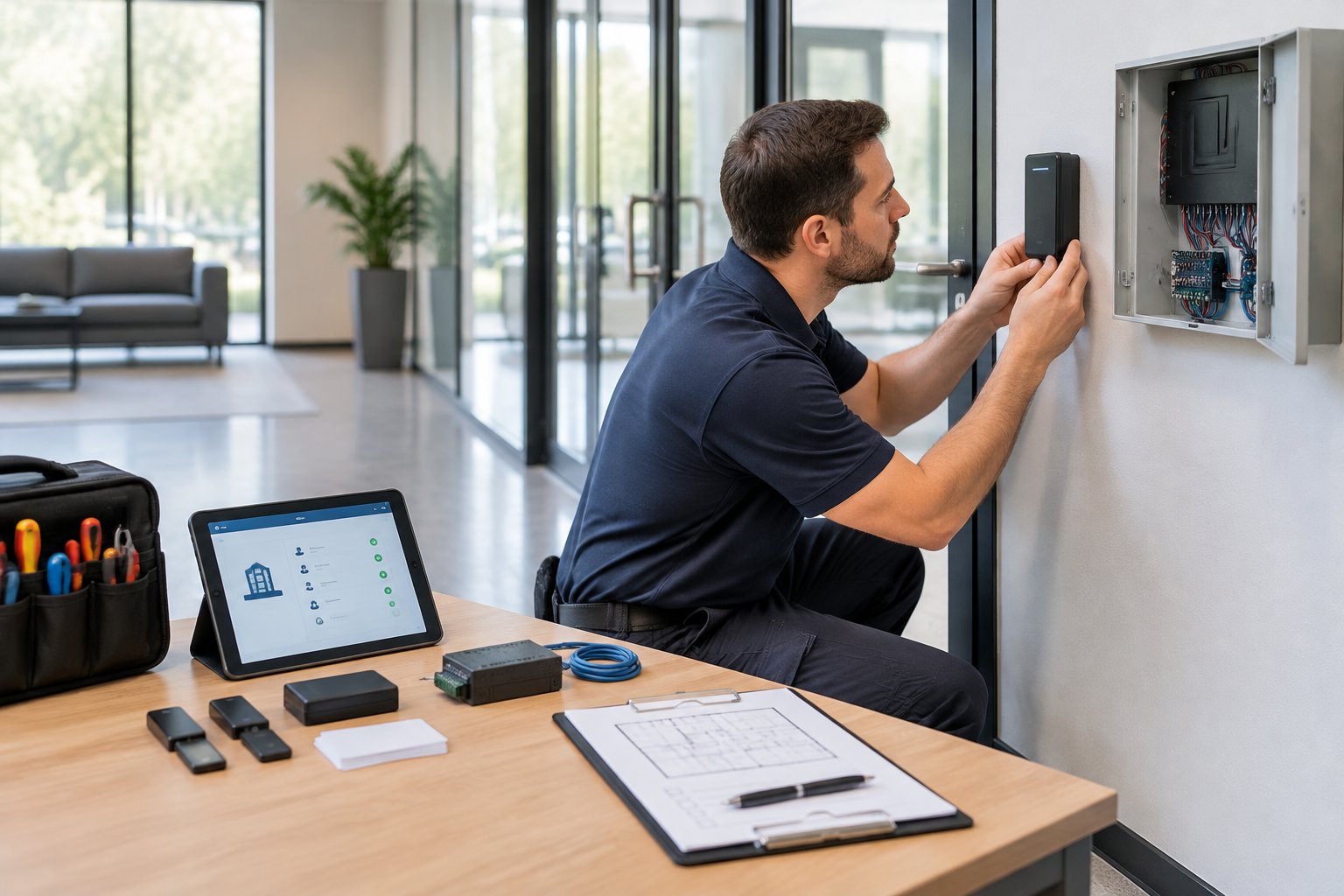
A project starts with a site walk that reviews floor plans, ceiling heights, room sizes and wall materials. Coverage gaps tend to hide in stairwells, restrooms, storage rooms and corners trimmed from the plan to save money, so decide early which spaces must be covered.
Most sensors run on Power over Ethernet, so older buildings may need new cabling or network switches. In Greater Houston, plan for hurricane-season outages: put switches and controllers on battery backup and consider a cellular path for alerts.
Before acceptance, vendors use safe test devices that simulate gunfire signatures to confirm every sensor reports the right location and triggers the right doors, cameras and messages. Repeat that testing after renovations, since moved walls change coverage, and include the system in your regular emergency drills.
Turn Detection Into a Coordinated Response
A gunshot detection system earns its place when the alert drives a response your people have practiced. Alarm Masters designs access control, video, PA and monitoring as one integrated system, holds Texas State License #B-06372, and follows every installation with Hypercare Service so the integrations keep working long after go-live. Call 281-933-3900 or request a free estimate to start with a site walk of your facility.
Frequently Asked Questions
How many sensors does a building need?
It depends on how many enclosed spaces you want covered. Because flash sensing needs a view of the space, a building with many small offices or patient rooms needs more sensors than an open warehouse of similar size. A floor plan review gives you an accurate count.
Will a gunshot detection system go off during a fire alarm or a loud event?
Indoor systems that require both acoustic and infrared confirmation are designed to ignore alarm horns, music and applause. Ask vendors how their product handles events specific to your building, such as gym games or concerts, and test those scenarios during commissioning.
Can sensors be added to a building that already has cameras and card readers?
Yes, in many cases. The key question is whether your current access control and video platforms accept the detection system's signals. Older equipment may need a software update or a controller upgrade before lockdown and camera pop-ups work.
Who should receive the first alert?
Most facilities send it to on-site security or a monitoring center plus a short list of leaders, then follow a written escalation path to police. The right answer depends on staffing at different times of day, so plan for nights and weekends as carefully as business hours.
Does the system need ongoing maintenance?
Yes. Plan for firmware updates, periodic sensor health checks and full function testing at least once a year, plus re-testing after any remodel or network change.


.svg)


.svg)


