When you are away from your home or business, a fire alarm going off is something you need to know about straight away. Mobile phone notifications from fire alarms provide a vital layer of safety, ensuring that you receive real-time alerts about smoke or fire, even when you're away. When your fire alarm is professionally monitored and connected to a mobile app, you hear about a problem in seconds and can act on it, while trained operators make sure the fire department is on the way.
Imagine being at work or out with friends and getting an instant notification if your alarm is triggered. That alert lets you call family, check on staff, or head back to the property while help is already being dispatched. Whether you look after a family home, an office or a multi-site business, you stay connected to the safety of the building wherever you are.
For property owners and managers in the greater Houston area, mobile fire alarm notifications are a simple way to strengthen your overall safety plan. Fires can start without warning, and knowing about one immediately gives you the best chance to protect people and property.
How Mobile Phone Fire Alarm Notifications Work
Mobile phone notifications for fire alarms are essential for quick responses during emergencies. Understanding how these systems operate can enhance your fire safety measures by ensuring that you receive alerts promptly and can act swiftly.
Overview of Mobile Fire Notifications
Mobile fire alarm notifications work by connecting your fire alarm control panel to a monitoring service and a smartphone app. These notifications are triggered when the fire alarm detects smoke, heat, or other indicators of a fire.
Key Features:
- Instant Alerts: You receive notifications immediately as an alarm is activated.
- Remote Monitoring: Keep an eye on your fire alarm status from anywhere.
Some systems even provide real-time updates to maintain situational awareness, allowing you to respond effectively to emergencies.
Types of Notification Methods
There are several methods through which fire alarm notifications reach your mobile device:
- Push Notifications: Delivered directly through an app associated with your fire alarm system. They provide timely updates when an alarm is triggered.
- Text Messages: Many systems can send SMS alerts to your phone, ensuring you are notified even when you do not have app notifications enabled.
- Email Alerts: Some setups offer email notifications that keep you informed about your fire alarm status, including alerts of any system malfunctions.
Each method offers different levels of immediacy, ensuring you receive critical information no matter your circumstances.
Integration with Fire Alarm Systems
Integration of mobile notifications with fire alarm systems enhances your fire safety strategy. Most modern fire alarm systems support app connectivity, allowing seamless communication.
Common Integration Features:
- One App for Everything: The same app can show your fire alarm, burglar alarm, video and access control, so you see the full picture in one place.
- Central Control Panels: These panels help coordinate notifications from multiple sensors, providing a comprehensive alarm network.
To enjoy the full benefits, your fire alarm system should be designed and installed by licensed professionals, so it meets code and every alert reaches the right people. A phone alert is a helpful extra, but it should always sit alongside 24/7 central station monitoring rather than replace it.
Key Components and Technologies
Understanding the key components and technologies in fire alarm notifications on mobile phones is crucial for effective implementation. These elements ensure timely alerts and accurate detection of fire hazards, providing safety to occupants.
Role of Sensors in Fire Detection
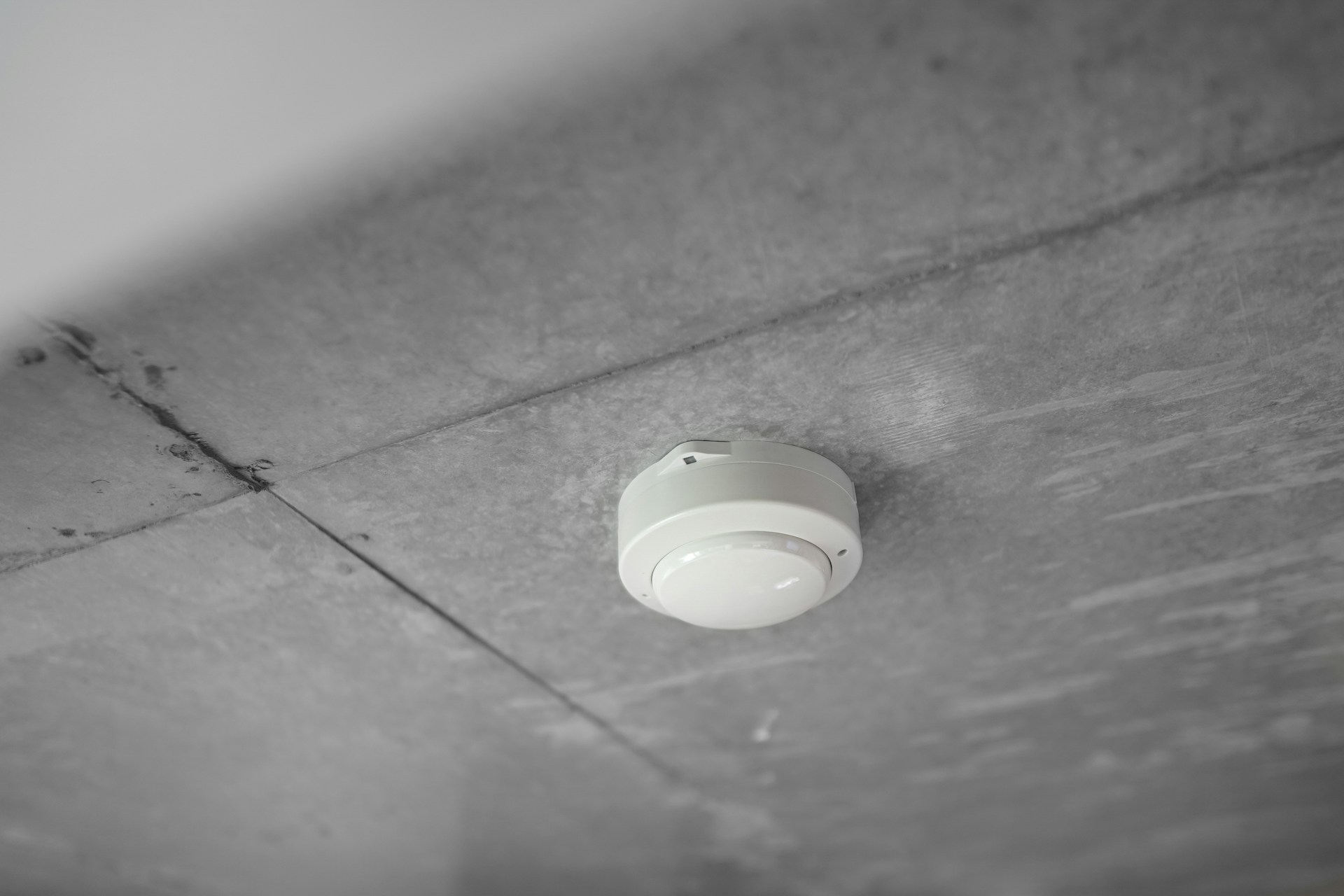
Sensors are vital for early fire detection. Common types include temperature sensors, smoke detectors, and gas sensors. Temperature sensors monitor changes in heat levels, while smoke detectors use photoelectric or ionization methods to identify smoke particles.
Carbon monoxide detectors add another layer of protection, warning you about a dangerous gas you cannot see or smell. When connected to a monitored system, every device reports straight back to the fire alarm control panel.
A professional installer chooses the right detector for each space, such as heat detectors in kitchens and garages where smoke detectors would cause nuisance alarms. Getting placement and sensitivity right means you receive prompt alerts for real danger without constant false alarms.
Control Panels and Communicators
The fire alarm control panel is the brain of your system. It receives signals from every detector, pull station and sprinkler flow switch, sounds the alarms on site and passes the signal on to the monitoring center.
A communicator connects the panel to the outside world. Many older systems still use phone lines, which are being phased out, so cellular communicators are now the reliable choice. They send alarm, supervisory and trouble signals to the central station, which can then push alerts to your phone by app, text or email.
Choosing the right panel and communicator for your building means signals are processed quickly and clearly, so you receive a notification as soon as a fire hazard is detected.
System Design and Implementation
Good fire alarm design ties detectors, notification appliances, the control panel and the communicator together so they work in harmony. It starts with a careful look at your building, its occupancy and the codes that apply to it.
Once the design is approved, installation follows the plan, and the system is tested end to end, including the signals that reach the monitoring center and your phone. A clean, well-documented installation is easier to inspect, maintain and expand.
It also pays to plan for the future. A design with spare capacity makes it simple to add detectors, extend coverage to a new wing or connect video and access control later on.
Popular Solutions and Platforms
Modern fire alarm notification systems have evolved significantly, providing you with options for real-time alerts and improved emergency response. You can choose from app-based solutions, IoT-connected systems, or GSM and cellular notification options that cater specifically to your needs.
App-Based Notification Systems
Mobile applications are central to many fire alarm systems today. With these apps, you receive immediate notifications directly to your smartphone when an alarm is triggered.
With a professionally monitored system, the app shows you the alarm type, the zone or device involved and the status of the response, so you can make quick, informed decisions.
Notifications can include audio alerts, text messages, and visual alerts, ensuring you're always informed. Many apps also let you review event history and manage who receives alerts, which is especially useful if you look after more than one property in the greater Houston area.
IoT and Cloud-Connected Fire Alert Systems
Internet of Things (IoT) technology enhances fire alarm systems by providing connectivity and automation. IoT-connected systems collect data from sensors and transmit alerts directly to your mobile device.
These systems often utilize cloud platforms for storage and analysis, which can improve decision-making during emergencies. For instance, cloud-connected solutions can track multiple sensors across a facility and send alerts via mobile apps without delay.
Cloud-connected monitoring means you can see the status of your premises from anywhere, even when you are not on site in Houston.
GSM and Cellular Notification Options
GSM (Global System for Mobile Communications) and cellular notification options provide an alternative way of receiving alerts. These options are especially useful in areas where Wi-Fi connectivity may be unreliable.
When a fire alarm is activated, GSM systems will initiate a pre-programmed response, sending you notifications through cellular networks without needing a broadband connection.
Fire alarm systems equipped with cellular dialers ensure that alerts reach you instantly. This technology helps you stay informed wherever you are, making it a reliable choice for fire safety management in your facility.
Implementation and Setup Considerations
When implementing a fire alarm notification system on mobile phones, specific requirements and configurations must be addressed. This section covers system installation, app configurations, and essential security measures for effective operation.
System Installation Requirements
Effective fire alarm notifications depend on the right equipment working together. You need a code-compliant fire alarm control panel, the right detectors for each space and a cellular communicator that connects to a monitoring center and its mobile app.
The installation environment matters too. Devices need to be positioned where they detect smoke or heat efficiently, using smoke detectors, heat detectors or specialty detection where the space calls for it. In commercial buildings, the layout must follow fire code and the approved plans.
Fire alarm panels also need a dedicated power supply and backup batteries, so the system keeps working and sending signals during a power outage.
Configuring Mobile App Notifications
Configuring your mobile notifications properly is key to timely alerts. Your monitoring provider sets up the app account linked to your system and helps you decide who should receive which alerts.
In the app settings, enable push notifications and text alerts, and keep your contact list up to date. Test the notifications during scheduled system tests so you know every contact receives them as intended.
Most apps let you choose a distinct alert tone for fire alarms. Use it, so a fire alert always stands out from everyday notifications.
Ensuring Data Security and Privacy
Data security is critical when implementing fire alarm notifications. Use encrypted communication channels between your fire alarm system and mobile application to protect data from interception. Choose a reputable, licensed provider for your monitoring and connected services.
Regularly update your application to patch security vulnerabilities. Create strong passwords for accounts associated with the fire alarm system. Ensure that your mobile device also employs security measures, such as biometric authentication or strong passcodes.
Moreover, maintain confidentiality regarding user information. Comply with local data protection regulations to safeguard users' privacy while ensuring rapid and effective fire alerts. Following these measures will enhance trust in your fire alarm notification system.
Use Cases and Benefits
Fire alarm notifications on mobile phones provide critical advantages in enhancing fire safety for both homes and businesses. These systems utilize advanced sensors and connectivity to ensure timely alerts, ultimately increasing the effectiveness of fire response efforts.
Applications in Homes and Businesses
In residential settings, mobile fire alarm notifications allow homeowners to receive alerts directly on their smartphones. This ensures that even if you are not at home, you can stay informed about potential fire hazards. The technology connects to sensors that monitor smoke, heat, and carbon monoxide levels, providing real-time data.
Businesses benefit similarly by integrating mobile notifications into their fire safety protocols. For instance, employees or managers can receive alerts about fire alarms or system malfunctions. This enables quicker reaction times, protecting both life and property.
Scalability for Large Buildings
For large buildings, scalability is a significant advantage of mobile fire alarm systems. Whether you manage a multi-story office or a warehouse, these systems can be customized to incorporate numerous sensors and alert protocols without compromising performance.
The integration of mobile technology allows for centralized monitoring of all fire alarms within the building. This means you can manage alerts from a single platform while ensuring that each sensor is relaying information accurately. You can quickly adapt the system as your building expands or changes.
Improving Emergency Response and Evacuation
The real-time nature of mobile notifications enhances emergency response and evacuation procedures. When a fire alarm is activated, notifications are sent immediately to your mobile device, alerting you and others on-site. Instant communication can save valuable minutes during a fire emergency.
Furthermore, these systems can transmit specific information, such as the location of the fire. This data assists emergency responders in navigating to the source quickly. You can also connect the alarm system to pre-existing evacuation plans, ensuring all occupants are informed properly.
Frequently Asked Questions
Fire alarm notifications on mobile phones have become increasingly popular. They offer timely alerts about potential dangers, improving safety and response time. Here are some key questions related to these systems.
How do I receive fire alarm notifications on my mobile device?
The most reliable way is to have your fire alarm system professionally monitored with a cellular communicator and a linked mobile app. When a detector senses smoke or fire, the panel signals the monitoring center, which dispatches help and sends a real-time alert to your phone.
Can a smoke detector also detect carbon monoxide and send alerts to a phone?
Yes, many modern smoke detectors are equipped to detect both smoke and carbon monoxide. When these detectors sense carbon monoxide levels, they can send alerts to your mobile device, helping you take swift action in emergencies.
How can I connect my smoke detector to Wi-Fi for mobile notifications?
Standalone Wi-Fi smoke detectors connect through their own app, but they rely on your internet connection and usually are not monitored. For dependable alerts, connect your detectors to a monitored alarm system that uses a cellular communicator, so signals still go out if your Wi-Fi or power goes down.
What options are available for smoke detectors that provide app-based notifications?
The strongest option is a professionally monitored system where your smoke and heat detectors connect to the alarm panel and one app. You can receive alerts, check system status and review history right from your smartphone, while trained operators handle the emergency response.
Get Fire Alarm Alerts on Your Phone With Alarm Masters
Alarm Masters is a family-owned company that has been protecting Texas since 1990. We design, install, monitor, inspect and maintain fire alarm systems, and we can take over monitoring of the system you already have. With cellular communicators and one app for your fire alarm, burglar alarm, video and access control, you always know what is happening at your property. Learn more about our fire alarm systems and 24/7 monitoring, then request a free estimate or call 281-933-3900.