.svg)
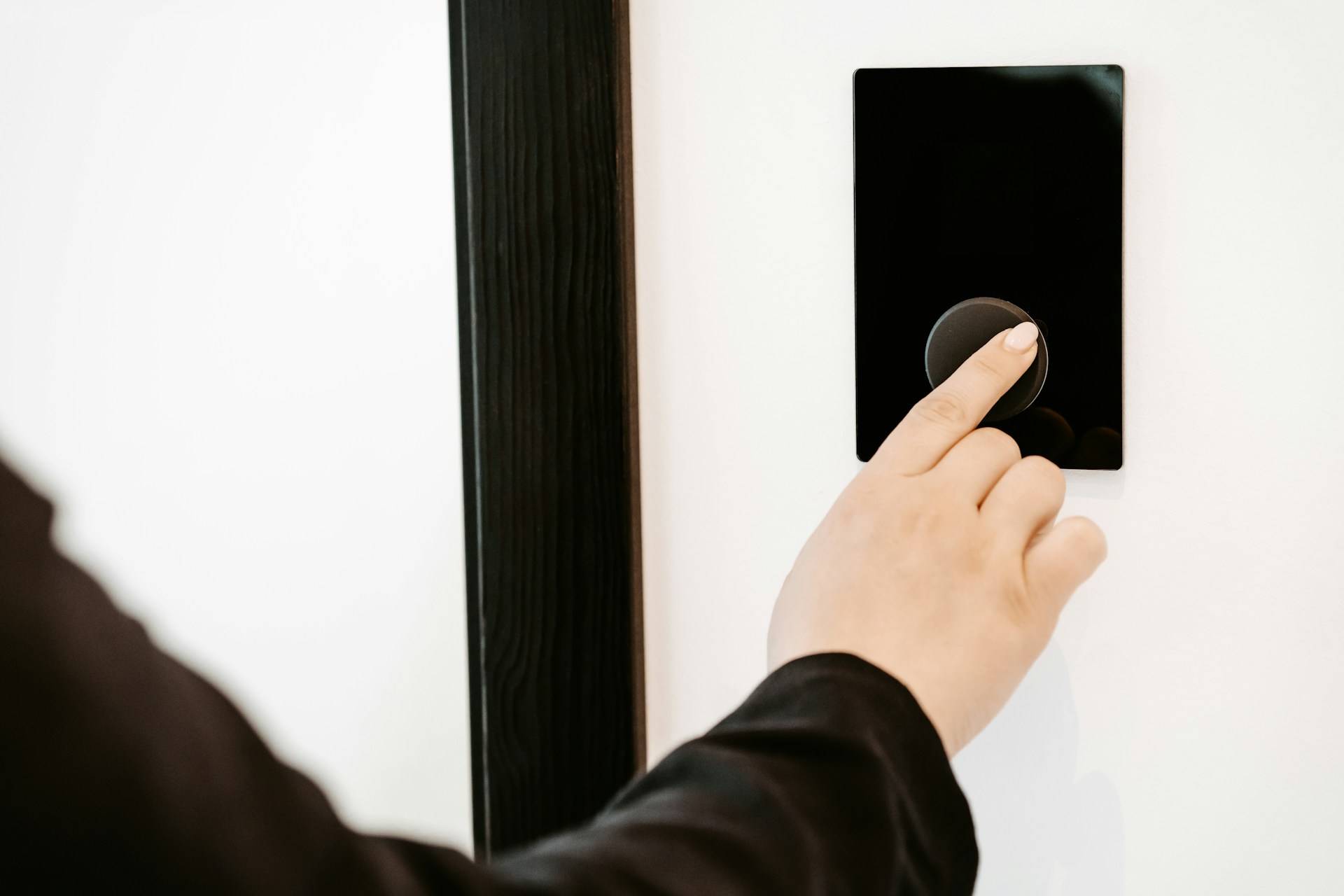
A door access control system replaces traditional keys with electronic credentials, so you decide who enters your property and when. Instead of handing out metal keys that can be copied, lost, or never returned, you manage entry through cards, fobs, mobile phones, or PIN codes. Permissions can be updated, scheduled, or revoked in seconds from a computer or phone.
For Texas homeowners and business owners, a well-designed door access control system protects your people and property while simplifying how you manage entry points every day. Whether you run a small office in Spring, manage a retail location in The Woodlands, or own a home in the greater Houston area, the right system fits your building, your budget, and your routine.
This guide explains how access control works, the credential and hardware options available in 2026, realistic costs, and the Texas-specific code and compliance factors that matter. You will find clear, practical advice for both commercial door access and residential entry security.
If you would rather talk it through with someone who installs these systems every week, our team is happy to walk your doors with you and map out a plan. Take a look at our access control solutions to see what a right-sized system could look like for your building.
What It Does And How It Works
Every door access control system runs on four core components: a credential (what you carry or present), a reader (what reads your credential at the door), a controller (the brain that checks permissions), and a locking mechanism (the hardware that locks or unlocks the door). Management software ties it all together and lets you control who gets in, when, and where.
How Credentials, Readers, And Controllers Work Together
Your credential is the digital "key" you present at the door. It might be a key card, fob, smartphone app, or PIN. The reader is the device mounted near the door that picks up your credential data the moment you tap a card or open an app.
That data travels to the controller, a small panel typically mounted in a utility closet or above the ceiling. The controller checks the credential against its stored list of permissions. If you are authorized for that door at that time, it sends a signal to the locking mechanism to release. If not, the door stays locked.
The management software is where your administrator sets up users, assigns access levels, and creates schedules. A cloud-based platform lets you do all of this remotely from a browser or app, while on-premise software runs on a local server inside your building.
What Happens When A User Requests Entry
The whole process takes about one to two seconds from start to finish. You present your credential at the reader, and the reader transmits the data to the controller. The controller verifies your identity, checks your permission level, and confirms that the time and door match your access schedule.
If everything checks out, the controller sends an unlock signal to the electric strike or magnetic lock on the door, and you pull or push it open and walk through. If your credential is expired, revoked, or not authorized for that door, the lock stays engaged and the system records the denied attempt.
How Access Events Are Logged And Managed
Access control systems automatically log every event at every door. Each entry records who presented a credential, which door was involved, the exact date and time, and whether access was granted or denied. These records live in your management software.
When a package goes missing, an after-hours entry needs investigation, or you need to verify contractor visits, you can pull a timestamped report in minutes. For commercial properties in Houston, detailed access logs also support compliance documentation and can satisfy audit requirements from insurers or regulatory agencies.
Credential And Reader Options
Choosing the right credential and reader combination shapes both security and daily convenience. The main credential types include key cards and fobs, mobile credentials on a smartphone, PIN codes entered on a keypad, and biometric options like facial recognition. Each has trade-offs in cost, ease of use, and security strength.
Key Cards And Fobs Vs Mobile Credentials
RFID cards and fobs have been the standard in commercial door access for years. They are inexpensive to issue, easy to carry, and familiar to most users. A card reader or fob reader mounts next to the door, and users tap or wave their credential to unlock. The downside is that cards and fobs can be lost, shared, or forgotten at home.
Mobile credentials use your smartphone as the key. Through Bluetooth Low Energy (BLE) or NFC, your phone communicates with the reader when you hold it near the door, or even when it is still in your pocket, depending on the system. If a phone is lost or stolen, you revoke the credential instantly from your dashboard, and the phone's own lock screen and biometric authentication add another layer of protection. Digital credentials are increasingly the baseline expectation in newer office buildings and multifamily properties across the Houston area.
When PIN Codes Make Sense
Keypads work well in lower-risk areas where you do not want to issue physical credentials, such as back doors, shared storage rooms, or break areas. Users simply enter a PIN code to unlock the door, so there is nothing to carry or lose.
The weakness of PIN codes is that they can be shared or observed. If a PIN leaks, you change it and redistribute the new code to authorized users. For higher-security applications, pair a keypad with a card reader or mobile credential for two-factor verification. This combination is common in server rooms, pharmacies, and restricted commercial areas.
Where Video Intercom And Facial Recognition Fit
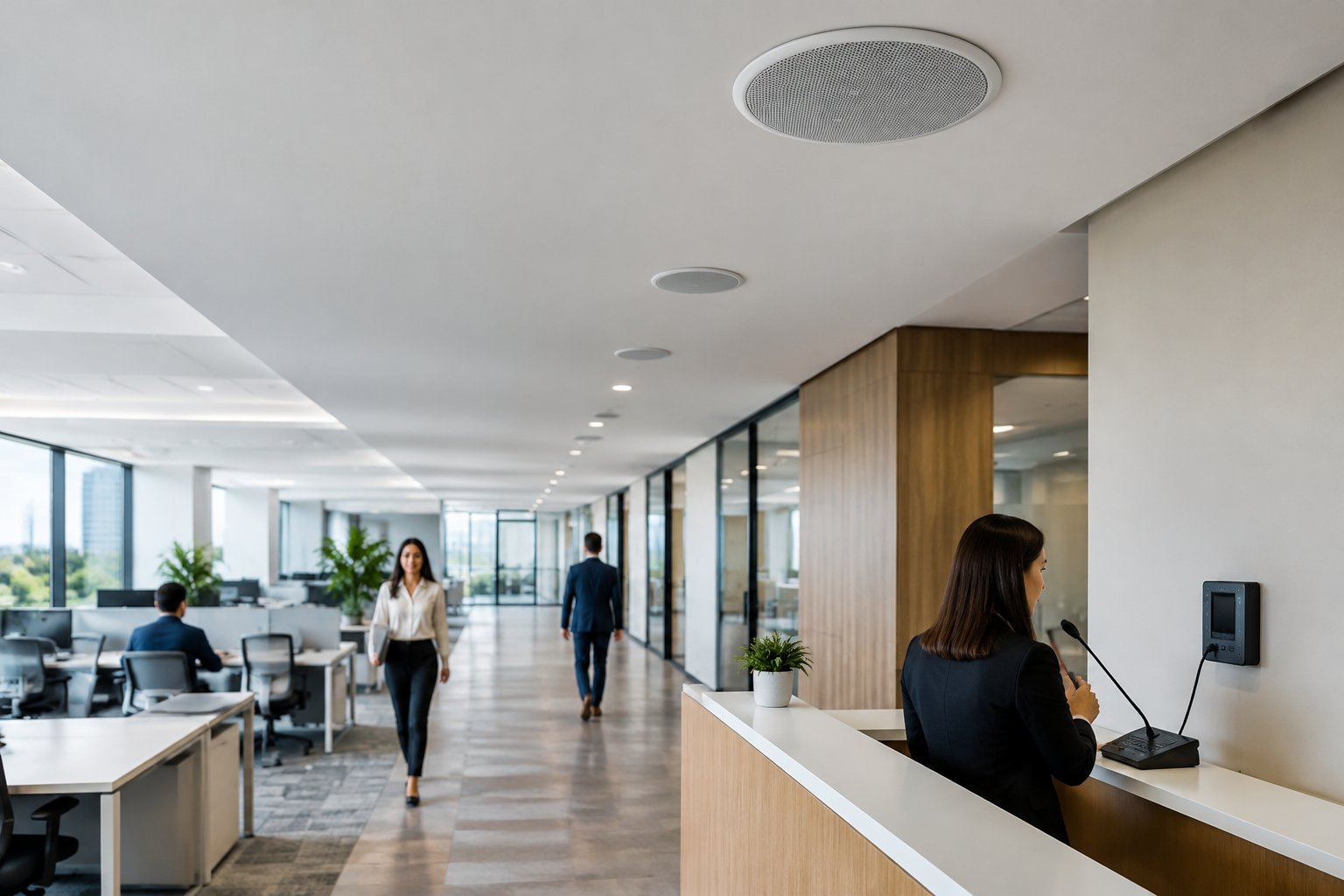
A video intercom lets you see and speak with a visitor before granting entry, which is valuable for front lobbies, gated entries, and residential properties where you want to confirm who is at the door before buzzing them in. Many modern intercom and entry systems integrate directly with your access control platform, so the visitor's image and entry event are logged together.
Facial recognition readers verify identity by scanning a person's face against an enrolled profile, removing the need to carry any credential at all. Before deploying facial recognition in Texas, be aware that the state has biometric privacy laws that require notice and consent for collecting biometric data. Confirm your obligations with legal counsel and your access control installer before you roll out this type of reader.
Door Hardware, Software, And System Types
The physical lock on your door and the software that manages permissions are both important decisions. Your lock type determines how the door secures and releases, while your software model determines how you manage users, schedules, and system updates day to day.
Electric Strike Vs Magnetic Locks
An electric strike replaces the standard strike plate in your door frame. When the system sends an unlock signal, the strike releases and allows the door to open. Electric strikes work with most standard door handles and are common on office doors, interior entries, and many commercial applications. They are typically fail-secure, meaning the door stays locked if power is lost, which is important for security-sensitive areas.
Magnetic locks, or mag locks, use an electromagnetic plate mounted on the door frame and a matching armature plate on the door. When powered, the magnet holds the door closed with significant force, often 600 to 1,200 pounds. Mag locks are fail-safe by design: if power is cut, the magnet releases and the door opens freely. That makes them appropriate for doors that serve as emergency exits, since fire code requires free egress during a power failure. Your installer will help you match the right locking mechanism to each door based on its use, location, and code requirements.
Cloud-Based Access Control Vs On-Premise Access Control
Cloud-based access control stores your data and runs your management software on secure remote servers. You log into a web dashboard or mobile app to add users, change permissions, pull reports, or check live door status from anywhere. Software updates happen automatically, a monthly subscription typically covers the platform, and you avoid maintaining a local server.
On-premise access control runs everything on a server located in your building. You have complete physical control over your data, and the system operates independently of internet connectivity. The trade-off is higher upfront hardware cost, the responsibility of maintaining the server, and the need to be on-site (or use a VPN) for most management tasks. Larger commercial properties in the Houston area with strict data-handling policies sometimes prefer on-premise setups, while smaller offices and residential properties tend to favor cloud-based access control for its simplicity and remote management.
How Remote Management Changes Daily Operations
Remote management is one of the biggest practical advantages of a modern door access control system. With a cloud-based platform, you can grant a contractor temporary access from your phone while you are across town, or lock down an entire building during an emergency with a few taps. You can review access logs, adjust schedules, and deactivate lost credentials without driving to the property.
For property managers overseeing multiple Houston-area locations, remote management eliminates trips between buildings just to update a user or check a door status. It also speeds up response time when an issue arises, because you can act immediately instead of waiting until you are on-site.
Choosing The Right Fit For Your Building
Your building type, daily traffic patterns, and growth plans should drive your access control decisions. A four-door office suite in Spring has different needs than a 200-unit apartment complex in Houston or a warehouse in the Ship Channel area. The right system handles today's requirements and scales as your needs change.
Office, Retail, Industrial, And Multifamily Needs
In an office setting, commercial door access typically covers the main entrance, server or IT rooms, and executive areas. Role-based permissions work well here. You assign access by department or seniority, so marketing staff can reach their floor but not the finance suite, and card readers or mobile credentials keep entry fast during the morning rush. You can see how this fits into a broader commercial security setup when access control is paired with alarms and video.
Retail locations often need access control on back-of-house doors, stockrooms, and after-hours entries, with flexible schedules for employees who work varying shifts. Industrial facilities and warehouses require ruggedized hardware that handles dust, heat, and heavy use, and outdoor readers at loading docks and perimeter gates need weather ratings appropriate for Houston's heat and humidity.
Multifamily properties need a system that handles dozens or hundreds of residents, guests, and delivery drivers. Video intercom at the main entrance lets residents verify visitors, and mobile credentials reduce the cost and hassle of issuing and replacing key fobs for every move-in and move-out.
Residential And Small Business Considerations
If you own a home in the Houston area or run a small business with one to three doors, a full enterprise system is more than you need. A smart lock with access control features, paired with a simple cloud platform, can give you keyless entry, guest codes, and basic activity logs at a fraction of the cost. Our residential security options can help you keep it simple while still covering the doors that matter most.
For small businesses, a single-door or two-door system with a card reader or keypad at the front entrance and a mobile app for management is often the right starting point. Look for systems that let you add doors later without replacing your existing hardware. A good installer will steer you toward equipment that scales from a small installation to a multi-site deployment, so you are not boxed in as you grow.
Visitor Management, Access Schedules, And Growth Planning
Visitor management features let you pre-register guests, issue temporary credentials, and track visitor entry and exit. This matters for offices that host clients, buildings that receive regular deliveries, and any property where you need an auditable record of non-tenant access.
Access schedules let you restrict entry by time of day and day of week. You might give cleaning crews access only between 7 p.m. and 11 p.m., or limit a contractor's credential to a specific two-week window. These controls reduce risk without requiring you to monitor every door in real time.
Plan for growth when you choose your system. Ask how many doors the platform supports, whether adding a door requires new controllers or just new readers, and what the per-door cost looks like at 10, 20, or 50 doors. Choosing a scalable system now saves you from a costly rip-and-replace project later.
Typical Costs And What Affects Pricing
Access control pricing varies widely based on the number of doors, credential type, hardware quality, and whether you choose cloud-based or on-premise software. Getting a realistic picture of costs before you request proposals helps you compare options and avoid surprises.
Typical Cost Per Door In 2026
Professional installation of a door access control system typically costs $1,500 to $5,000 per door for most commercial installations in the Houston and greater Texas area. This range covers hardware (reader, controller, locking mechanism), wiring, labor, and first-year software licensing.
Simpler setups with a keypad or basic card reader on a single interior door can come in under $1,500. High-security doors with biometric readers, video intercom, and heavy-duty mag locks can push past $5,000. For a small office with two doors, expect a total system cost in the range of $3,000 to $6,000, while a mid-size configuration of four to six doors usually falls between $7,000 and $15,000. These are typical ranges, not firm quotes, and your actual cost depends on your building's specific layout, wiring condition, and the features you select.
What Drives Installation And Upgrade Costs
Several factors affect installation and upgrade costs. New construction with pre-wired door frames usually costs less than retrofitting finished buildings, where installers need to run cables through walls and ceilings. The number of doors is a major driver, and so is the type of locking mechanism, since magnetic locks often need more labor than electric strikes because of extra mounting and power requirements.
Cloud-based management software charges a monthly fee per door, which keeps upfront costs down but adds up over time. On-premise software needs a larger initial investment in a server and license, so it avoids monthly fees but costs more at the start. Credential choice matters too: mobile credentials reduce ongoing expenses for printing and replacing lost cards, while biometric readers cost more per unit than card or mobile options.
How To Compare Proposals From An Access Control Installer
When reviewing proposals, compare them line by line. Make sure each quote covers the same scope: hardware, wiring, labor, controllers, management software, and any recurring fees. Ask whether the quoted price includes programming, user setup, and training, and check how each installer handles ongoing support. Some include a warranty with free service calls, while others charge from the start.
Find out the cost to add doors in the future, because a low per-door price now may not save money if adding a door later requires an expensive new controller. Ask for references from properties similar to yours in size and type. Installers with real experience in Houston commercial access control know local building codes, permitting, and the challenges of working in Texas heat and humidity.
Code, Life Safety, And Local Installation Factors
Access control hardware must work with your fire alarm system and meet local building and fire codes. Skipping these steps can create liability, fail inspections, and put people at risk. Every door with electronic locking hardware needs evaluation for emergency exit, fire separation, and code compliance.
Fire Alarm Integration And Free Egress Basics
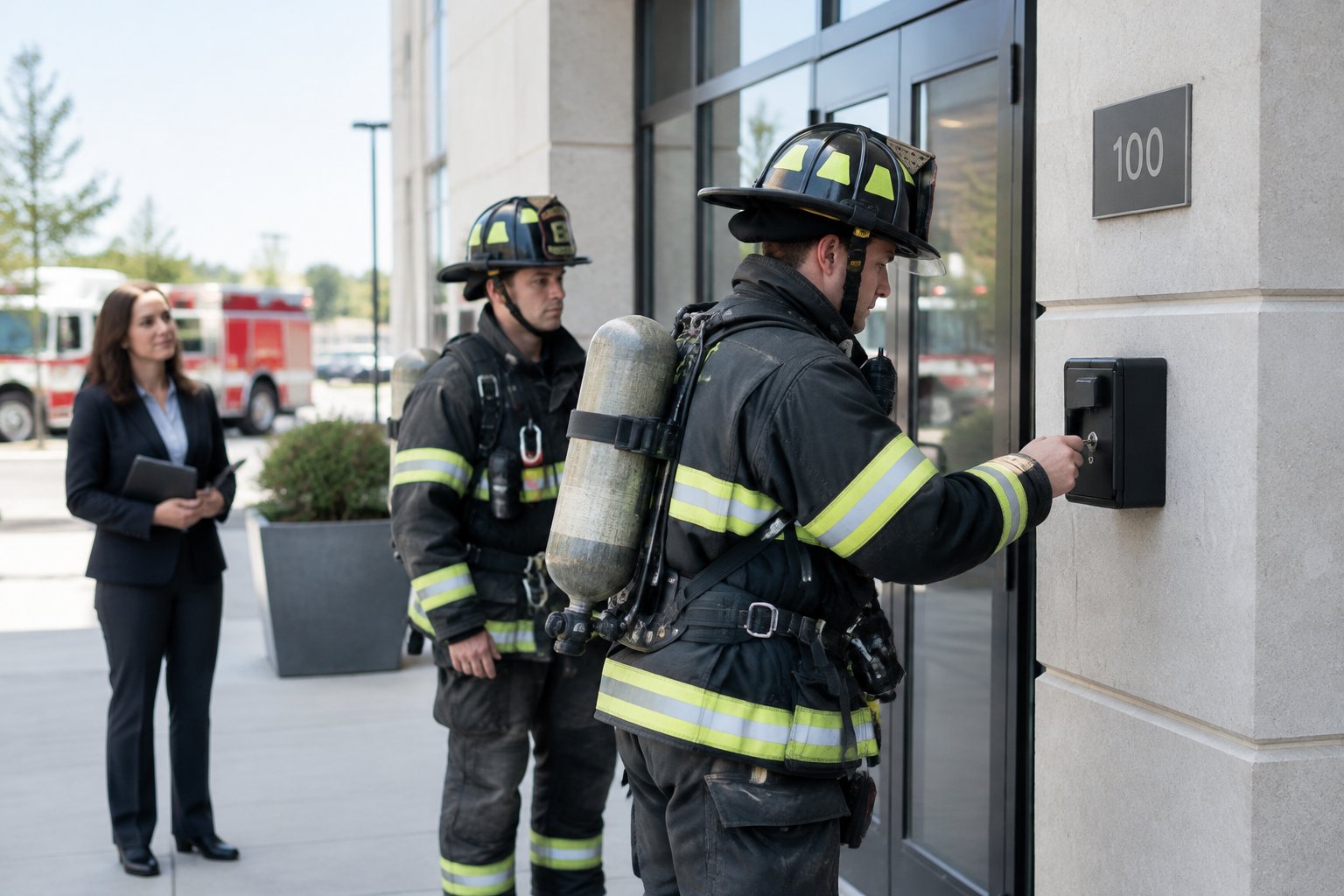
Texas fire codes require all access-controlled doors on exit routes to unlock automatically during a fire alarm, which means your access control system must connect with your fire alarm panel. When the fire alarm activates, all mag locks and electric strikes on exit paths must unlock right away so people can leave without a credential, key, or special knowledge.
Mag locks are fail-safe, releasing when power is cut or a fire alarm signal is received. Electric strikes can be fail-safe or fail-secure, so wiring must match the door's role in your exit plan. Delayed egress hardware is allowed in some cases, but the rules are strict: a local alarm must sound, and the delay generally cannot exceed 15 seconds, though some jurisdictions allow up to 30 seconds where the AHJ approves. Every access-controlled door also needs a request-to-exit device, like a motion sensor or push button, on the inside so people can always exit freely.
Texas Permits, Compliance, And Licensed Work
In Texas, installing access control on commercial properties usually requires a permit from the local authority having jurisdiction (AHJ). Your installer should handle permits and inspections and make sure the installation meets NFPA 101 (Life Safety Code) and the International Building Code as adopted locally.
Any work involving low-voltage wiring for access control and fire alarm integration must be done by licensed professionals. The State of Texas requires security system installers to hold a license from the Texas Department of Public Safety. Hiring an unlicensed installer can void your insurance and create code violations that surface during fire marshal inspections. Alarm Masters uses licensed technicians across Houston and greater Texas and handles permitting for every commercial installation.
Questions To Ask Before You Buy
Before choosing a system, ask your installer:
- Does this system integrate with my existing fire alarm panel?
- Will all access-controlled doors on exit routes unlock automatically during a fire alarm?
- Are you licensed by the Texas Department of Public Safety for security system installation?
- Who pulls the permits and coordinates inspections with the local AHJ?
- What happens to door locks during a power outage or internet failure?
- Can the system scale if I add doors or locations later?
- What is included in your service agreement after installation?
Clear answers to these questions help you avoid compliance issues and unexpected costs down the road.
Adding or upgrading a door access control system for your Houston-area home or business starts with a plan built around your specific doors. Our licensed technicians will help you choose the right hardware, handle the permits, and connect your access control with your fire alarm and security systems, all backed by our 48-hour guaranteed service turnaround. Call 281-933-3900 or request a free, no-obligation estimate and we will map out the right fit for your doors.
Frequently Asked Questions
What is an access control system and how does it work for securing doors?
An access control system replaces physical keys with electronic credentials like key cards, fobs, mobile apps, or PIN codes. When you present your credential at a reader, the system checks your permissions and unlocks the door if allowed. Every entry attempt is logged with a timestamp for security and accountability.
How much does it typically cost to install access control for a small office or business?
For a small office with one to three doors, installed costs usually range from $1,500 to $5,000 per door, which includes hardware, wiring, labor, and first-year software. A typical two-door system costs $3,000 to $6,000 total. Your actual cost depends on building wiring, credential and reader types, and whether you choose cloud-based or on-premise software.
Which access methods are best: keypad, card/fob, mobile, or biometric?
The best method depends on your security needs and convenience. Key cards and fobs are affordable and familiar but can be lost or shared. Mobile credentials are more secure since they are tied to a specific phone and can be revoked instantly, and PIN codes work well for low-risk interior doors. Biometric readers offer the strongest identity verification but cost more and raise privacy concerns, especially under Texas biometric data laws.
What are the four main types of access control models and when should each be used?
The four models are Discretionary (DAC), Mandatory (MAC), Role-Based (RBAC), and Attribute-Based (ABAC). DAC lets individual users manage access and fits very small setups, while MAC uses strict, centrally defined rules and is best for highly regulated environments. RBAC assigns access by job role, making it a good fit for most offices and commercial buildings, and ABAC adds conditions like time of day or device type for more detailed control in complex, multi-tenant properties.
What's the difference between access control and door control hardware?
Access control decides who can enter, including the credentials, readers, controllers, and management software. Door control hardware is the physical device that locks and unlocks the door, like an electric strike or magnetic lock. Both work together: the access control system makes the decision, and the door hardware acts on it.
Should I use an electric strike or a magnetic lock for an exterior entry door?
For most exterior commercial doors, a magnetic lock is a popular choice. It offers strong holding force and releases automatically during a fire alarm, which is called fail-safe. Electric strikes are also used on exterior doors, but to meet fire code they must be wired as fail-safe on exit routes. Your installer should check each door's role in your building's exit plan and recommend the right lock based on Houston-area code and your security needs.


.svg)


.svg)


