.svg)
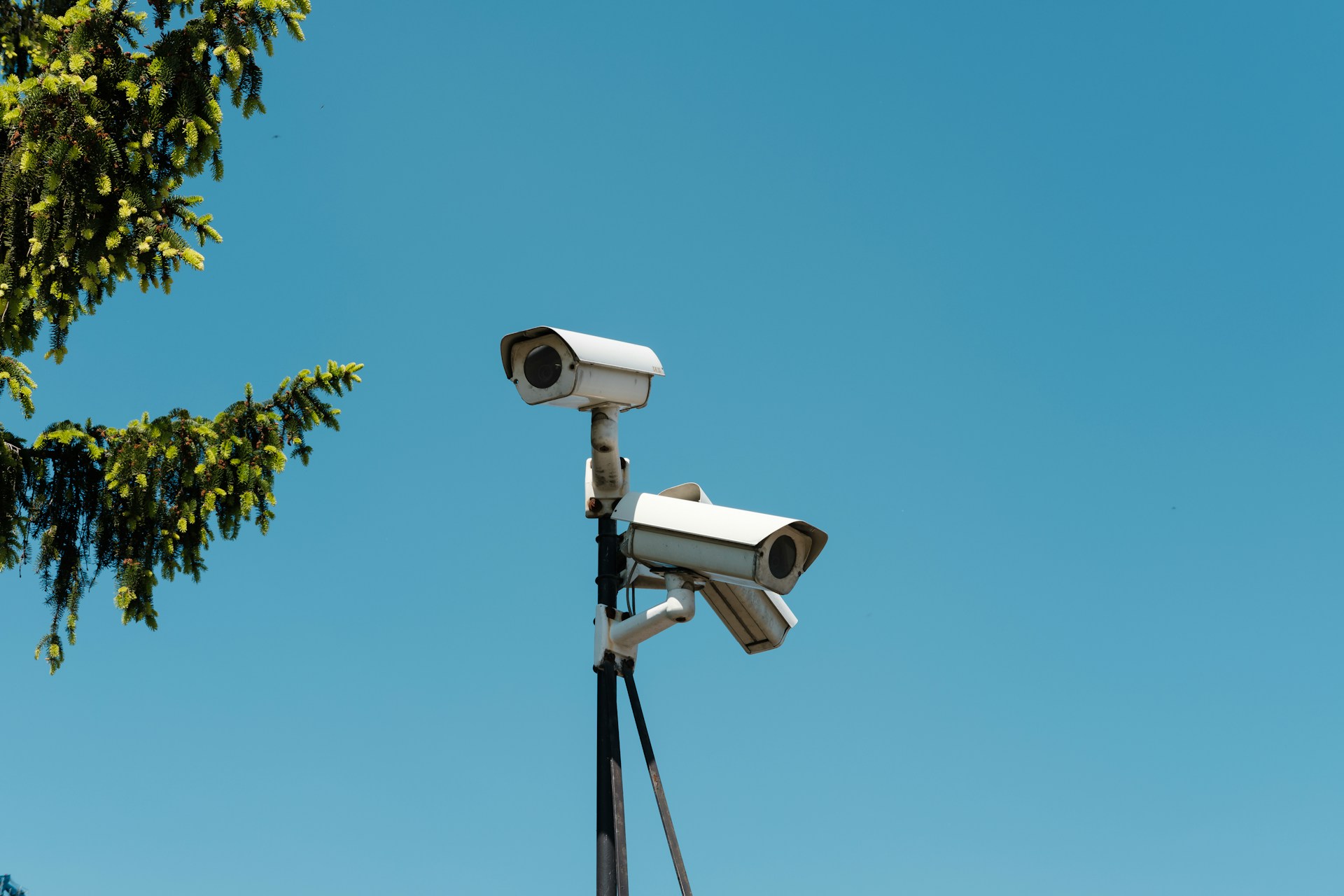
Choosing commercial security cameras in Houston is not just a purchase decision. It is a placement, design, and compliance decision that shapes whether your system actually protects your property or just records what went wrong after the fact.
Alarm Masters has designed and installed surveillance systems for Houston-area commercial properties for over 35 years, with licensed technicians who begin every project with a site walk rather than a remote quote.
Keep reading to learn how to scope, choose, and install the right camera system for your building, whether you manage a single location or multiple commercial sites across Texas.
Why Placement Matters More Than Camera Count
More cameras do not equal better coverage. One well-placed camera covering a choke point delivers more useful footage than three cameras aimed at low-risk walls.
Risks Houston Properties Need to Cover
Houston commercial properties face a specific mix of risks: after-hours break-ins at loading areas, theft near point-of-sale zones, parking lot incidents that create liability disputes, and vandalism along unlit building perimeters. Insurance carriers increasingly require documented video evidence before settling claims, which means footage quality and angle matter as much as the amount of coverage.
Houston's size and variety make this harder than it sounds. A retail strip center in Sugar Land has different exposure than a warehouse off I-10 or a medical office in The Woodlands. Each property type has its own high-risk zones and blind-spot tendencies.
Heat, humidity, and the occasional severe storm also affect Houston camera performance year-round. Cameras mounted in direct afternoon sun on south-facing walls wash out daytime footage. Positioning accounts for light direction, not just physical coverage.
Common Blind Spots Around Entries and Loading Areas
The most frequently missed areas on Houston commercial properties are secondary entry points, the sides of loading docks, and the dead zones between fixed cameras where an angled approach stays out of frame. These gaps are not obvious until an incident happens.
Front doors almost always get a camera. The corner where a loading dock meets a fence line rarely does. Dumpster enclosures, stairwells, and rear parking areas are routinely missed during DIY or rushed installations.
A site walk before any installation catches these gaps before they become problems. Once the cameras are in and conduit is run, correcting a placement mistake costs time and money that a proper design phase would have prevented entirely.
Choosing the Right Camera for Indoor and Outdoor Use
The right camera depends on where it goes, not just the brand name on the box. Indoor and outdoor environments demand different hardware, and Houston's climate makes that distinction more important than most spec sheets acknowledge.
Weather Ratings Explained in Plain English
Cameras carry an IP rating, which stands for Ingress Protection. The two numbers after "IP" tell you how well the camera resists solid particles and water. IP65 means fully dust-tight and protected against low-pressure water jets. IP67 adds submersion resistance up to one meter.
For Houston's outdoor environments, IP65 is the minimum rating to consider. The Gulf Coast's humidity and summer rainstorms push budget outdoor cameras toward early failure. An IP67-rated camera costs more upfront but holds up better through Houston's weather cycles.
Night Vision, Vandal Resistance, and Heat Performance
Night vision range matters more on commercial properties than most buyers expect. A residential driveway needs 30 feet of night coverage. A parking lot or loading dock needs 60 feet or more, and the camera must maintain usable resolution at that range, not just detect motion.
Vandal-resistant cameras use reinforced housings rated IK10, meaning they withstand a 20-joule impact. For cameras mounted at lower heights near loading areas or building perimeters, IK10 housing is worth the added cost.
Houston summers push outdoor camera enclosures past 120°F on south-facing walls. Cameras without thermal management or rated operating ranges above 140°F can develop image quality issues or fail entirely during peak summer months. Check the operating temperature spec before selecting any outdoor unit.
How to Scope Coverage for Your Building
Scoping a camera system starts with the building itself, not with a camera count. The property's layout, entry points, and risk zones determine what you actually need.
Property Features That Drive Camera Needs
Square footage is a starting point, but the features inside and around that footprint matter more. A 5,000-square-foot retail location with one loading dock, two customer entrances, and a back office needs a different configuration than a 5,000-square-foot open warehouse with one roll-up door and a single entry.
The number of access points, the presence of a parking lot, the building's setback from the street, and after-hours activity patterns all affect the camera count and placement logic. Properties with employee-only areas, server rooms, or cash-handling zones need dedicated interior coverage in addition to perimeter cameras.
Multi-tenant buildings add another layer. Common hallways, shared lobbies, and shared parking create coverage responsibilities that a single-tenant building does not have.
Zones Most Commercial Sites Should Monitor
Regardless of building type, most commercial properties share a core set of zones that surveillance should cover. Missing any of them creates a gap that an incident will eventually find.
- Main customer or public entrances
- Employee-only entrances and exits
- Loading docks and delivery areas
- Parking lots and exterior perimeters
- Cash registers, safes, or high-value storage areas
- Server rooms or IT closets
- Common hallways and stairwells in multi-tenant buildings
- Dumpster enclosures and utility areas
Once you identify these zones, you can map overlapping camera fields of view so no single camera failure leaves a zone completely dark. That overlap strategy is what separates a designed system from a placed-and-hoped one.
Wired, Wireless, and Hybrid System Tradeoffs
The choice between wired and wireless is not a matter of preference. It is about your building, your budget, and your reliability requirements.
When Wired Makes More Sense
Wired systems, typically Power over Ethernet (PoE) setups, run a single cable to each camera that carries both data and power. They offer consistent bandwidth for high-definition footage, no signal interference from surrounding wireless networks, and tamper resistance because there is no wireless signal to disrupt.
For high-traffic commercial zones, properties with compliance requirements, or locations where continuous HD recording is non-negotiable, wired is the stronger choice. The installation requires structured cabling runs, which takes more time and cost upfront but pays off in long-term reliability.
Most commercial installations for Houston properties with camera counts of 8-10 or more are better served by a wired or hybrid approach.
When Wireless or Hybrid Fits Better
Wireless cameras make practical sense when running cable is not feasible, such as in older buildings with finished ceilings, historic structures, or properties where conduit runs would require significant construction disruption. They also work well for expanding an existing wired system by adding a few cameras in hard-to-reach areas.
Dense commercial environments with many competing wireless signals, such as retail centers with multiple Wi-Fi networks, introduce interference risks for wireless cameras. A hybrid setup that keeps high-priority zones wired and uses wireless only for lower-risk areas balances flexibility with reliability.
Monitoring, Compliance, and Installer Selection
Recording video is not the same as being protected. The monitoring strategy behind your cameras determines whether footage stops an incident or just documents one.
Recorded Video vs Active 24/7 Oversight
A DVR or NVR system records footage continuously or on motion. That footage is invaluable after an incident but provides no real-time response. If a break-in happens at 2 a.m., a recorded-only setup means you review the footage the next morning.
Active 24/7 monitoring pairs cameras with a professional monitoring station where trained operators watch live feeds, verify alerts, and contact law enforcement when needed. For after-hours commercial properties, that real-time response layer is the difference between catching an incident in progress and finding the damage the next day.
AI video monitoring adds a layer between passive recording and full live oversight. Motion events are analyzed automatically, reducing false alerts from wind or passing vehicles, and flagging genuinely suspicious activity for immediate human review.
Texas Privacy Rules and Placement Limits
Texas law prohibits audio recording in private spaces without consent. Cameras in restrooms, locker rooms, or other areas where employees or visitors have a reasonable expectation of privacy are not permitted, regardless of who owns the building.
Common areas, parking lots, building exteriors, and public-facing interiors are generally compliant with video surveillance requirements. Visible signage notifying people that surveillance is in use is a best practice that reduces liability and reinforces the system's deterrent value.
When cameras are placed near access control points on fire egress doors, the installation must not interfere with emergency exit functionality. Texas fire code and the Texas State Fire Marshal's requirements govern egress points separately from security camera placement rules.
What to Verify Before You Hire an Installer
The installer you choose shapes both your system's performance and your legal standing. Before signing anything, verify these points:
- Texas State Security license (required for commercial security installation in Texas)
- Local physical presence and on-site response capability
- A written scope of work provided before installation begins
- Documented process for a site walk and custom system design
- Clear explanation of ongoing maintenance and inspection services
- References from comparable commercial property types in Houston
Red flags include quotes provided without a site visit, no mention of ongoing maintenance, and vague communication about who handles service calls after installation.
What Professional Installation and Ongoing Service Should Include
A professional installation is not just a technician showing up with cameras. It follows a defined process that protects your investment from day one.
Site Walk, Design, and Clear Scope of Work
Every reliable commercial camera installation starts with a site walk. A licensed technician reviews the property layout, identifies high-risk zones, maps blind spots, and recommends camera types and placement positions based on what is actually there, not a floor plan assumption.
From that site walk, a written design and scope of work are produced. The scope should specify camera model, mounting height, field of view, recording configuration, storage capacity, and how the system connects to any existing burglar alarm or access control infrastructure.
Alarm Masters follows this process on every project, which means the system is sized to the property before a single camera is ordered.
Testing, Training, and Long-Term Support
After installation, every camera should be tested for field of view, night-vision performance, recording functionality, and remote access before the technician leaves the site. A walk-through with your team should cover how to pull footage, adjust settings, and contact support when something needs attention.
Ongoing maintenance matters because cameras degrade over time, firmware updates affect performance, and Houston's climate puts hardware under consistent stress. A service relationship with your installer ensures issues are caught proactively rather than discovered during an incident.
The 48-hour service turnaround that Alarm Masters guarantees means a reported issue gets a response within two business days, not a callback that stretches into next week. That commitment to response is what separates a long-term service partner from a one-time installer.
Frequently Asked Questions
How do we design camera coverage for parking lots, loading docks, and front doors to capture faces and license plates?
Mount cameras at a height of 8-10 feet for facial recognition, and position them to capture subjects straight-on rather than from above. For license plates, use a dedicated camera angled at the vehicle approach path, not overhead. Separate cameras for facial capture and plate capture deliver better results than a single wide-angle unit trying to do both.
What should we expect from a professional install and what do our licensed technicians handle on-site?
Licensed technicians handle cable routing, camera mounting, NVR or NVR configuration, network setup, and full system testing before they leave. They should walk you through remote access, footage retrieval, and basic troubleshooting. Every step should be documented in a written scope of work provided before the job begins.
Should we choose wired PoE cameras or Wi-Fi cameras for a business and why?
Wired PoE cameras are the stronger choice for most commercial properties because they offer consistent bandwidth, no risk of interference, and tamper resistance. Wi-Fi cameras suit retrofits or expansion scenarios where running new cable is impractical. In dense commercial environments with many competing wireless signals, Wi-Fi cameras are more susceptible to performance issues.
How long should we keep recorded video, and what storage setup fits our risk and budget?
Most commercial properties retain footage for 30 to 90 days. High-risk zones, such as cash handling or loading docks, often warrant 60 to 90 days. Your storage setup, whether a local NVR, network-attached storage, or cloud storage, should be sized to your camera count, resolution, and retention window. A licensed installer can calculate exact storage requirements before the system is configured.
How do we connect cameras with access control and intrusion monitoring for one system our team can manage?
Integration platforms connect video timestamps to access control logs and alarm events, so your team can review everything from a single interface. When a door access event and a camera motion alert occur simultaneously, the system surfaces them together. This is most reliable when a single vendor designs and installs all three systems, because integration is planned into the design rather than patched in afterward.
What is the real difference between commercial-grade and residential cameras when it comes to uptime and image quality?
Commercial-grade cameras are built for continuous 24/7 operation, higher resolution output over longer distances, and broader operating temperature ranges. Residential cameras are designed for intermittent use with narrower environmental tolerances. In Houston's heat and humidity, a residential camera installed in a commercial outdoor environment will typically underperform within the first year of use.
Start With the Right Foundation, Not the Wrong Camera
A surveillance system that actually protects your Houston commercial property starts with a clear plan, not a camera purchase. Placement, equipment spec, monitoring strategy, and installer credentials all determine whether your system works when it matters.
The next step is a site walk with a licensed installer who knows Houston's commercial properties and understands the difference between a system that records and one that responds. That conversation costs nothing and prevents the kind of expensive redesigns that follow a rushed installation.
Ready to protect your property with a system built for it? Request a free no-obligation estimate from Alarm Masters and our team will walk you through every option.



.svg)


.svg)


