.svg)
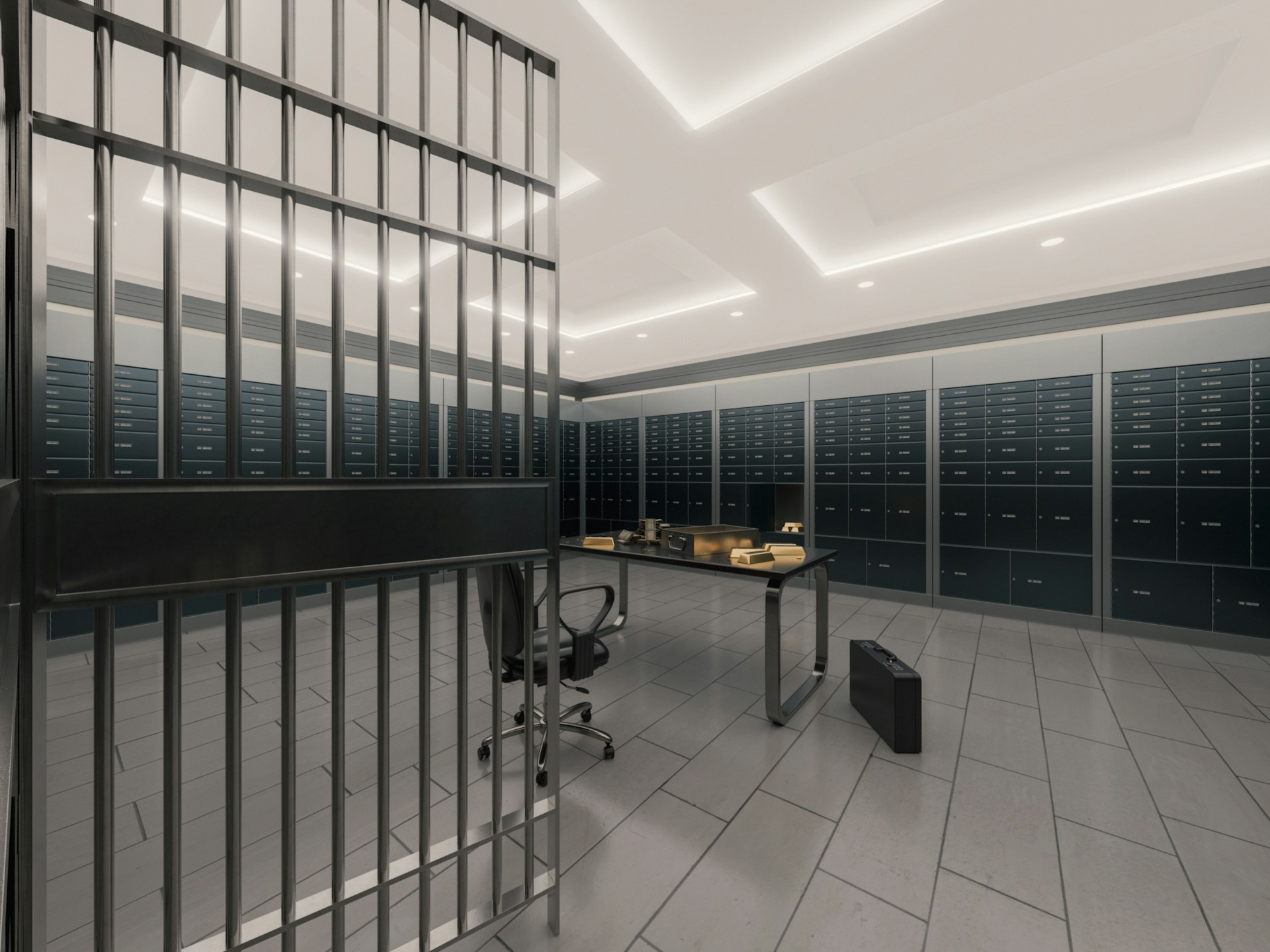
Banks face constant pressure to protect cash, customer data, and staff while staying compliant with strict regulations. A weak or outdated setup can lead to theft, downtime, failed audits, and loss of customer trust. Bank security systems installation addresses these risks by creating layered protection that operates 24 hours a day.
Alarm Masters helps banks solve these challenges with licensed, audit-ready bank security systems installation across Texas. With a 48-hour guaranteed turnaround and deep experience in financial environments, systems are designed to reduce risk without disrupting daily operations.
This guide breaks down how bank security systems are planned, installed, and maintained. You’ll learn what systems matter most, where banks are most vulnerable, and how to build long-term protection that stands up to real-world threats and compliance reviews.
Overview Of Bank Security Systems
Banks rely on layers of protection to keep customers, staff, and assets safe from threats like theft, fraud, and unauthorized access. Modern security setups mix physical barriers, surveillance tech, and monitoring tools, all working together as a defense network.
Types Of Security Systems For Banks
You’ll need several security systems pulling together. Video surveillance cameras keep an eye on lobbies, teller areas, vaults, and ATMs, recording all activity. That footage is pretty vital for identifying suspects and reviewing any incidents.
Access control systems determine who can enter restricted areas, such as cash vaults, server rooms, and safe deposit box areas. Key cards, PINs, or even biometric scanners, like fingerprint readers, come into play here. The system logs every entry and exit, so you always know who’s been where.
Intrusion alarm systems spot unauthorized entry after hours. Door sensors, window contacts, and motion detectors jump into action if someone tries to break in. When something trips the alarm, your security team and local law enforcement get the alert right away.
Fire detection and suppression systems are there to protect your building and important documents from fire. And don’t forget cybersecurity, because banks need strong digital protection for customer data and assets.
Benefits Of Comprehensive Security Solutions
An integrated setup beats a bunch of disconnected tools any day. When all your security pieces talk to each other, you get a unified network. For example, your access control system can trigger cameras to record every time someone uses a credential.
Monitoring teams can keep tabs on everything from one central platform. That means faster responses and simpler investigations. Plus, when sensors verify each other, you cut down on those annoying false alarms.
Smart systems help prevent theft and fraud. Customers notice visible security, and that confidence isn’t nothing.
Compliance And Regulatory Considerations
Banks have to follow security requirements from federal and state regulators. The Bank Protection Act spells out minimum security measures, including cameras, alarms, and procedures.
You’ll need to store video for a set period, depending on your state. Most banks keep footage for at least 90 days. Access control logs also need to be saved to prove who accessed restricted areas.
Installers who know the compliance ropes can help you meet these standards. They’ll recommend camera placements, recording quality, and system features that hold up under audits. That kind of expertise saves you from violations and fines.
Planning A Bank Security Systems Installation
To pull off a successful installation, you’ve got to assess your facility’s weak spots, design a system that fits your floor plan, and budget for both the upfront costs and long-term upkeep.
Conducting A Security Assessment
Start by figuring out your bank’s vulnerabilities. Walk through the building and check every entry point, including main doors, employee entrances, drive-throughs, and ATMs. Pay special attention to places where cash changes hands, like teller stations and vaults.
Think about your daily routines and possible threats. Are there blind spots where cameras don’t reach? Could someone slip in unnoticed? Count how many employees need access and which areas should be off-limits to most.
A professional installer brings a fresh set of eyes and experience from other banks. They’ll spot vulnerabilities you might overlook and know what regulations you need to hit. This assessment is your blueprint for the whole system design.
Customizing Solutions For Bank Layouts
Your security system should fit your space and operations, not the other way around. A big branch with multiple tellers needs different camera coverage than a small credit union.
High-Priority Areas
- Teller stations and transaction zones
- Vault and safe deposit box rooms
- Cash counting and storage areas
- Customer service desks
Access Control Zones
- Employee-only areas with key cards or biometrics
- After-hours entry points with time-based restrictions
- Server rooms and IT spaces
Older buildings might need wireless gear to avoid tearing up thick walls. Modern, open-concept branches often go for discreet cameras that don’t mess with the design.
Budgeting And Cost Considerations
Costs swing pretty widely depending on your building size and gear. Small branches might get started around $10,000 to $20,000, but bigger banks can see totals over $100,000 for a full setup.
Don’t just budget for equipment and installation. Ongoing costs matter too, like monitoring, software licenses, maintenance, and future upgrades. Cloud-based systems usually mean monthly fees instead of one big server payment.
Remember, compliance can bump up your costs. Regulations might require certain camera resolutions, longer storage, or backup systems. It’s an investment, but it shields you from liability.
Key Components Of Bank Security Systems
A solid bank security system is all about layers. Today’s setups mix alarms, video monitoring, controlled entry, and fire safety equipment to keep people and assets safe.
Alarm And Intrusion Detection
Alarm systems are your first defense against unauthorized access. They use sensors on doors, windows, and walls to spot break-ins or tampering. As soon as something’s off, the system alerts security and local authorities.
Modern alarms hook into central monitoring stations that watch over your bank 24/7. Motion detectors add another layer, picking up movement in restricted areas after hours. You can set up different alarm zones, so some areas stay locked down while others remain open for business.
Silent alarms let staff discreetly signal emergencies without tipping off a criminal. Panic buttons go under teller counters, at manager desks, wherever you need them. Make sure you’ve got backup power and cellular communication, just in case someone cuts the main lines.
Surveillance Cameras And Monitoring
Video surveillance keeps a constant eye on your bank, inside and out. High-resolution cameras matter because blurry images won’t help anyone. Place them at entry points, teller windows, vaults, ATMs, and parking lots.
Mix fixed cameras for steady coverage with PTZ (pan-tilt-zoom) models that let security staff follow anything suspicious. Night vision or infrared features keep things visible even when the lights are low.
You’ll need to store footage for weeks or months, depending on regulations. Cloud storage gives you off-site backups, while local servers mean quicker access. Remote viewing lets authorized folks keep tabs on things from anywhere, which is just practical these days.
Access Control Solutions
Access control determines who can access which parts of your bank. Card readers, keypads, and biometrics check employee credentials at the door. You can program restrictions by time, place, or clearance level.
Vaults and cash-handling areas should have the strongest security. Multi-factor authentication, such as an access card plus a PIN and maybe a fingerprint, significantly reduces risk.
The system logs every attempt to make an entry, building a detailed audit trail. That’s handy for compliance and investigations. If someone leaves or changes roles, you can revoke access instantly.
Fire And Safety Integration
Fire detection and suppression systems are non-negotiable. Smoke detectors, heat sensors, and sprinklers need to meet banking and local fire codes. Integrating these with your security platform means a faster, more coordinated response when there’s an emergency.
Your fire alarm system should automatically notify emergency services and everyone in the building. Emergency lights and exit signs help people get out safely. Fire-resistant safes and vaults protect the most critical assets.
When fire alarms go off, your access control should unlock exit doors while keeping vaults secure. It’s a balancing act: safety first, but don’t leave assets exposed.
Installation Process And Best Practices
Installing a bank security system takes planning and some real know-how. You want to protect assets without throwing a wrench in daily operations. Preparation, skilled installers, and smart timing make a world of difference.
Pre-Installation Site Preparation
Before any gear shows up, walk through your bank with your security advisor. Pinpoint where cameras, access panels, and sensors should go, because teller stations, vaults, ATMs, parking areas, and back offices all need coverage.
Check your electrical and network setup. Security systems require steady power and reliable network connections, especially for cloud-based monitoring. Sometimes you’ll have to upgrade wiring or add new network points.
Draw up a detailed floor plan with every camera angle, sensor, and control panel marked. It saves time and ensures you don’t miss any blind spots. Double-check local rules and compliance requirements before finalizing the plan.
Professional Installation Vs. DIY
Bank security is no place for DIY shortcuts. Licensed installers know how to set up systems that meet banking standards and regulations. They get camera angles right, calibrate sensors properly, and make sure everything works together.
Pros can recommend equipment that fits your branch. They run cables without wrecking your building and fix technical hiccups on the fly.
If you try to handle installation yourself, you’re gambling with coverage and reliability. Missed angles or misconfigured alarms can leave you exposed. Professional installers also train your staff and offer support down the line.
Ensuring Minimal Disruption To Operations
Try to schedule installation when the bank’s quiet, since off-hours or weekends work best. Major phases usually happen outside business hours to avoid tripping up services.
Break the project into phases, focusing on one area at a time. Start with back offices, then move to customer zones during closed hours. That way, your branch stays up and running.
Keep staff in the loop about schedules and temporary changes. Let them know which areas are off-limits and when. Always keep at least one entrance open and teller stations available during work.
Post-Installation Support And Maintenance
Your bank’s security system needs ongoing attention to stay sharp. Good providers handle testing, monitoring, and regular maintenance so your equipment keeps performing reliably.
System Testing And Quality Assurance
Installers should run thorough tests before wrapping up. That means checking every camera angle, door sensor, and making sure alarms reach the monitoring station as they should.
They’ll test badges, motion detectors, and vault sensors to confirm everything’s responsive. You should get documentation showing that all equipment passed inspection and meets industry standards.
Ask for a walkthrough of the system. Installers should demo emergency procedures and make sure your staff knows what to do when alerts pop up. This hands-on approach helps you catch issues early and keeps everyone on the same page.
Ongoing Monitoring Services
Your security system connects to a monitoring station that keeps watch 24/7. When sensors detect something suspicious, trained professionals receive the signal and follow your response plan.
Monitoring usually includes instant notifications to your team and, if needed, to law enforcement. You’ll get reports tracking everything from routine door openings to real security breaches.
Some providers offer remote health checks to spot technical problems before they escalate. They’ll flag failed sensors, low batteries, or communication errors so you can fix them fast.
Regular Maintenance And Upgrades
Schedule maintenance visits at least twice per year. This helps keep your system working properly and avoids nasty surprises. During these visits, technicians clean camera lenses and test backup batteries. They also update software and swap out any worn components.
Include firmware updates in your maintenance plan. These updates fix security vulnerabilities and sometimes add new features.
Banks really need current software to defend against new threats and stay compliant with regulations. It's just not worth the risk of running outdated systems.
Professional maintenance stretches out the life of your equipment. It also helps you avoid those expensive emergency repairs that always seem to come at the worst time.
A good service provider will monitor each component's performance. They'll tell you when it's time to upgrade because the tech's getting old or just isn't reliable anymore.
Building Long-Term Security For Banking Environments
Banks cannot afford gaps in protection. A well-planned bank security system installation reduces the risk of theft, supports compliance, and helps staff respond quickly to real threats. The right system protects people, assets, and daily operations without adding complexity.
Alarm Masters delivers licensed, compliant solutions built specifically for financial institutions. With fast response times and end-to-end support, systems are designed to meet regulations, pass audits, and stay reliable as risks evolve.
If your branch needs stronger protection or system upgrades, take the next step today. Schedule service now.
Frequently Asked Questions
What Is Included In Bank Security Systems Installation?
Bank security systems installation typically includes video surveillance, intrusion alarms, access control, and monitoring services. These components work together to protect cash, data, staff, and customers. Proper installation also includes system testing, documentation, and staff training.
Why Is Professional Installation Important For Banks?
Banks face strict compliance requirements and a higher risk than most facilities. Professional installation ensures systems are configured correctly, meet regulatory standards, and provide full coverage. Poor installation can leave blind spots, trigger false alarms, or fail audits.
How Long Does Bank Security Systems Installation Take?
Installation timelines vary by branch size and system complexity. Smaller branches may take a few days, while larger facilities with multiple systems can take longer. Careful planning helps minimize disruption to daily operations.
What Areas Of A Bank Need The Most Security Coverage?
High-risk areas include teller stations, vaults, cash handling rooms, ATMs, and employee-only zones. Entry points, parking areas, and after-hours access doors also require strong coverage. A security assessment helps prioritize these areas.
How Do Bank Security Systems Support Compliance?
Security systems help meet regulatory requirements by recording video, tracking access logs, and documenting alarm activity. Stored footage and audit trails provide proof of compliance during inspections. Proper system design helps avoid fines and violations.
Can Bank Security Systems Be Upgraded Over Time?
Yes, most systems are designed to scale and adapt. Banks can add cameras, upgrade software, or expand access control as needs change. Regular maintenance and updates keep systems effective against new threats.
How Often Should Bank Security Systems Be Maintained?
Banks should schedule maintenance at least twice per year. Routine service checks ensure cameras, alarms, and access controls work properly. Regular maintenance reduces failures and extends the system's life.




.svg)


.svg)


