Business surveillance cameras are one of the most effective ways to protect your property, your people and your stock. These systems not only deter crime but also provide valuable evidence in case of incidents, ultimately protecting both your investment and your employees. With various technologies available, from IP cameras to advanced NVR systems, you can tailor your security setup to meet the specific needs of your business.
For businesses operating in the greater Houston area, having a reliable surveillance system is important. The best systems are designed around how your business actually runs. With features like remote viewing, smart motion detection and professional video monitoring, your property stays watched even after the lights go off.
Choosing between all the options can feel overwhelming. This guide walks through camera types, key features, storage and monitoring so you can pick a system that fits your security needs.
Understanding Business Surveillance Cameras
Business surveillance cameras are essential tools for maintaining security, monitoring premises, and reducing liability. By employing various camera types and key features, businesses can effectively manage and enhance their security systems.
Camera Types for Businesses
In a commercial setting, you have several options when selecting security cameras. The two primary types are analog cameras and IP (digital) cameras.
- Analog Cameras: These are traditional cameras that transmit video over coaxial cables. They are simpler but may not offer the same resolution as their digital counterparts.
- IP Cameras: These cameras transmit data over an internet connection, allowing for higher quality video and remote access. They can be either wired or wireless, which provides flexibility in installation.
Many businesses opt for wireless cameras due to their ease of installation and ability to cover hard-to-reach areas. Some systems combine different camera types for comprehensive monitoring.
Key Features in Commercial Environments
When selecting a surveillance system, certain features are important for effectiveness. Look for the following:
- High Resolution: A minimum of 1080p ensures clear images for identifying faces and license plates.
- Night Vision: This is critical for monitoring after hours. Infrared capabilities allow for visibility even in complete darkness.
- Motion Detection: Cameras that can detect movement help reduce unnecessary recording and focus on actual incidents.
- Cloud Storage: Storing footage in the cloud provides security and accessibility from any location.
These features enhance the security of your business and make it easier to monitor activities actively.
Common Use Cases in Business Security
Business security cameras serve various purposes that contribute to your overall safety strategy:
- Preventing Theft: Installing surveillance cameras can deter potential thieves and shoplifters.
- Monitoring Employees: Keep an eye on employee behavior and ensure compliance with safety protocols.
- Documenting Incidents: Video footage provides visual evidence in case of disputes or accidents, helping to reduce liability risks.
- Enhancing Customer Safety: Secure your premises to foster a safe environment for customers.
Utilizing surveillance cameras effectively can enhance the security posture of your business, ensuring a safe and compliant workplace.
Types of Business Surveillance Cameras
Selecting the right business surveillance camera is important for effective security. Various types of cameras cater to different needs, including dome, bullet, turret, and the choice between analog and IP systems. Understanding their features and benefits will help you make an informed decision.
Dome Cameras
Dome cameras are popular for both indoor and outdoor settings. Their dome shape helps mask the direction they are facing, which adds an element of discretion. You can mount these cameras on ceilings or walls, making them versatile for diverse environments.
Dome cameras often offer features like night vision and high-definition recording. Many modern models support 4K resolution, providing detailed images that enhance your surveillance capabilities. Additionally, they are usually vandal-resistant, making them suitable for high-risk areas.
Bullet Cameras
Bullet cameras are easily recognizable due to their cylindrical shape. They are ideal for long-distance viewing, making them great for monitoring entrances, parking lots, or large outdoor areas. The design allows for a focused field of view, which can be advantageous for specific surveillance tasks.
These cameras can come equipped with infrared capabilities for night vision and may also support 4K security recording for clearer nighttime footage. Additionally, bullet cameras are often weatherproof, making them suitable for varying climate conditions.
Turret Cameras
Turret cameras, also known as "pseudo-dome cameras," have a distinctive design that sets them apart. They offer a wider viewing angle and flexibility in positioning and focus when compared to traditional dome cameras. You can use turret cameras indoors and outdoors, offering versatility in placement.
With features such as high resolution and night vision, turret cameras can capture clear images in low-light situations. Many models also support IP technology, which allows you to connect them to your network easily. This makes remote viewing and management convenient for business owners.
Analog vs. IP Cameras
When choosing between analog and IP cameras, consider your specific surveillance needs. Analog cameras are simpler but may not provide the high-resolution video that IP cameras offer. They use coaxial cables and may be limited in features.
In contrast, IP cameras can deliver superior image quality and come with advanced functionalities like remote access and integration with other security systems. They typically connect using a network, making installation and scalability easier. Investing in IP cameras can enhance your security infrastructure, particularly in a modern business environment.
By understanding the characteristics and advantages of these camera types, you can tailor your surveillance system to meet your business needs effectively.
Advanced Features and Technologies
When selecting business surveillance cameras, advanced features significantly enhance security effectiveness. Understanding these capabilities allows you to make informed decisions for your surveillance needs.
4K Resolution and Video Quality
4K resolution provides stunning image clarity, which is important for identifying faces and license plates. With more than eight million pixels, these cameras capture intricate details that standard HD cannot match. The sharpness is particularly beneficial in large retail spaces or parking lots, where identifying individuals or events can be challenging.
Investing in high-quality video ensures that your footage remains useful even after several weeks or months. Use cases for 4K quality include monitoring entrances, exits, and sensitive areas where detailed records are necessary.
Additionally, many 4K cameras come with features like wide-angle lenses, allowing you to cover more area with fewer units. This combination leads to both efficiency and enhanced security coverage.
Night Vision and Color Night Vision
Night vision technology is essential for around-the-clock surveillance. Traditional infrared night vision can provide clear black-and-white images in low light. However, advancements in color night vision offer a significant upgrade, allowing you to see colors in complete darkness.
This feature is especially useful in identifying clothing colors, vehicle types, and other essential details during nighttime incidents. The clarity offered by night vision cameras enhances your ability to monitor external environments, such as loading docks or parking lots.
With sensitive sensors capable of capturing images even in minimal light, these cameras ensure that your business remains secure regardless of the time of day.
Smart Motion Detection and Motion Sensors
Smart motion detection systems use advanced algorithms to distinguish between normal activity and potential threats. Unlike traditional motion sensors that trigger alerts for any movement, smart technology reduces false alarms by focusing on human movement.
This is particularly important in busy areas where animals or environmental factors could otherwise trigger alerts. The system can differentiate between significant motion, like a person walking toward your entrance, and non-threatening activity.
Some models allow for customizable detection zones and sensitivity settings. This way, you can tailor the monitoring features to fit your specific business environment, enhancing both security and efficiency.
Audio Capabilities
Incorporating audio capabilities into your surveillance system can greatly enhance situational awareness. Many modern cameras provide two-way audio, which allows you to communicate directly through the camera.
This feature is beneficial for deterrence. For instance, you can issue verbal warnings to potential intruders or converse with employees remotely. Audio recordings can also support visual evidence, adding context to video footage during investigations.
When combined with high-quality video, the ability to monitor audio can bolster your understanding of events as they occur, ensuring that you're prepared to respond to any situation promptly.
Video Recording, Storage, and Access
Understanding the recording, storage, and access options for your business surveillance cameras is important for effective security management. You will need to consider the differences between recording systems, storage solutions, and how to manage your video footage efficiently.
NVR vs. DVR Systems
Network Video Recorders (NVR) and Digital Video Recorders (DVR) are common options for video recording.
- NVR Systems: These are ideal for IP cameras. They typically offer better image quality and allow for remote access via the internet. NVRs store footage on a network hard drive.
- DVR Systems: These work with analog cameras. With DVRs, video is recorded directly to a hard drive, providing a more traditional approach to video storage.
The choice between NVR and DVR largely depends on your specific surveillance needs and the infrastructure of your business.
Local and Cloud Storage Options
When it comes to storing video footage, you have two main options: local storage and cloud storage.
- Local Storage: This involves saving footage directly to hard drives connected to your DVR or NVR systems. It offers quick access but may be vulnerable to physical damage or theft.
- Cloud Storage: Some systems provide cloud storage solutions, offering scalable capacity and off-site backup. This option allows you to access video footage from anywhere, even if your camera is offline, enhancing security and flexibility.
Determining the best storage option depends on factors like required retention duration and convenience.
Video Playback and Footage Management
Efficient video playback and management are essential for effective surveillance use.
- Playback Features: Most NVR and DVR systems offer features like fast forward, slow motion, and section-based searching, allowing you to rapidly locate specific events in your footage.
- Footage Management: You should utilize tagging and organization tools within the system for easier retrieval of video clips. Some modern systems allow you to set alerts for motion detection or to flag important events.
Having a well-thought-out playback and management strategy ensures that you can quickly respond to incidents and keep your surveillance organized.
Business Surveillance Camera Installation and Monitoring
Effective surveillance camera installation and monitoring are important in ensuring the security of your business. This section examines various options available, focusing on installation methods, monitoring capabilities, and features that enhance your surveillance system.
Professional vs. DIY Installation
Choosing between professional installation and a DIY approach depends on your expertise and system complexity. Professional installation offers reliability, ensuring cameras are optimally placed for coverage. Experts assess your space and recommend the best configurations, minimizing blind spots.
DIY installation can look simple, but business systems usually involve running cable through ceilings and walls, configuring a network recorder and setting up remote access securely. Most commercial cameras use Power over Ethernet (PoE), which carries power and data over one cable, and getting cable runs, network settings and camera angles right takes experience. Mistakes often show up only when you need footage and find it is missing or unclear.
24/7 Monitoring Options
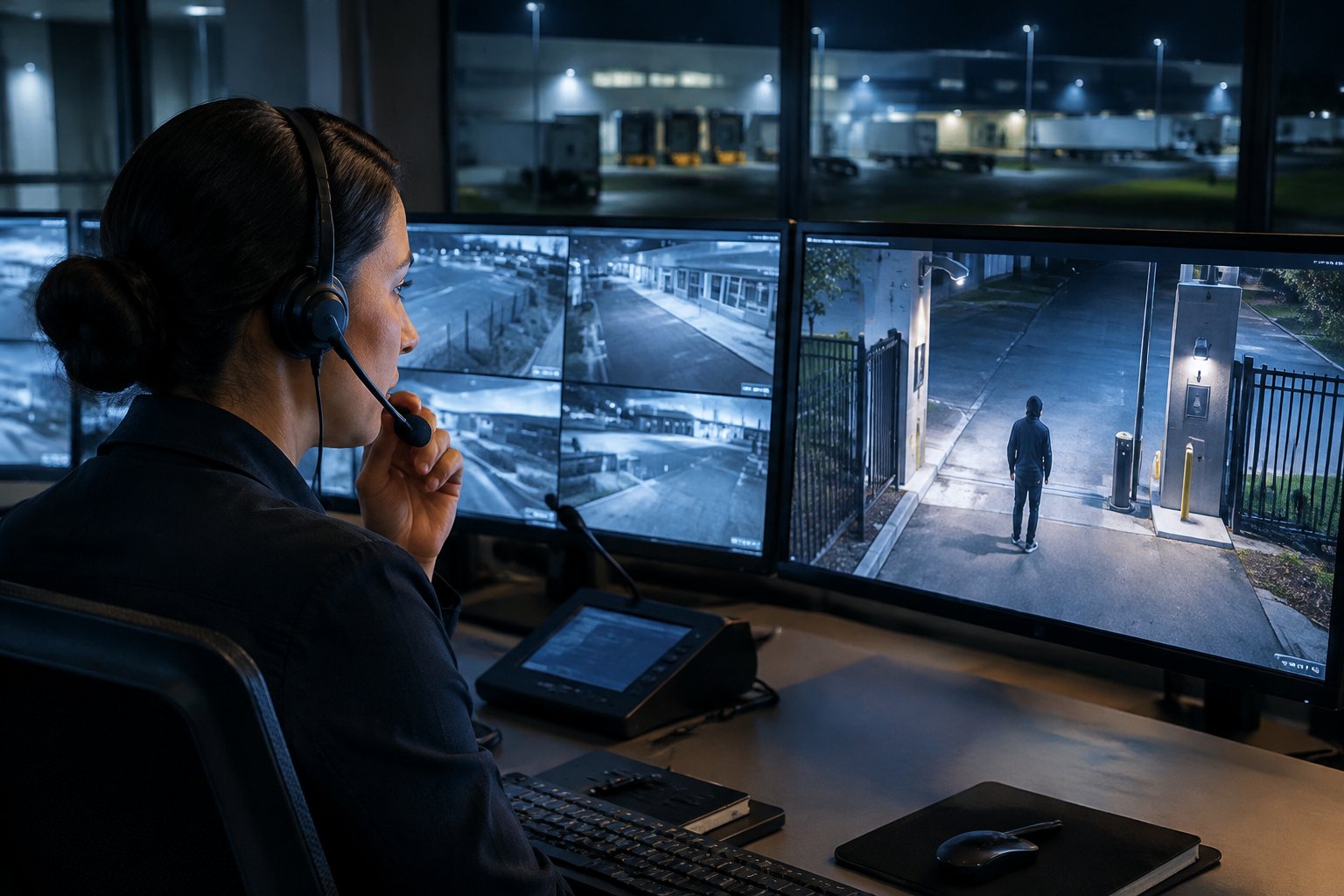
Continuous monitoring is essential for security. Opt for 24/7 professional monitoring services that watch your cameras in real-time. Trained personnel can respond instantly to incidents, contacting authorities when necessary.
You can also view feeds yourself through a mobile app, which is handy for checking in during the day. The limitation is that nobody is watching when you are busy or asleep. Weigh professional monitoring against the risk of an incident nobody sees in time.
Remote Viewing and Remote Access
Remote viewing features let you access your surveillance footage from anywhere using your smartphone, tablet, or computer. Most modern systems offer cloud storage options, providing flexibility and secure access to recorded data.
Remote access is vital for business owners who travel frequently. A good system allows you to view live feeds and recorded footage, ensuring you can monitor your premises even when away. Make sure the camera system you choose supports these functionalities and offers reliable connectivity.
Weather Resistant Solutions
In the greater Houston area, your surveillance cameras should withstand local weather conditions. Weather-resistant cameras protect against rain, heat, and humidity, ensuring your system operates effectively throughout the year. Look for cameras with an IP66 or higher rating, indicating they are fully dust-tight and protected against powerful water jets.
When installing, consider locations sheltered from extreme elements. Utilize housing or protective casings as additional safeguards for cameras exposed to harsh weather. Selecting strong cameras not only enhances longevity but also maintains consistent security performance.
Choosing the Right Surveillance Solution for Your Business
The right surveillance solution is the one that fits your property, your risks and the way you work. You need to evaluate factors such as your business size, the specific needs of your premises, and compatibility with existing systems.
Factors to Consider for Small Businesses
Small businesses often operate with limited staff and resources. Initially, assess the specific areas that require monitoring. This could include entrances, exits, and high-value areas.
Evaluate camera types:
- Dome Cameras: Often used indoors for a 360-degree view.
- Bullet Cameras: Best for outdoor use and long-distance viewing.
Consider resolution: Higher resolution equals better image clarity. Look for systems with at least 1080p resolution for effective image capture.
Storage options also matter. Decide whether you need cloud storage or local storage, depending on how accessible you want the footage to be.
Choosing Equipment and a Provider
Consumer cameras designed for homes are tempting, but they are rarely built for commercial use. They often lack the image quality, durability, storage and central management a business needs. Commercial-grade cameras from manufacturers such as Axis and Hanwha, managed on a platform like Eagle Eye cloud video, are designed to run reliably around the clock and scale as you add locations.
When you compare providers, ask:
- Will they design the system around a site survey of your property, or sell a fixed package?
- Do they offer live or AI video monitoring, and can operators verify alarms on video?
- Can cameras, burglar alarm and access control be managed in one app?
- Who services the system, and how quickly will a technician come out if something fails?
- Are they licensed in Texas, and do they handle design, installation, monitoring and maintenance themselves?
Integration With Existing Security Systems
To maximize efficiency, consider how the new surveillance system will integrate with your current security features. Start by evaluating what you already have, such as alarm systems or access control.
Many modern surveillance solutions allow for smooth integration. For example, cameras connected to your burglar alarm let monitoring operators check live video the moment an alarm trips, and send you real-time notifications with a clip of what happened.
Also, ensure that any chosen system is compatible with mobile apps for remote monitoring. This feature is invaluable, especially when you are away from your business premises.
Taking these factors into account will help you make an informed decision that best safeguards your small business in the Houston area.
Frequently Asked Questions
When considering business surveillance cameras, various factors come into play. Key topics include the types of systems available, outdoor safety enhancements, critical features for small businesses, advantages of wireless systems, important installation considerations, and legalities surrounding hidden cameras.
What are the top-rated commercial security camera systems available?
The best system depends on your property and your goals, but commercial-grade cameras from manufacturers such as Axis and Hanwha are known for reliability, image quality and advanced analytics. Look for NDAA-compliant equipment, a recording platform that supports remote access and growth, and a provider who will design, install and support the system for you.
How can outdoor security camera systems enhance safety for businesses?
Outdoor security cameras act as a deterrent to potential criminals. They provide real-time monitoring of your property and can be equipped with motion detection and alerts. By capturing clear footage, they enhance incident documentation and aid law enforcement when necessary.
What features are important in a security camera system for small businesses?
For small businesses, resolution and field of view are critical. Look for cameras that offer at least 1080p resolution for clear images. Features like night vision, remote access, and cloud storage options also add significant value and improve overall security.
What are the advantages of wireless security camera systems for businesses?
Wireless systems offer flexibility in installation and reduce the need for extensive cabling. This can simplify installation and allow for easier repositioning if your business layout changes. Additionally, many wireless cameras come with mobile access, providing real-time updates.
What should you consider when installing security cameras for a business?
Consider the camera placement for optimal coverage. Focus on high-traffic areas and entry points. It's essential to ensure that cameras are weatherproof for outdoor use and have adequate lighting for nighttime visibility.
Are businesses legally permitted to use hidden cameras for surveillance?
Yes, businesses can use hidden cameras, but there are legal considerations. Never place cameras in areas where people expect privacy, such as restrooms or locker rooms. Familiarize yourself with local laws to avoid legal complications regarding privacy rights.
Protect Your Business With Alarm Masters
Alarm Masters is a family-owned security integrator that has protected Texas businesses since 1990, with more than 3,000 projects completed. We design, install, monitor and maintain commercial video surveillance systems across greater Houston, including live video monitoring, AI video monitoring and video verification. Your cameras, burglar alarm and access control can all run from one app, and our 48-hour guaranteed service turnaround keeps your system working. Request a free estimate or call 281-933-3900 to plan your coverage.