.svg)

Managing multiple buildings means balancing tenant safety, asset protection, and daily operations without adding unnecessary complexity. Property management security solutions help reduce blind spots, limit unauthorized access, and give you better control without stretching your team thin.
Alarm Masters works with Texas property managers who need reliable systems that are easy to manage and quick to deploy. With licensed technicians and a 48-hour guaranteed turnaround, the focus stays on practical protection, not disruption.
This guide breaks down modern security options in plain terms. You’ll learn how to strengthen access control, improve visibility across your properties, and respond faster when issues arise, all with solutions that scale as your portfolio grows.
Core Security Solutions For Property Management
Property managers need systems they can count on, ones that protect tenants, secure assets, and let them see what’s happening in real time. The right mix of access control, surveillance, and detection tech builds a strong defense against security threats.
Access Control Systems
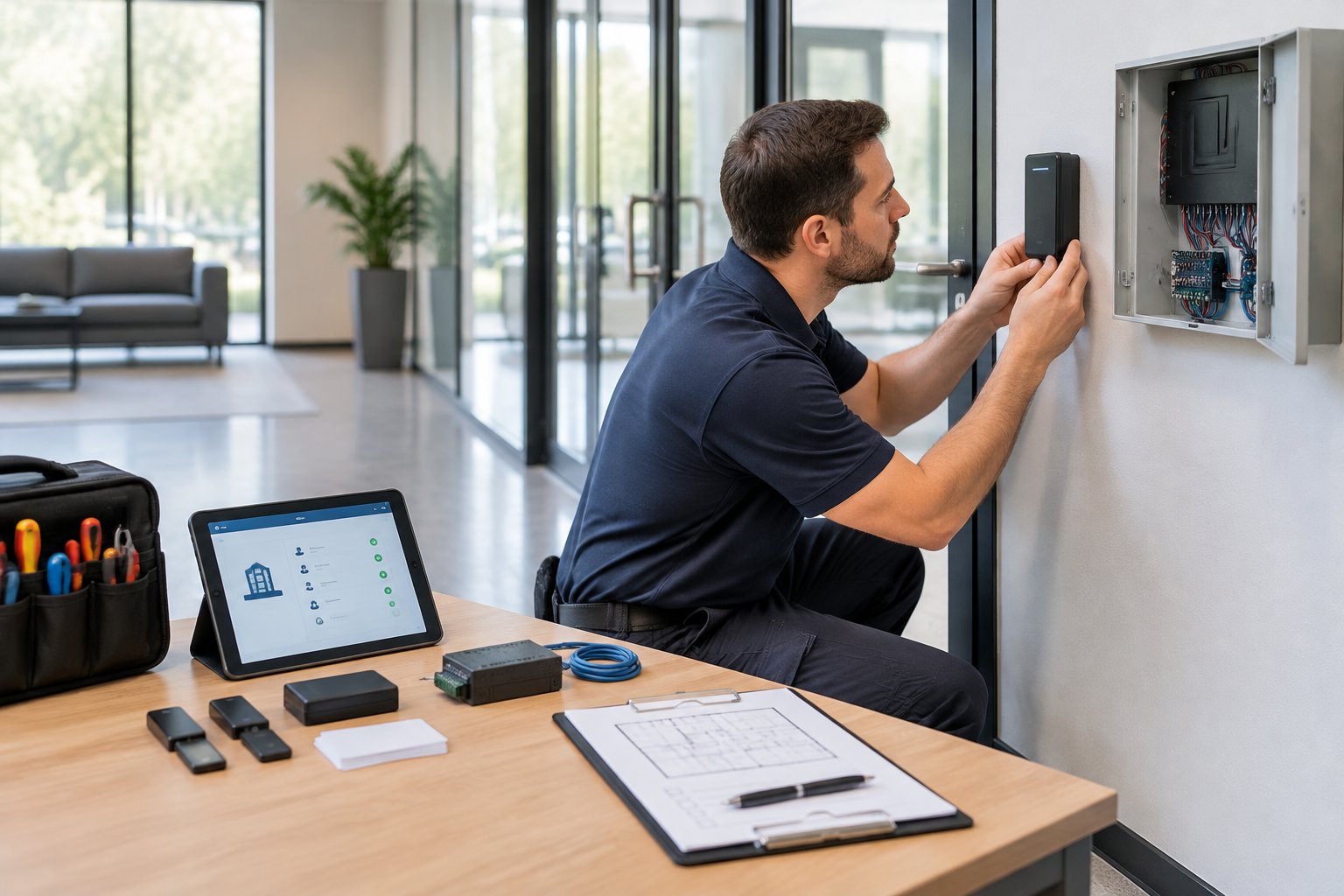
Access control systems put you in charge of who gets into your property and when. These days, you’ll see key cards, fobs, smartphone apps, or even biometric scanners replacing the old-fashioned keys.
You can hand out temporary access to guests or contractors without worrying about long-term risks. The system tracks every entry and exit as it happens, so you always know who’s coming and going.
That data can help you investigate incidents or spot suspicious activity. It’s a bit like having a digital paper trail for every door.
Key features to look for:
- Remote management through mobile apps
- Time-based access restrictions
- Integration with video surveillance
- Audit trails for all access events
Multi-tenant buildings really benefit from tiered access levels. Residents get into their own floor or unit, while maintenance staff can reach utility rooms and shared spaces. If someone moves out or leaves the team, you can revoke access instantly. No more chasing down keys.
24/7 Video Surveillance
Video cameras keep an eye on your property all day and night. You can pull up live feeds from your phone or computer, whether you’re on-site or halfway across town.
Today’s cameras work in low light and still grab sharp images around the clock. Placing cameras at entry points, parking lots, hallways, and common areas covers your bases.
Visible cameras can discourage troublemakers, while hidden ones catch people who assume nobody’s watching. You can choose to store footage in the cloud or locally, usually for 30 to 90 days.
Motion detection kicks in when something’s off. You’ll get a notification if there’s movement in restricted areas when nobody should be there. That gives you a chance to step in before things spiral.
Intrusion Detection Technologies
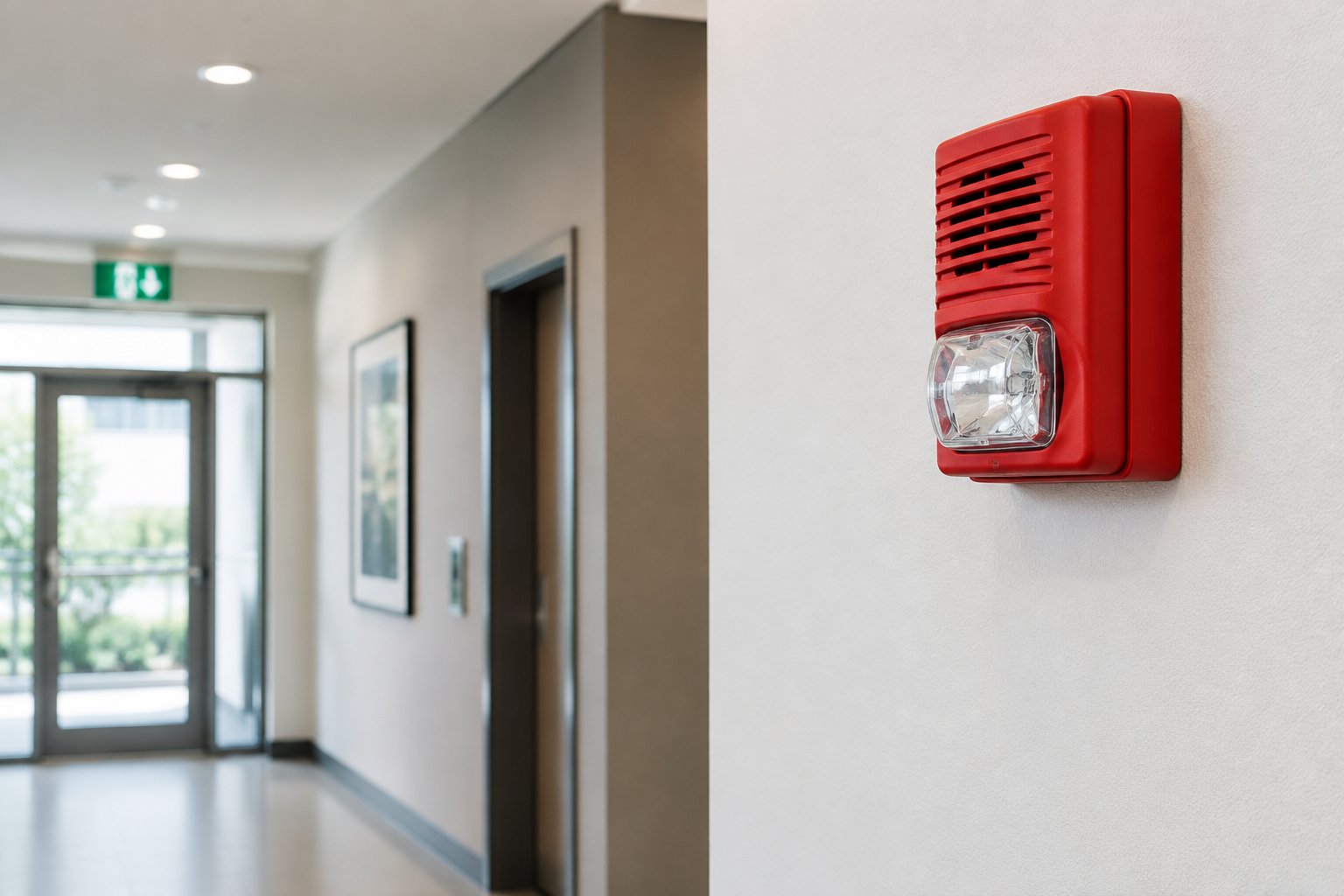
Intrusion detection systems let you know if someone’s trying to break in. Door and window sensors trigger alarms if they’re opened when they shouldn’t be.
Glass break detectors pick up the sound of shattering windows. Motion sensors catch movement in empty units or after hours. You can arm different zones as needed. Maybe you secure vacant units but leave occupied ones accessible.
Schedules can be customized for each area. Professional monitoring services jump in when alarms go off. They check things out and call emergency services if necessary. You’ll get instant notifications about alarms through texts or app alerts.
Smart Property Monitoring Techniques
Modern property management leans hard on tech that watches over your buildings nonstop. These systems bring together multiple security tools in one place, so you can manage everything from anywhere.
Remote Monitoring Tools
Remote monitoring lets you keep tabs on your properties from just about anywhere. Pull up live camera feeds on your phone, tablet, or laptop and see what’s happening in real time.
Sensors and cameras record everything 24/7. Footage gets stored in the cloud, so you don’t have to worry about on-site storage devices.
Need to check something from a few days ago? No problem, just scroll back and watch the recording.
Many systems start recording automatically when someone enters a certain area. Some even use facial recognition to spot residents or flag strangers.
You can set up custom viewing zones, focusing on entryways, parking lots, or package delivery spots.
Real-Time Alert Systems
Real-time alert systems ping your phone or email when something weird happens. That way, you can act fast before a small issue turns into a big mess.
AI helps these systems figure out what’s normal and what’s not. They’ll know the difference between a tenant coming home and someone trying to sneak into a restricted area.
Alerts can cover stuff like doors left open, repeated failed access attempts, or movement where there shouldn’t be any during off-hours.
You can tweak alert settings to fit your schedule and priorities. Some platforms let you set up escalation steps. If you don’t respond, someone else on your team gets the alert.
Integrated Security Platforms
Integrated platforms pull all your security tools together. Access control, cameras, sensors, and alarms talk to each other instead of operating in separate silos.
When someone swipes a key card, the system can pop up their camera feed and log the entry time. If an alarm goes off, it might lock doors, flip on lights, and start recording video, all at once.
You get a dashboard where you can manage all your properties and devices from a single screen. Reports combine data from different tools, making it easier to spot patterns or weak spots.
Physical Security Best Practices
Solid physical security keeps your properties safe from trespassers, theft, and vandalism. It’s all about layers, mixing trained personnel with real, physical barriers.
On-Site Security Personnel
Security guards act as a visible deterrent and can step in right away if something’s off. They watch entry points, patrol the property, and serve as your first line of defense.
When you’re hiring security personnel, look for people with the right licenses and clean backgrounds. Training should cover emergency response, conflict resolution, and your property’s specific protocols.
Think about what your property actually needs. Maybe you want 24-hour coverage, or maybe just evening patrols for a residential complex. Commercial properties might need guards during business hours.
Security staff should keep detailed logs of incidents, visitors, and patrols. These records can help you spot trends or vulnerabilities.
Regular check-ins and reviews keep everyone on their toes.
Perimeter And Entry Point Defenses
Fencing, gates, and barriers form the first physical line of defense. Go for fencing that’s at least six feet tall and tough to climb. Keep gates locked when not in use, and make sure the locks are sturdy.
Good lighting is a must around entry points, parking lots, and walkways. Motion-activated lights can discourage trespassers and save on power bills. Dark corners invite trouble and make tenants uneasy.
Access control systems restrict entry to people who actually belong there. You can use key cards, codes, or biometrics, depending on your budget and needs.
Change access codes regularly and revoke credentials right away if someone moves out or leaves the team. Surveillance cameras boost your physical defenses by recording activity and helping you spot security breaches. Place them at entrances, parking decks, and common spaces. Visible cameras can make people think twice; hidden ones catch those who think they’re clever.
Cybersecurity Considerations In Property Management
Property management systems handle a lot of sensitive info, financial transactions, personal data, you name it. That makes them a target for cybercriminals.
Strong cybersecurity protects your business and the people who trust you. It’s a critical part of complete property management security solutions, especially when systems are cloud-connected.
Protecting Tenant Data
Your system probably stores Social Security numbers, bank details, credit card info, and background checks. You’ve got to layer up your defenses to keep that data safe.
Start with encryption for everything, both stored data and data in transit. Stick to encryption standards that meet industry rules for data protection. Even if someone steals the data, they won’t be able to read it without the keys.
Limit who can see what. Maintenance techs don’t need access to payment info, and your accountant doesn’t need to poke around in maintenance logs.
Set up role-based permissions in your software and review them every few months. Run security audits regularly, at least once a year. Change default passwords right away on new systems, and require strong passwords with regular updates.
Secure Communication Networks
Your team probably uses email, messaging apps, and cloud tools to talk about sensitive stuff. You’ve got to keep those channels secure.
Set up a VPN for remote workers who need to access your systems. That way, data travels through an encrypted tunnel.
Require VPN use for all off-site access, no exceptions. Train your staff to spot phishing scams and sketchy messages. Hackers love to pretend they’re vendors or tenants to trick people into giving up passwords. Short training sessions every quarter help keep everyone sharp.
Use secure file-sharing platforms instead of regular email for documents with personal info. Turn on two-factor authentication wherever you can. It adds a second layer of security beyond passwords.
Emergency Preparedness And Response Plans
A good emergency plan keeps tenants and property safe with clear notification systems and practiced evacuation routes. When things go wrong, you don’t want chaos.
Crisis Notification Protocols
You need multiple ways to reach tenants fast if there’s an emergency. Set up a mass notification system that blasts alerts by text, email, and phone calls all at once. That way, if one method fails, the others should get through.
Update tenant contact info every six months. Keep emergency contacts and note any special needs, like mobility issues or language barriers.
Your notifications should tell tenants:
- What’s going on (fire, gas leak, severe weather, etc.)
- What to do (shelter in place or evacuate)
- Where to go (meeting points or safe zones)
- Who to contact (property manager phone numbers)
Run practice drills every few months to make sure the system works. Staff should know how to trigger alerts at any time, not just during business hours.
Evacuation Procedures
Post evacuation maps on every floor by the stairwells and elevators. Maps should show at least two exits and the fastest way out. Set assembly points at least 150 feet from the building.
Train your staff to help guide tenants during evacuations. Assign people to check common areas, help residents with disabilities, and account for everyone at the meeting spot.
Practice these drills twice a year so nobody’s caught off guard. Keep exits clear all year, no storage, snow, or debris blocking the way. Install battery-backup lighting in hallways and stairs for power outages.
Have a tenant accountability list with names and unit numbers. Check people off as they arrive at the assembly point. This helps emergency crews know if anyone’s missing.
Clear, Practical Security For Modern Properties
Property managers don’t need more complexity. They need security systems that reduce daily stress, protect tenants, and provide clear visibility across every building without constant oversight.
Alarm Masters delivers licensed, end-to-end property management security solutions designed for Texas properties. Fast response times, integrated systems, and straightforward support help close security gaps without slowing operations.
If you’re ready to simplify security and improve control across your properties, schedule service now and take the next step with confidence.
Frequently Asked Questions
What Are Property Management Security Solutions?
Property management security solutions combine access control, video surveillance, intrusion detection, and monitoring tools to protect tenants, buildings, and assets. These systems are designed to work together so property managers can oversee security from a single platform.
Why Are Security Solutions Important For Property Managers?
Managing multiple properties increases risk exposure. Effective security solutions help reduce unauthorized access, deter theft or vandalism, and provide faster response when incidents occur, all while supporting smoother daily operations.
How Do Access Control Systems Improve Building Security?
Access control systems limit entry to approved individuals using key cards, mobile credentials, or codes. They allow managers to issue, track, and revoke access quickly without rekeying doors, which is especially useful in multi-tenant properties.
Can Security Systems Be Managed Remotely?
Yes. Most modern property management security solutions allow remote access through secure apps or dashboards. Managers can view cameras, receive alerts, and manage credentials from anywhere with an internet connection.
What Areas Should Be Covered By Video Surveillance?
High-priority areas include building entrances, parking lots, hallways, elevators, loading areas, and shared amenities. Coverage should focus on visibility and safety while respecting tenant privacy requirements.
How Do Real-Time Alerts Help Property Managers?
Real-time alerts notify managers immediately when unusual activity occurs, such as forced entry or after-hours motion. This allows faster decisions and responses before issues escalate.
Are Security Systems Scalable For Growing Property Portfolios?
Yes. Integrated platforms are designed to scale, making it easier to add buildings, devices, or users without rebuilding your entire security setup. This flexibility supports long-term growth.
How Can Property Managers Balance Security And Tenant Privacy?
Clear policies are essential. Cameras should be placed only in permitted areas, access to footage should be restricted, and data retention rules should follow local regulations. Transparency with tenants builds trust.
What Role Does Cybersecurity Play In Property Management Security?
Cybersecurity protects tenant data, access credentials, and cloud-based systems from digital threats. Strong passwords, encryption, role-based access, and staff training are key parts of a complete security strategy.
How Often Should Security Systems Be Reviewed Or Updated?
Security systems should be reviewed annually or after major property changes. Regular audits help identify outdated equipment, access issues, or coverage gaps before they become problems.


.svg)


.svg)


