.svg)
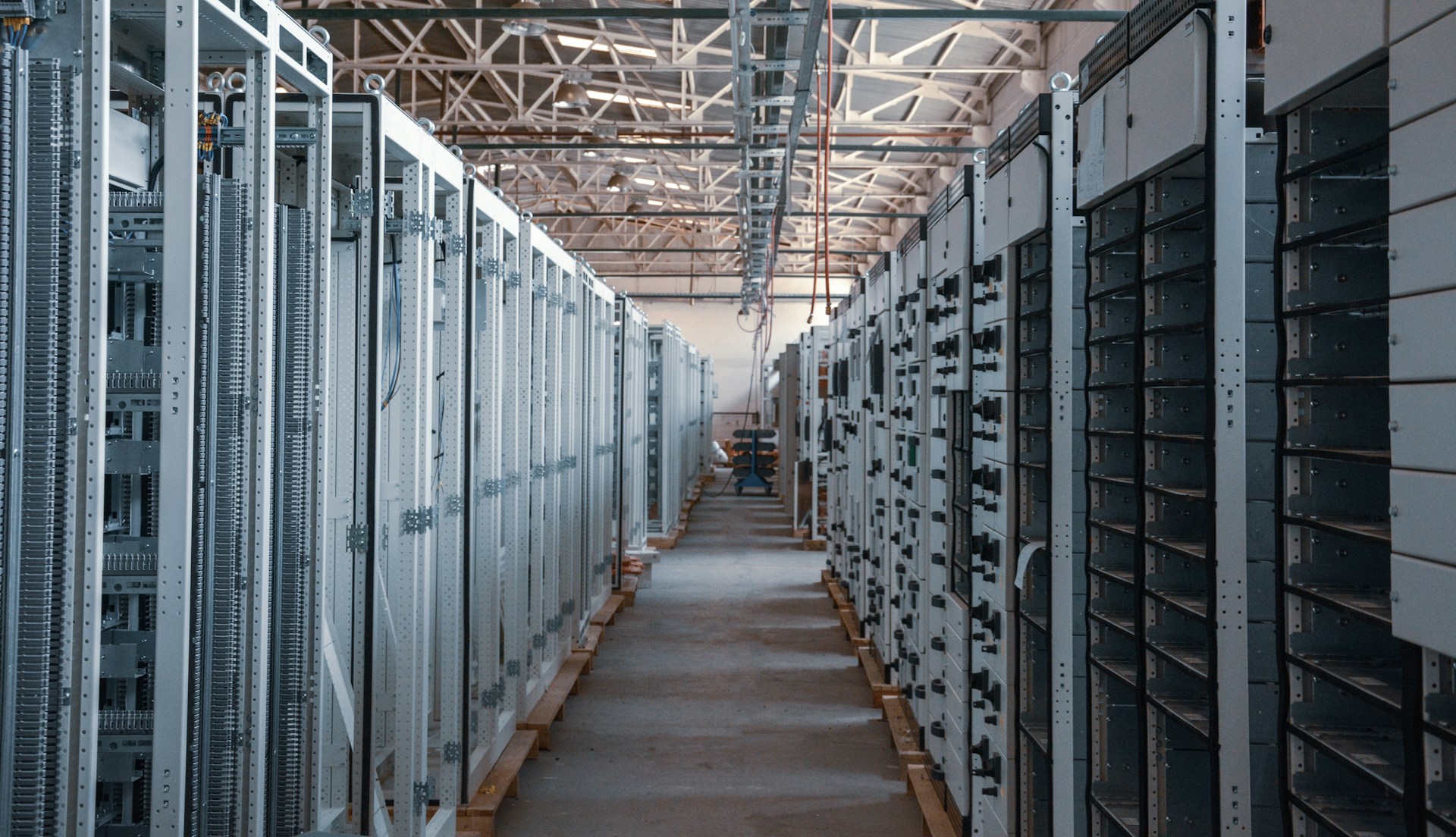
Downtime, data loss, and compliance gaps can start with one missed control. Data center security systems help reduce those risks by building layered protection. The goal is simple: keep people, equipment, and data protected without slowing work.
Alarm Masters helps Texas teams strengthen security with licensed guidance and fast turnarounds. That includes practical planning for access control, surveillance, and monitoring that fits your site. Clear scope, documented controls, and fewer surprises are the priorities.
This guide breaks down the core layers, advanced detection, and network protections that matter most. Use it to spot gaps, set priorities, and choose upgrades that make day-to-day operations safer.
Core Components Of Data Center Security Systems
Data center security systems rely on three main defense layers: physical barriers that keep out intruders, access control systems that verify and track who enters specific areas, and video surveillance that monitors activities in real time.
Physical Security Controls
Physical barriers form the first line of defense against threats to your data center. These controls include reinforced walls, secure doors, and bollards to stop vehicle attacks.
You need perimeter fencing around your facility to set clear boundaries. High-security fencing, at least eight feet tall and designed to resist climbing, is pretty standard.
Some facilities add razor wire or electric fencing for extra protection. Your building should have as few entry points as possible to simplify monitoring.
Each entrance needs robust locks, and mantrap systems really help. These are small rooms between two interlocking doors, with only one door opening at a time.
Environmental controls matter, too. Backup power systems, fire suppression equipment, and climate control all protect your hardware.
Water-detection sensors can detect leaks before they damage equipment. It’s not glamorous, but it saves a lot of pain.
Access Control Systems
Access control systems verify identities and manage who can enter different areas of your data center. These systems use multiple authentication methods to confirm that people are who they say they are.
Badge readers are common, but you should pair them with other verification methods. Biometric scanners check fingerprints, palm prints, or iris patterns unique to each person.
Some facilities use weight-sensitive floors that detect if someone tries to sneak in behind an authorized person. Your system should track every entry and exit with timestamps.
This creates an audit trail you can review if security issues pop up. Set different permission levels so employees only access areas they actually need for their jobs.
Multi-factor authentication adds another layer by requiring two or more verification methods. For example, an employee might need both their badge and a fingerprint to get into the server room.
Video Surveillance Solutions
Cameras provide continuous monitoring of your data center and create recorded evidence of all activities. Modern surveillance systems use high-definition cameras that capture clear images even in low light.
Place cameras at all entry points, in server rooms, and throughout hallways. Make sure you cover loading docks and parking areas, since threats sometimes start outside.
Position cameras to avoid blind spots where intruders could hide. Your surveillance system needs enough storage to keep footage for at least 30 to 90 days.
Cloud storage is scalable, but local storage keeps critical footage accessible if your network goes down. Motion detection features alert security staff to unusual activity.
Some advanced systems use analytics to detect suspicious behavior, such as someone loitering near restricted areas or accessing equipment without permission.
Advanced Threat Detection And Prevention
Modern data centers need multiple layers of protection to catch threats before they cause damage. These systems watch for intruders, monitor environmental dangers, and alert security teams the moment something goes wrong.
Intrusion Detection Technologies
Intrusion detection systems act as your digital watchdog, constantly scanning your network for suspicious activity. These tools use pattern recognition to detect unusual behavior, such as unauthorized login attempts or suspicious data transfers.
AI-powered detection systems have changed the game. They learn what normal activity looks like in your facility and flag anything that doesn’t fit.
Most intrusion detection solutions fall into two categories:
- Network-based systems monitor all traffic flowing through your data center.
- Host-based systems watch individual servers for suspicious changes.
You can add intrusion prevention systems that don’t just detect problems; they stop them. When these systems spot a threat, they automatically block the source and prevent the attack from spreading.
Many modern platforms combine detection and prevention into one solution, giving you real-time protection without manual intervention.
Fire And Environmental Monitoring
Your data center faces physical threats that can destroy equipment in minutes. Fire detection systems use smoke sensors and heat detectors throughout your facility to catch problems early.
These sensors connect to suppression systems that can extinguish fires without wrecking sensitive electronics. Temperature and humidity monitoring protects against overheating and moisture damage.
Sensors track conditions in real time and alert you when readings go outside safe ranges. Water leak detection systems guard against pipe bursts and HVAC failures that could flood server rooms.
Environmental monitoring platforms give you a complete view of your facility’s conditions. You can check temperature maps, track power usage, and get instant alerts on your phone when something needs attention.
Alarm Systems
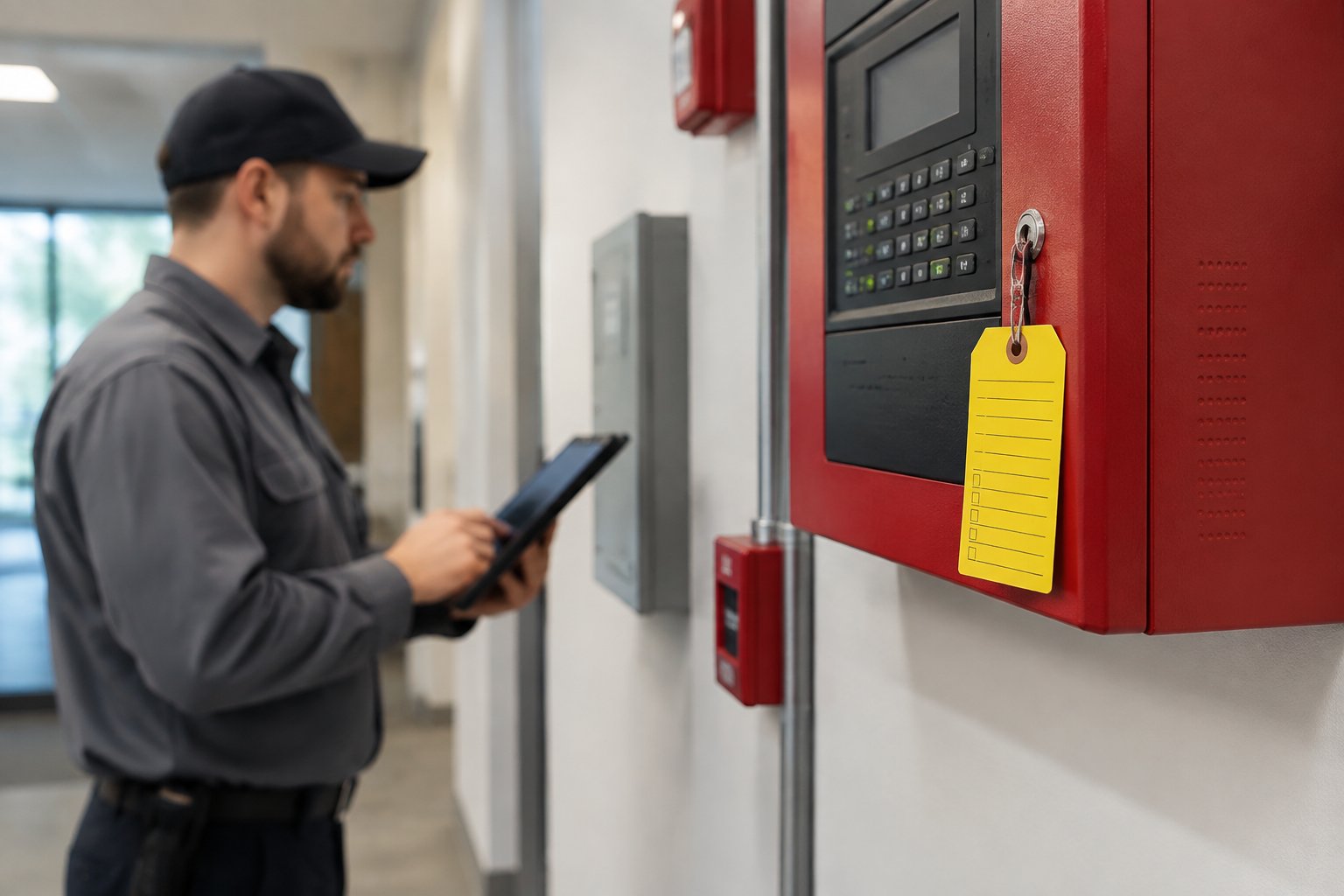
Alarm systems tie all your security components together into one response network. When a sensor detects a problem, the alarm system jumps into action by notifying security staff, locking doors, and activating cameras.
Modern alarm systems let you set different response levels for various threats. A minor temperature spike might send an email alert, while unauthorized door access triggers an immediate lockdown and calls in security personnel.
These systems keep detailed logs of every event, which helps you investigate incidents and prove compliance with security regulations. You can review exactly when alarms triggered, who responded, and what actions they took.
Network And Data Protection Strategies
Protecting the data flowing through your network requires multiple layers of defense that work together. Strong encryption, smart network design, and automated monitoring tools form the core of an effective protection strategy.
Network Segmentation
Network segmentation divides your data center network into smaller, isolated sections. This approach limits how far an attacker can move if they breach one part of your system.
You can create segments based on data sensitivity, department needs, or security requirements. For example, you might keep customer payment data completely separate from general employee systems.
Each segment operates with its own security rules and access controls. When a security threat appears in one segment, it stays contained there.
Your other network sections keep running normally. This setup also makes it easier to monitor traffic patterns and spot unusual activity within each zone.
Encryption Methods
Encryption converts your data into unreadable code that only authorized users can access. You need encryption both when data sits in storage and when it travels across networks.
Data at rest encryption protects files stored on servers and backup systems. Data in transit encryption secures information moving between devices or locations.
Use strong encryption standards like AES-256 for stored data and TLS 1.3 for network traffic. Set up automated key management systems to handle encryption keys securely.
Change these keys regularly and store them separately from the encrypted data. This way, even if someone gets physical access to your storage devices, they can’t read the files.
Data Loss Prevention Tools
Data Loss Prevention (DLP) tools monitor and control how sensitive information moves through your network. These systems identify confidential data based on rules you set and block unauthorized transfers.
Your DLP tools can scan emails, file transfers, and cloud uploads for protected information. They flag or stop actions that violate your security policies.
You can create rules for different data types like social security numbers, credit card information, or proprietary business files. Modern DLP systems use automated scanning to watch data movement in real time. They generate alerts when suspicious activity occurs and create detailed logs for compliance reporting.
Management And Compliance Considerations
Data centers must meet strict regulatory requirements and follow established security frameworks to protect sensitive information. Strong management policies, regular audits, and clear documentation help you maintain security standards and avoid costly penalties.
Regulatory Standards For Data Centers
Your data center needs to comply with multiple standards depending on your industry and location. ISO 27001 sets the global benchmark for information security management systems.
SOC 2 focuses on how you handle customer data through five trust principles: security, availability, processing integrity, confidentiality, and privacy. If you process payment cards, PCI DSS compliance is mandatory. Healthcare facilities must follow HIPAA rules to protect patient information.
Organizations handling European customer data need to meet GDPR requirements, even if your data center sits in the United States. The U.S. lacks a single comprehensive data privacy law.
Instead, you’ll navigate federal regulations, state-specific laws, and industry requirements that often overlap. This complexity means you need to identify which standards apply to your operations and maintain compliance across all of them.
Security Policies And Best Practices
You should establish clear security policies that cover access control, data handling, and incident response procedures. Your policies need regular updates to address new threats and changing business needs. Document all security protocols so your team knows exactly what steps to follow.
Risk assessments help you spot vulnerabilities before they become problems. You should conduct these reviews regularly and after any major infrastructure changes.
Employee training programs ensure your staff understands security policies and their role in keeping things compliant. Your security systems work best when they’re integrated instead of siloed.
This means your physical security, network monitoring, and access controls should talk to each other.
Audit And Reporting Mechanisms
Regular audits verify that your security controls work as intended. You need both internal reviews and external assessments from qualified third parties.
These audits check your compliance status, test your security measures, and identify gaps in your protection. Your audit reports should include findings, recommendations, and timelines for addressing any issues.
Keep detailed records of all security events, access logs, and system changes. This documentation proves your compliance during regulatory reviews and helps you track improvements over time.
You should schedule audits at least annually, though some standards require more frequent reviews. Quick reporting of security incidents to relevant authorities and stakeholders is often legally required and helps maintain trust with your customers.
Emerging Trends In Data Center Security
Data center security is evolving fast, with artificial intelligence automating threat detection, biometric systems replacing traditional access methods, and cloud platforms centralizing security management across multiple facilities.
Artificial Intelligence Integration
AI systems are transforming how data centers monitor and respond to security threats. These systems can analyze video feeds, access logs, and sensor data in real time to spot unusual patterns that human operators might miss.
When AI detects something suspicious, it can trigger automatic responses. For example, if someone tries to enter a restricted area, the system can lock doors, alert security staff, and start recording extra footage.
This happens in seconds, not minutes. AI also helps with predictive maintenance and security planning.
The systems learn normal patterns of activity and can flag deviations like equipment overheating or unexpected energy use. This might indicate tampering or hardware attacks before they cause serious damage.
Key benefits you’ll see:
- Faster threat detection and response times
- Less need for constant human monitoring
- Better accuracy in spotting real security threats
- Automatic alerts for equipment failures or weird access patterns
Biometric Solutions
Biometric authentication is replacing keypads and access cards at data center entry points. Your fingerprints, facial features, or iris patterns provide more secure identification than passwords or cards that can be stolen or shared.
Modern biometric systems use multiple factors for verification. You might need both facial recognition and a fingerprint scan to access sensitive areas.
This layered approach makes unauthorized entry much tougher. These systems also create detailed audit trails.
Every entry and exit gets logged with a timestamp and biometric confirmation. You can track exactly who accessed which areas and when, which helps with compliance requirements and incident investigations.
Cloud-Based Security Management
Cloud platforms let you manage security across multiple data centers through a single central interface. You can monitor cameras, control access systems, and review logs without being physically present at each location.
These systems update automatically with new security features and patches. You don’t need to manually install updates at every facility, which reduces the risk of vulnerabilities caused by outdated software.
Cloud-based management also improves coordination between security teams. Your staff can share information instantly and respond to threats across different sites. The systems integrate with other tools you’re already using, creating a unified security ecosystem that’s easier to maintain and scale.
Reduce Risk Without Disrupting Operations
Data center security systems work best when physical controls, monitoring, and network protection move together. Layered design helps limit downtime, reduce exposure, and simplify incident response when something goes wrong. Clear visibility and documented processes make daily operations easier to manage.
Alarm Masters supports secure, compliant environments with licensed technicians and fast response across Texas. The focus stays on practical controls that protect uptime, support audits, and scale with your infrastructure. Security should lower risk without adding friction to your team’s work.
If you are ready to identify gaps or plan upgrades, schedule service now. A structured review can help prioritize improvements and reduce avoidable disruptions.
Frequently Asked Questions
What Are Data Center Security Systems?
Data center security systems are layered controls designed to protect facilities, equipment, and data. They combine physical security, monitoring, and network safeguards to reduce downtime and unauthorized access.
Why Are Layered Security Controls Important?
No single control can stop every threat. Layered security limits how far an issue can spread, improves detection speed, and supports faster, more predictable responses when incidents occur.
How Do Physical And Digital Security Work Together?
Physical controls protect who can enter the facility, while digital controls protect how data is accessed and moved. When these systems are integrated, alerts, logs, and responses become clearer and easier to manage.
What Role Does Access Control Play In Security?
Access control ensures only approved individuals enter specific areas. Systems log entry activity, support audits, and reduce insider risk by limiting access to job-relevant zones.
How Does Video Surveillance Support Data Center Operations?
Video surveillance provides real-time visibility and recorded evidence of activity. It helps verify incidents, supports investigations, and strengthens accountability without interrupting operations.
What Are Common Causes Of Data Center Security Failures?
Many failures start with gaps in monitoring, outdated permissions, or isolated systems that do not share data. Poor documentation and inconsistent reviews also increase risk over time.
How Often Should Data Center Security Be Reviewed?
Security controls should be reviewed regularly and after any major infrastructure change. Ongoing audits, log reviews, and testing help confirm systems still match operational needs.
Can Strong Security Improve Compliance Readiness?
Yes. Clear access logs, documented controls, and consistent monitoring make audits easier and reduce the effort needed to demonstrate compliance during reviews.
How Do Security Systems Support Uptime Goals?
Well-designed systems detect issues early and limit impact. Faster alerts and coordinated responses reduce outages and help teams restore normal operations quickly.
What Is The First Step In Improving Data Center Security?
Start with a gap assessment. Identify where controls are missing, outdated, or disconnected, then prioritize improvements that reduce risk without disrupting daily workflows.



.svg)


.svg)


