.svg)
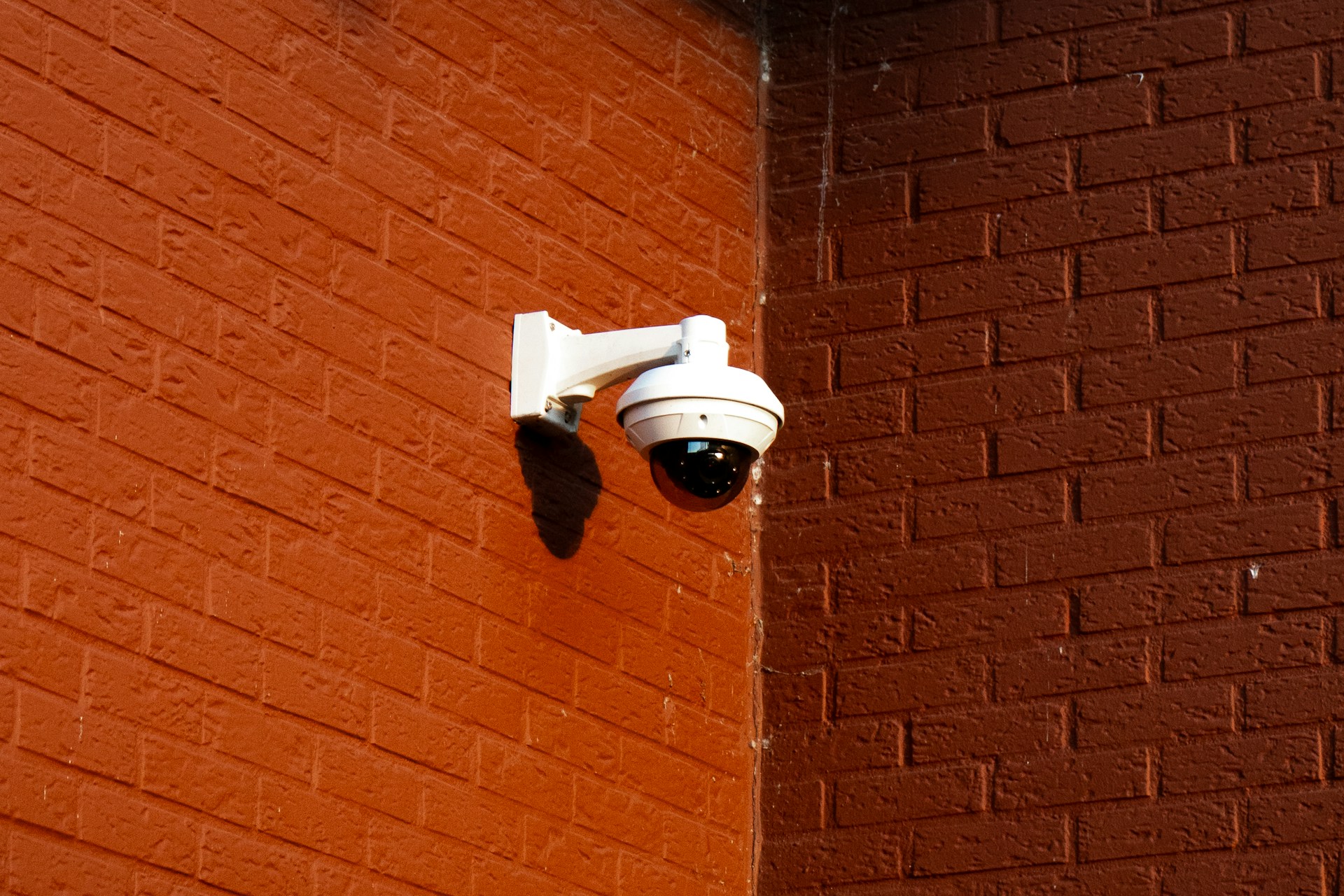
A customer slips near your entrance and threatens a lawsuit before you even finish filling out the incident report. These occurrences happen every week at businesses across Houston, and the outcome often comes down to one thing: whether you have clear video of what actually happened.
Business surveillance cameras liability protection has become one of the most practical reasons Texas business owners upgrade their systems, right alongside theft prevention.
In this guide, you'll discover how video evidence holds up in liability claims, where to place cameras to cover the incidents that matter most, and what privacy rules apply before you ever press record. You'll also learn how to keep footage secure enough to actually help you when a claim lands on your desk.
How Video Evidence Reduces Claim Uncertainty
A single clear camera angle can turn a disputed claim into a closed case within days instead of months. Video evidence removes the guesswork that insurance carriers and attorneys otherwise spend weeks untangling.
Liability claims often hinge on conflicting stories. A customer says the floor was wet and there was no warning sign. Your employee says the sign was there the whole time. Without footage, this becomes a costly back-and-forth between lawyers and insurance carriers, sometimes resulting in a settlement just to avoid legal fees. With footage, the recording either supports or contradicts the claim immediately.
Commercial video surveillance also protects against fraudulent claims, which the FBI estimates cost the country more than $40 billion every year in non-health insurance fraud alone. Some claimants stage falls, exaggerate injuries, or misstate how an incident occurred. Surveillance footage gives your legal team and insurance carriers an objective account instead of relying on memory or conflicting testimony.
Slip-And-Fall and Property Damage Disputes
Slip-and-fall claims are among the most common liability disputes Houston businesses face, and settlement amounts vary widely depending on injury severity, from a few thousand dollars for a minor incident to well into six figures for a serious injury.
Camera footage showing the actual floor condition, signage placement, and timing of any spill response can settle the matter quickly regardless of where a claim falls on that range.
Workplace Injuries and Employee Misconduct Claims
Workplace injuries create liability exposure that touches both workers' compensation and general liability insurance. Video showing whether an employee followed safety protocols, or whether a coworker's conduct caused an injury, gives your business documented proof of due diligence.
False Claims, Theft Allegations, and Loss Prevention
False claims and theft allegations put your reputation and your insurance premiums at risk. Surveillance footage supports retail loss prevention efforts by confirming what employees and customers actually did, protecting honest staff from wrongful accusations.
- Confirms whether safety signage was visibly posted at the time of an incident
- Verifies employee compliance with posted safety procedures
- Distinguishes accidental damage from deliberate theft or vandalism
- Provides a timestamped record insurance carriers can review without dispute
None of this evidence matters if the cameras were pointed the wrong direction or missed the incident entirely. That makes camera placement the next question worth answering.
Designing Coverage for the Incidents That Matter
Camera count means nothing if your entrances, registers, and loading docks sit outside the frame. Coverage strategy, not the number of cameras installed, determines whether footage actually helps during a claim.
A professionally installed surveillance system starts with a security assessment that maps out where incidents are most likely to happen. Blind spots near entrances, unmonitored stairwells, and dark parking areas are the locations where liability claims most often originate. Skipping this step is the most common reason businesses discover gaps only after an incident already occurred.
Coverage planning also has to account for how people and vehicles move through your property throughout the day. A camera aimed at a doorway during business hours might miss activity that happens after closing, when unauthorized access attempts are more likely. Getting this right requires thinking through traffic patterns, not just square footage.
Prioritizing Entrances, Customer Areas, and Cash Handling
Entrances, checkout lanes, and cash handling stations see the highest volume of both customer interaction and dispute potential. These areas deserve dedicated cameras with clear, unobstructed views, not shared coverage from a distant angle.
Covering Warehouses, Loading Docks, and Parking Areas
Warehouses, loading docks, and parking lots carry distinct risks, including vehicle damage, package theft, and slip hazards from uneven pavement or weather. Wide-angle cameras combined with entry-point cameras provide a fuller picture of activity in these lower-traffic zones.
Selecting Image Quality, Night Vision, and Live Monitoring
Image quality determines whether footage can actually identify a person, vehicle, or hazard after the fact. Consider these factors when evaluating camera specifications:
- Resolution high enough to read license plates or facial details at entry points
- Night vision range that covers the full parking lot, not just the building perimeter
- Live monitoring or video verification for faster response during active incidents
- Storage capacity that matches your property's typical claim review timeline
Strong camera placement protects your evidence, but it only works within legal boundaries. Before any camera goes live, you need to understand what the law actually allows.
Setting Privacy Boundaries Before Cameras Go Up
Recording in the wrong location, such as a restroom or private office, can expose your business to a lawsuit instead of protecting it from one. Privacy laws set clear limits on where and how you can record, and ignoring them turns a protective tool into a legal liability.
Surveillance laws generally allow recording in public-facing areas of a business, including entrances, sales floors, and parking lots. They restrict recording in places where someone has a reasonable expectation of privacy, such as restrooms, locker rooms, and private offices. Texas businesses that record in these restricted areas risk civil claims regardless of good intentions.
Security camera laws also vary in how they treat workplace surveillance and employee notification. Some states require notice before recording employees; Texas does not mandate blanket notification, but transparency still reduces legal risk and builds trust with staff.
- Never place cameras in restrooms, changing areas, or private offices
- Post visible signage where cameras are recording public or work areas
- Provide written notice to employees about workplace surveillance policies
- Review any camera near a boundary with a neighboring property or residence
Respecting a Reasonable Expectation of Privacy
A reasonable expectation of privacy exists anywhere a person could expect not to be watched, such as a bathroom or a break room used for private conversations. Cameras in these spaces expose your business to legal claims even if theft or misconduct was the original concern.
Using Employee Notification and Clear Signage
Clear signage and written employee notification create transparency that protects your business if a recording is ever challenged. A simple sign at entrances stating the property uses video surveillance satisfies consent expectations in most commercial settings.
Why Audio Recording Requires Separate Review
Audio surveillance falls under stricter rules than video alone, including the federal Wiretap Act and the Electronic Communications Privacy Act (ECPA), a federal law governing electronic monitoring.
Texas is a one-party consent state, meaning only one person in the conversation needs to agree to recording, but combining audio with video still deserves a legal review before installation. Speak with legal counsel if your system includes audio capture near customer-facing areas.
Getting privacy right protects you from one type of exposure. Protecting the footage itself once it exists is the next piece of the puzzle.
Keeping Footage Reliable, Secure, and Available
Footage that gets overwritten before a claim is filed does nothing to protect your business. A camera system is only as useful as its retention policy and how well it secures recordings afterward.
Insurance claims and legal disputes don't always surface immediately. A customer might report a slip-and-fall injury weeks after it happened, long after short-retention footage has already been deleted. Setting retention windows that match your realistic claim timeline is one of the simplest ways to strengthen your liability protection.
Access control over who can view or export footage matters just as much as how long it's stored. If multiple people can alter or delete recordings without a log, the footage loses credibility as evidence in court or with insurance carriers. Preserving the original, unedited recording gives video its weight in a dispute.
- Set retention periods of at least 30 to 90 days depending on your claim history
- Limit footage access to a small number of authorized staff
- Keep an unedited master copy separate from any exported clips
- Confirm cloud storage providers use encryption for footage in transit and at rest
Setting Retention Rules for Claims and Investigations
Retention rules should reflect how long it typically takes claims to surface in your industry, not just default storage settings. Retail and restaurant businesses often see claims within 30 days, while workplace injury claims can take longer to develop.
Limiting Access and Preserving the Original Recording
Limiting access to raw footage protects its integrity if a case goes to litigation. Preserving the original file, rather than only a shared clip, shows the recording has not been altered.
Protecting Cloud Video and Network Connections
Cloud storage and network security protect footage from tampering, unauthorized access, and cyberattacks that could compromise your evidence. A professionally installed surveillance system encrypts footage during transmission and storage, demonstrating due diligence if data security is ever questioned.
Secure, well-retained footage helps you respond confidently after an incident. The next step is using that footage to actually improve how your business operates day to day.
Turning Surveillance Into a Proactive Safety Practice
Reviewing footage only after a lawsuit arrives keeps you one step behind. The businesses that get the most protection from their cameras review footage regularly, not just when something goes wrong.
Relying on memory alone to reconstruct workplace incidents leads to inconsistent reports and weaker documentation. Reviewing recorded footage shortly after any incident gives you an accurate account while details are still fresh, strengthening your position with insurance carriers later.
Consistent footage review also reveals patterns you might otherwise miss. If multiple incidents happen near the same doorway or loading zone, that signals a need to adjust safety protocols before a claim is filed. Video surveillance in the workplace becomes a prevention tool, not just a record after the fact.
Reviewing Incidents Without Relying Only on Memory
Reviewing footage immediately after any workplace incident replaces guesswork with an accurate timeline of events. This habit protects both the business and employees from disputes over what actually occurred.
Using Findings to Improve Safety Protocols
Footage review often reveals small, fixable hazards, like a poorly lit corner or a frequently blocked exit, before they cause an injury. Adjusting safety procedures based on real recorded incidents strengthens your risk management approach over time.
Documenting a Consistent Response for Insurers
Insurance carriers respond faster to claims when a business can show a documented, repeatable process for reviewing and reporting incidents. This consistency demonstrates proactive risk management, which can support better terms during policy renewals.
Turning footage into a regular safety habit closes the loop between prevention and protection. The last step is making sure your camera plan is actually built to support all of this from day one.
Build a Defensible Camera Plan for Your Property
A camera system installed without a plan rarely holds up when a real claim arrives. The strongest business surveillance camera liability protection starts with a proper security assessment, not a quick equipment purchase. This guide to business surveillance camera planning covers this process in more depth if you're starting from scratch.
Every property has different risks. A restaurant deals with slip hazards near the kitchen and dining floor. A warehouse deals with loading dock disputes and inventory shrinkage. A retail store deals with high customer traffic near cash registers. A professionally installed surveillance system accounts for these differences instead of applying a one-size-fits-all layout.
Our team at Alarm Masters walks every property in person before recommending equipment, because coverage gaps only show up when you actually look at how the space is used. That on-site assessment, paired with our 48-hour service guarantee, means your business won't be left waiting weeks for someone to see your property.
- Start with a full walkthrough to identify high-risk areas specific to your business
- Match camera resolution and placement to each zone's liability exposure
- Confirm retention and access policies before the system goes live
- Review the plan annually as your business layout or operations change
Getting camera coverage, privacy compliance, and footage retention right takes coordinated planning across your entire property, not a single fix. A short conversation with a licensed local team can clarify where your current setup stands and what to prioritize next. Start that conversation with a free, no-obligation estimate.
Frequently Asked Questions
What Legal Risks Can a Business Face When Using Security Cameras?
Businesses face legal risk if cameras record in areas with a reasonable expectation of privacy, like restrooms, or if they mishandle footage during a dispute. Improper audio recording without consent can also create exposure under federal wiretap laws. Working with a licensed installer helps you avoid these common mistakes from the start.
Can Employers Legally Monitor Employees With Cameras at Work?
Yes, employers can generally monitor employees in shared work areas like sales floors, stockrooms, and hallways. Employers cannot place cameras in private spaces such as restrooms or locked offices without clear justification. Written policies and visible signage help protect the business if monitoring practices are ever questioned.
Do Businesses Need to Post Signs Before Recording Customers or Employees?
Texas law does not always require signage, but posting clear notice is still a smart, low-cost step. Signage supports transparency and reduces the chance of a privacy complaint later. It also reinforces that the business takes security and compliance seriously.
Can a Business Record Audio Along With Video Surveillance?
Audio recording carries stricter legal requirements than video alone under laws like the Wiretap Act. Texas allows one-party consent, but audio near customer conversations still deserves a legal review before installation. Video-only systems avoid most of this added complexity for standard commercial coverage.
When Can an Employee Sue an Employer Over Workplace Camera Monitoring?
Employees may have grounds for a lawsuit if cameras were placed in private areas like restrooms or break rooms with locked doors. Claims can also arise if footage was used in ways that violate a written company policy. Clear, consistent policies significantly reduce this risk.
How Long Should a Business Keep Security Camera Footage to Reduce Liability?
Most businesses benefit from retaining footage for at least 30 to 90 days, since claims don't always surface immediately. Businesses with a history of slower-developing claims, like workplace injuries, may need longer retention windows. A licensed provider can help set retention rules that match your specific liability exposure.



.svg)


.svg)


