.svg)
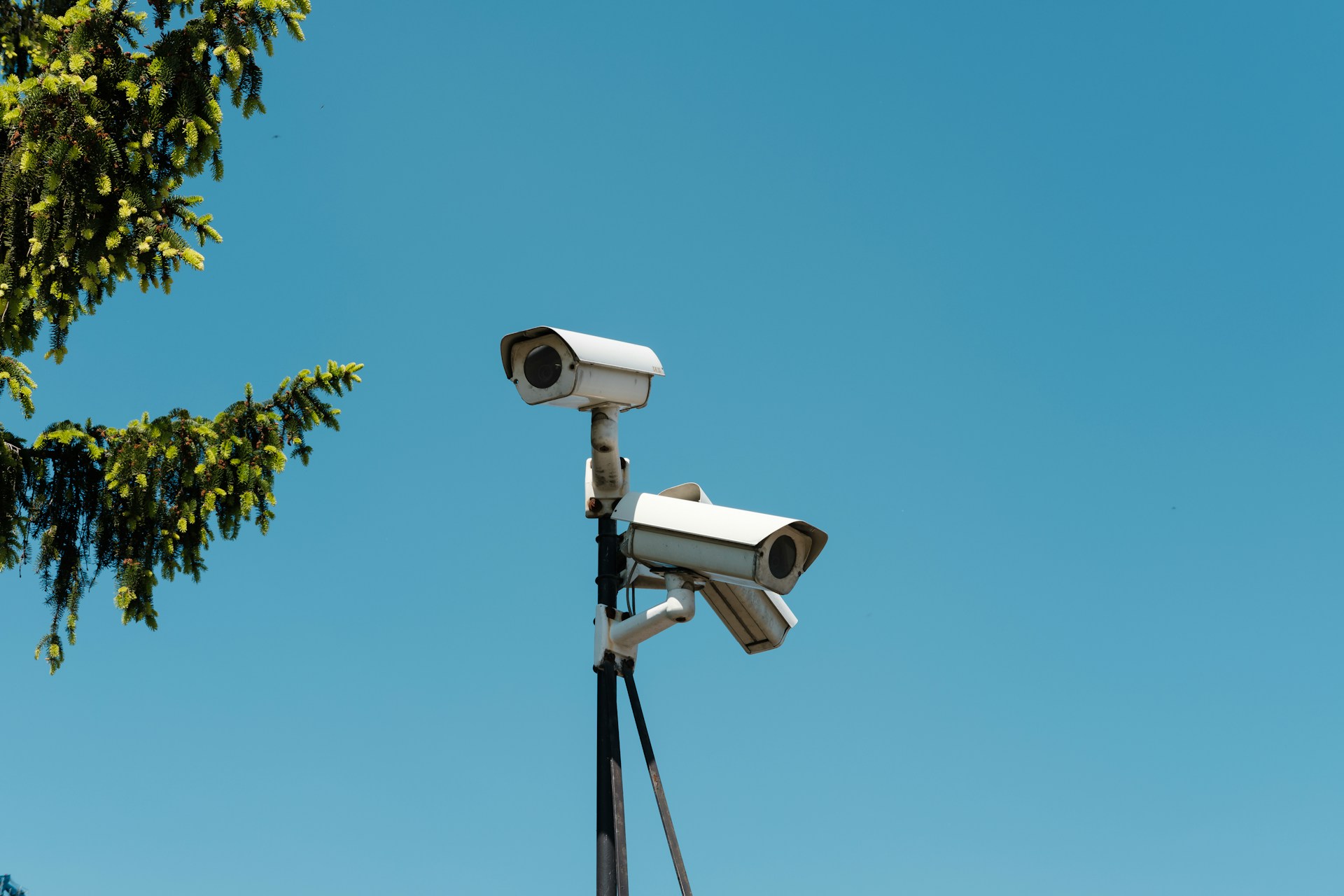
Protecting your business takes more than a locked door. Business surveillance cameras give you real-time visibility into what's happening at your property, whether you're on-site or checking in remotely from your phone.
From retail stores to warehouses to multi-location offices, the right camera system can deter theft, document incidents, and keep your team accountable. The options available in 2026 are far more capable than older CCTV setups.
Knowing which features actually matter for your specific situation saves you money and headaches. If you're not sure where to start, Alarm Masters can help you cut through the confusion.
This guide will walk you through everything from camera types and video specs to brands, smart features, and the questions worth asking before you buy.
How To Choose The Right Setup For Your Business
Picking the right security camera system starts with knowing your space, your risk level, and how much hands-on management you want to take on. Floor plan coverage, installation method, and room to grow are the three factors that separate a system that works from one that falls short.
Match Camera Coverage To Your Floor Plan And Risk Areas
Before you order a single camera, walk your property and identify the spots that matter most. Entry and exit points, cash handling areas, parking lots, and storage rooms are typically your highest-risk zones.
A commercial security camera system that covers these areas well is more valuable than one with a dozen cameras pointed at low-risk hallways. Most businesses need a mix of wide-angle cameras for open areas and tighter-angle cameras for narrow corridors or specific assets.
For small-business security cameras, a four- to eight-camera setup is often enough to cover critical zones without overcomplicating the system. Larger facilities may need 16 or more cameras, which is why choosing a scalable commercial security camera from the start matters.
Draw a rough floor plan and mark each zone by risk level before you shop. That simple step helps you calculate how many cameras you need and what field of view each one should cover.
Decide Between DIY And Wireless Versus Professional Installation
DIY setups work well for small businesses with simple layouts, but they require your time and some technical comfort. Professional installation costs more upfront, though it often results in cleaner cable runs, better camera placement, and fewer blind spots.
For multi-story buildings or locations with strict liability concerns, professional installation is usually the smarter call. Professional monitoring adds another layer to the installation.
With smart surveillance paired to a monitoring service, trained staff can respond to alerts even when you're unavailable. That's especially useful for businesses that operate overnight or across multiple sites.
Choose A System That Can Scale With Your Business
The best security cameras for business aren't just about today's needs. If you plan to expand, add locations, or hire more staff, your system should support those changes without a full replacement.
Look for commercial security cameras that connect to an NVR with open expansion slots. Cloud platforms that let you add cameras under the same account and app without extra hardware purchases are also a good option.
Which Camera Types And Video Specs Matter Most
Choosing the right camera form factor and video settings directly affects what your footage can actually prove when something goes wrong. Body type, resolution, viewing angle, and low-light performance each play a different role depending on where a camera is placed.
Bullet, Dome, Turret, And PTZ Options
Bullet cameras are long and cylindrical, making them easy to aim and highly visible. That visibility works as a deterrent in parking lots and along building exteriors.
Dome cameras sit flush with ceilings and are harder to tamper with, making them a go-to choice for retail floors and other indoor areas where aesthetics matter. Turret cameras are a middle-ground option.
They look similar to dome cameras but lack the glass dome cover that eliminates infrared reflections at night. That makes turret cameras a strong choice for dimly lit corridors or indoor spaces with mixed lighting.
PTZ cameras (pan, tilt, zoom) let you remotely control the camera's direction and zoom level. These are ideal for covering large open spaces, such as warehouses or parking structures, with a single unit.
Resolution, Field Of View, And Identification Distance
Resolution determines how much detail you can pull from footage. 1080p works for general monitoring, but 4K security cameras give you the pixel density to zoom in on a face or license plate without the image turning to mush.
If your footage ever needs to hold up as evidence, 4K is worth the added cost. Field of view tells you how wide a camera sees.
A 90-degree lens covers more area but with less detail at the edges. A narrower lens gives you sharper focus on a specific zone.
Identification distance, which is how far away a camera can clearly show a recognizable face, depends on both resolution and lens angle. A 4K PoE camera with a 2.8mm lens can cover a wide entrance while still capturing usable detail at 20 to 30 feet.
Night Coverage In Dark Lots, Alleys, And Entrances
Most incidents occur after hours, so night-vision performance is non-negotiable for business security cameras. Infrared night vision (IR night vision) uses invisible infrared light to illuminate a scene in black and white.
It's effective and widely available, with some cameras offering long-range night vision extending 100 feet or more. Color night vision and full-color night vision use ambient light or built-in white light emitters to capture footage in color after dark.
Color footage makes it significantly easier to describe clothing, vehicle color, or other details to law enforcement. For high-priority zones like alley entrances or loading docks, full-color night vision is a meaningful upgrade over standard IR.
PoE, Wireless, And Recorder Choices That Affect Reliability
Your camera's connection method and recording setup determine how consistent and accessible your footage actually is. Signal stability, storage capacity, and remote access all come down to the infrastructure choices you make before cameras go on the wall.
When PoE Makes More Sense Than Wireless
Power over Ethernet (PoE) cameras run both power and video data through a single Ethernet cable, which means no separate power outlet is needed at each camera location. PoE security camera systems are extremely reliable because they don't compete for bandwidth on a crowded Wi-Fi network.
They are not vulnerable to wireless interference or dead zones. For businesses with thick concrete walls, large open warehouses, or high-security requirements, a PoE security camera system is the standard choice.
Wireless security cameras are easier to install in buildings where running cable is difficult or cost-prohibitive. They work well for small offices, retail kiosks, or temporary setups.
The tradeoff is that a wireless security camera system depends on a stable Wi-Fi connection. Any network outage or interference can cause gaps in recording.
NVR, DVR, And On-Premise Recording Tradeoffs
IP cameras connect to NVR systems (Network Video Recorders), which store and manage footage locally on a hard drive. An on-premise NVR gives you full control over your data with no ongoing cloud subscription fee.
DVR systems are the older standard, designed for analog cameras over coaxial cable, and are being phased out in most new installs. NVR systems generally offer better image quality, smarter search features, and compatibility with modern IP camera systems.
If you're building a new system from scratch, an NVR-based IP camera system is the better long-term investment.
Storage Retention, Remote Access, And Multi-Site Management
Security camera storage is measured in days of continuous recording. A 2TB hard drive in an NVR can typically store two to four weeks of 24/7 recording from four cameras at 1080p, though 4K footage fills drives faster.
Plan your storage based on how long you legally or operationally need to retain footage. Remote access through a mobile app lets you check live feeds and playback clips from anywhere.
Multi-site management, available through most cloud-connected NVR platforms, lets you view cameras across multiple locations under one login. Smart device compatibility is worth confirming before you buy, especially if you use smart home integration tools or voice assistant platforms already in your workflow.
Smart Alerts And Everyday Features Worth Paying For
Not every alert deserves your attention, and the best business surveillance systems help you filter noise from real threats automatically. Smart detection, audio tools, and mobile workflows make a system easier to manage on a daily basis without requiring someone to stare at a monitor all day.
Motion, Person, Vehicle, And Face Detection
Basic motion detection triggers on any pixel change in the frame, which means blowing leaves, passing car headlights, and shadows all generate false alerts. Smart motion detection and smart detection filter those false triggers by using AI to confirm whether the motion involves a person or vehicle before sending a notification.
Vehicle detection is especially useful for parking areas or drive-through lanes where you want to log arrivals or flag unauthorized access after hours. Face detection can alert you when an unrecognized individual enters a restricted area.
These smart detection features reduce alert fatigue and help you respond faster to events that actually matter.
Two-Way Audio, Deterrence, And Front Entry Coverage
Two-way audio lets you speak through the camera's built-in speaker, which serves two purposes. It lets you communicate with delivery drivers or visitors remotely, and it can interrupt a trespasser or shoplifter before a situation escalates.
Cameras with built-in microphones also capture audio evidence that can support incident reports. A video doorbell at your front entry pairs well with a broader camera system.
It handles visitor management, package delivery confirmation, and after-hours access without requiring you to physically open the door. Combined with smart detection, a front-entry camera becomes a lightweight access control tool.
Mobile Apps And Remote Monitoring Workflows
A dedicated mobile app or similar platforms lets you receive push notifications, view live footage, and review saved clips from your smartphone. The best apps let you set custom alert schedules so you're only notified during hours when activity is unexpected.
For businesses that use professional monitoring, alerts are routed to a monitoring center staffed around the clock. That means someone responds even if you miss the notification.
Building a simple daily check-in habit with your app, reviewing motion clips each morning, can also help you catch patterns you'd miss from individual alerts alone.
Popular Brands And Buying Paths To Compare
The commercial security camera market offers options at nearly every price point. Knowing which brand fits which business type saves you from overspending or under-building your system.
Installation format, software ecosystem, and long-term support all vary meaningfully between vendors.
Questions To Ask Before You Buy A Complete Kit
Before committing to any best security cameras for business kit, run through these questions:
- How many cameras does the NVR support, and how many open slots will remain after installation?
- Does the system support NDAA-compliant hardware if your business has government contracts?
- What is the maximum storage capacity, and can you expand it?
- Does the app require a subscription for full remote access features?
- Is the system compatible with your existing network infrastructure?
These questions prevent you from buying a system that works on day one but creates problems in year two.
Frequently Asked Questions
These answers address the most common concerns business owners have when evaluating surveillance options, from outdoor coverage to installation expectations.
What's the best outdoor camera system to keep a business property secure?
The best outdoor business camera systems combine weatherproof cameras rated IP66 or higher with full-color night vision and smart motion detection. A PoE setup with an on-site NVR gives you reliable 24/7 recording without depending on Wi-Fi.
Place cameras at all entry points, parking areas, and any rear or side access points that see low foot traffic.
Which security camera setup works best for a small business on a budget?
A four-camera PoE NVR kit from a brand like Lorex gives you solid 1080p or 4K coverage, local storage, and remote access without a monthly fee. Focus your cameras on the front entrance, cash area, rear exit, and parking lot for maximum coverage. You can add cameras later as your needs or budget grow.
Are wireless camera systems reliable enough for a business environment?
Wireless security cameras work well in small or lightly constructed spaces where cabling is difficult, but they're not the top choice for large commercial environments. Signal interference, network outages, and bandwidth competition can cause gaps in footage. For mission-critical areas, a wired PoE system offers more consistent performance.
How can I get a great security camera system without paying a monthly subscription?
Choose a system with an on-premise NVR and local hard drive storage rather than a cloud-dependent platform. Some brands offer full-featured systems that store footage locally and provide free app access for remote viewing. You pay once for hardware and storage; no ongoing subscription required.
What should I expect during a professional security camera installation for my business?
A professional installer will assess your layout and recommend camera placement. They will run cables through walls or conduit, mount and configure each camera, and test the full system before leaving.
Most small business installations take four to eight hours. You'll receive a walkthrough of the recorder interface and mobile app so you can manage the system yourself.
Is upgrading to a 4K camera system worth it for clearer footage and easier identification?
Yes, especially for entry points, cash registers, and any area where identifying faces or license plates matters. 4K cameras give you four times the pixel density of 1080p, which means you can digitally zoom into a clip and still see usable detail.
The tradeoff is larger file sizes, so plan for a higher-capacity hard drive if you're recording 24/7 in 4K.
The features that matter most depend on your specific layout and risk profile. A retail shop has different needs than a warehouse or a multi-site office network. Matching your system to your actual environment is what separates effective surveillance from a collection of cameras that never quite cover the right spots.
Reliable Business Surveillance Starts With The Right System
The right business surveillance cameras do more than record footage. They help you improve visibility, support daily operations, and create a more secure environment for your staff, customers, and property. Choosing a system tailored to your layout and operational needs delivers better long-term performance and fewer coverage gaps.
At Alarm Masters, we provide licensed commercial security solutions backed by more than 35 years of experience and a 48-hour turnaround commitment. From camera placement to remote access setup, our white-glove approach helps you get dependable protection without unnecessary complexity.
If you're planning a new installation or upgrading outdated equipment, get a free estimate to build a business surveillance system that fits your property and workflow



.svg)


.svg)


